Operating From the RM-B750/B150
137
Connecting External Devices
3 When the settings are completed, set the
DISPLAY switch to ON or OFF to exit
the menu.
For details on operations of the RM-B150, refer to
the Operation Manual of the RM-B150.
Operating the menu from the RM-B750
Set the camcorder to Camera mode by setting the
power switch to the CAMERA position in
advance.
1 Press and light the MONITOR button
th
en press the VF MENU button.
The menu of the camcorder appears on the
RM-B750 display and the monitor screen
connected via the MONITOR connector of
the RM-B750.
2 Select and set the menu items, using the
MENU SELECT knob, ENTER button,
and CANCEL button.
3 When the settings are completed, press
the VF MENU button to exit the menu.
For details on operations of the RM-B750, refer to
the Operation Manual of the RM-B750.
Operating the Slow & Quick Motion
recording from the Remote Control Unit
When the Remote Control Unit is connected,
selection of “S&Q Motion” is enabled on the
CAMERA SET menu, and you can perform Slow
& Quick Motion recording from the Remote
Control Unit.
Before starting Slow & Quick Motion recording,
make the necessary settings on the menu.
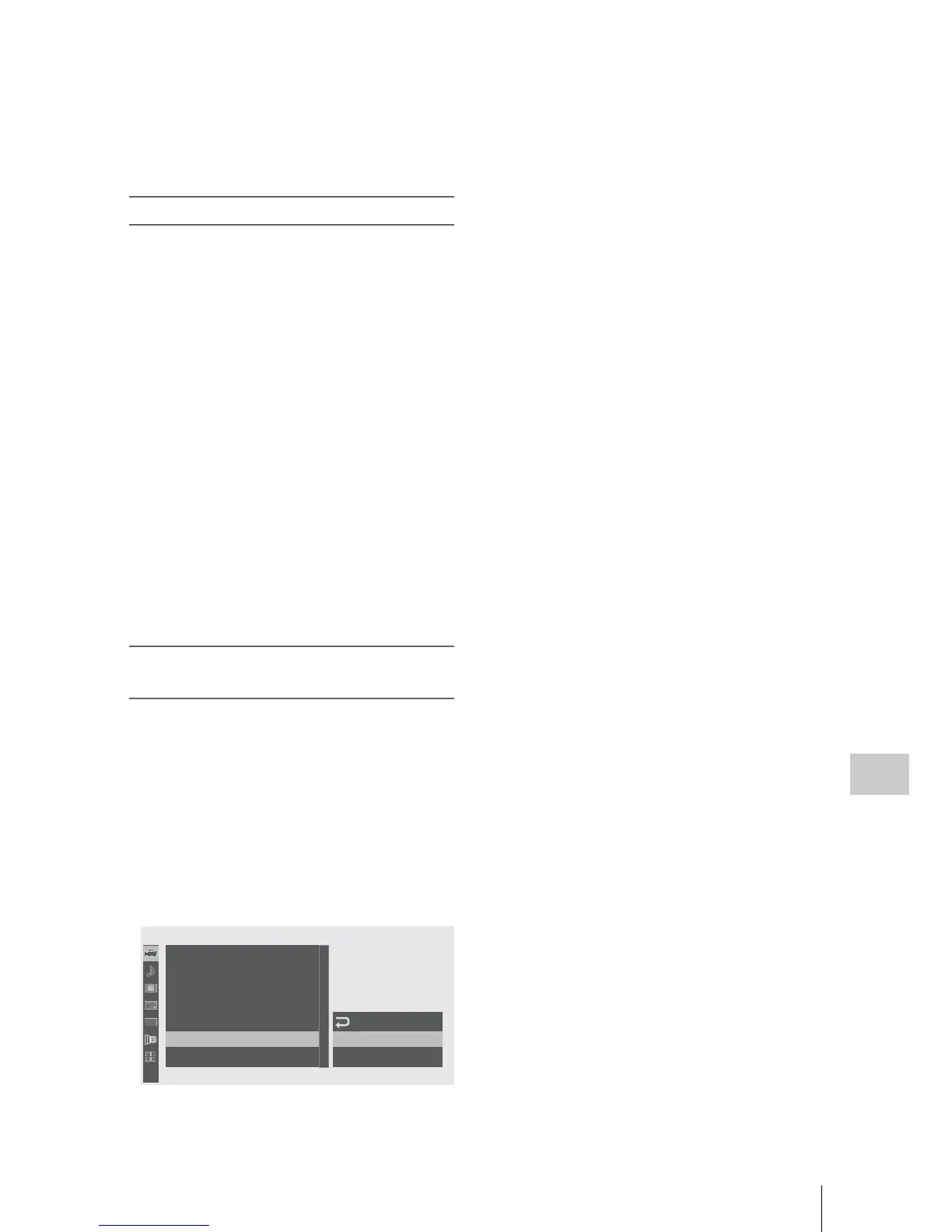
1 Select “S&Q Motion” from the
CAMERA SET menu.
2 Set “Setting” to “On.”
T
he camcorder enters Slow & Quick Motion
mode.
3 Select the frame rate for recording with
“Fr
ame Rate.”
4 Press the VTR/START STOP button.
Slow & Quick Motion recording begins.
To stop recording
Press the VTR/START STOP button.
To cancel Slow & Quick Motion mode
Set “Setting” of “S&Q Motion” of the CAMERA
SET menu to “Off.”
00:00
PP
Sett ing
Fra
m
e
Rate
C
olor
B
ar
Type
B
Flicker
Reduce
Z
oo
m
S
peed
Interval
Rec
Fra
m
e
Rec
S&Q
M
otion
R
ec
R
eview
:
3sec
:
Off
: 30
C
A
M
E
R
A
SET
B
B
B
B
B
B



 To Next Page