Setting the Time Data
66
Recording
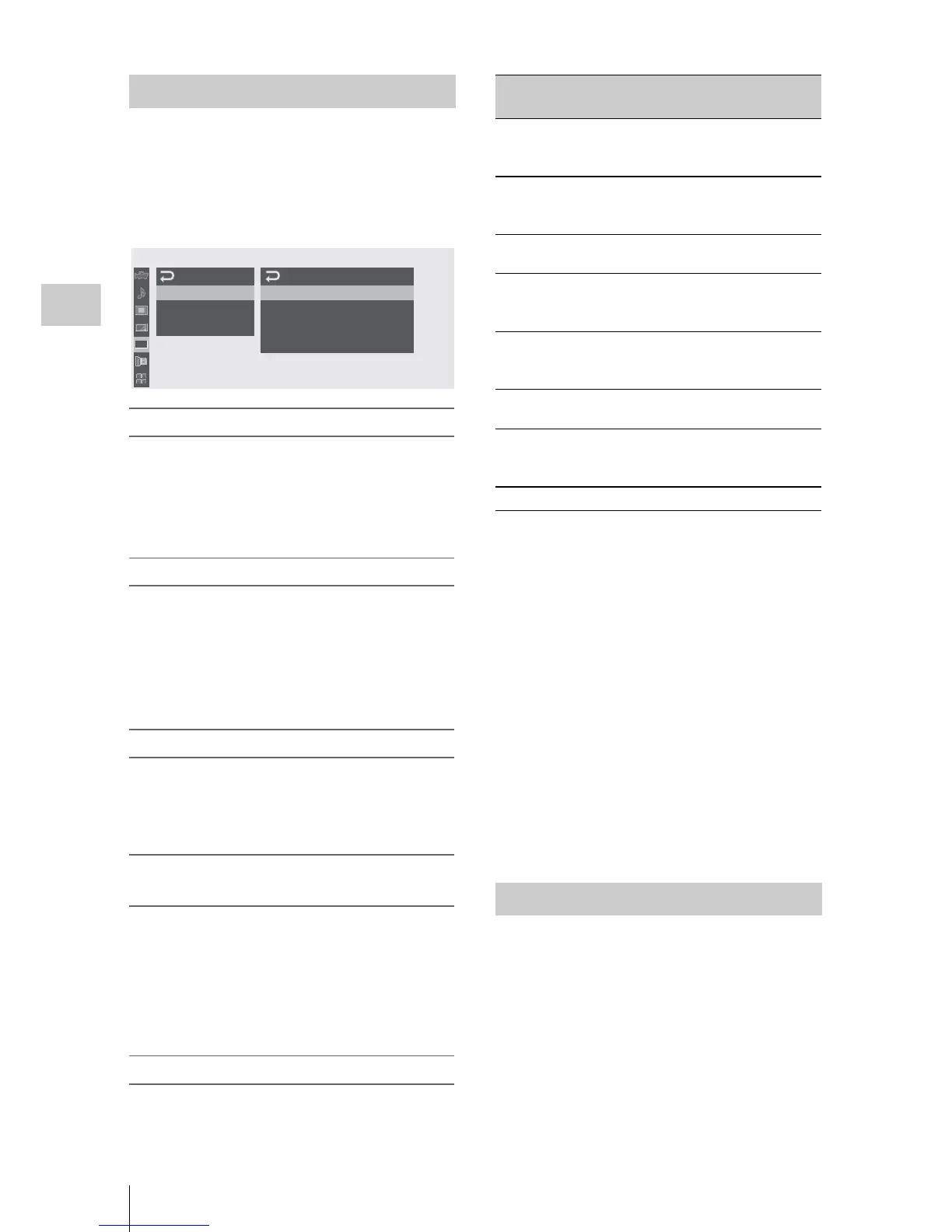
Specify the timecode to be recorded with
“Timecode” and “TC Format” of the TC/UB SET
menu.
For details on menu operations, see “Basic Menu
Operations” on page 111.
Setting the timecode to a desired value
1 Set “Mode” of “Timecode” to “Preset.”
2 Specify the timecode value on the
Setting line and select “SET.”
Resetting the timecode
You can reset the timecode to be recorded in
running modes to “00:00:00:00.”
1 Select “Reset” of “Timecode.”
2 Select “Execute.”
Using the actual time as the timecode
Set “Mode” of “Timecode” to “Clock.”
The time of the built-in clock is recorded as the
timecode.
Switching between DF and NDF of the
timecode
Using “TC Format” of the TC/UB SET menu, DF
(drop-frame mode) and NDF (non-drop frame
mode) of the timecode can be switched.
Note, however, that the mode is fixed either to DF
or NDF regardless of the TC Format setting,
depending on the current frame-rate setting.
Restrictions on the timecode
The timecode setting is restricted by the current
vi
deo format.
1)The frame digits in “Setting” are limited to 00, 04, 08,
12,
16, and 20.
The frame at the beginning of recording is limited to
00, 04, 08, 12, 16, and 20.
The frame digits of the timecode added to the SDI
OUT connector output are changed to values in the
range of 00 to 29.
2)Even in Clock mode, the timecode may be gradually
shifted, because it is counted by NDF.
When adding the timecode to the output from the
COMPONENT OUT connector or the video output
from the MONITOR OUT and S VIDEO connectors,
there may be a field that has dual timecodes because
of the 2-3 pull-down process.
3)With DF, the frame digits can be set as desired in the
range of 00 to 29.
With NDF, the frame at the beginning of recording is
limited to 00, 05, 10, 15, 20, and 25.
You can add a hexadecimal number of 8 digits for
pictures as the user bits.
The user bits can also be set to the current date.
Use “Users Bit” of the TC/UB SET menu.
Setting the Timecode
00:00
Ti
m
ecode
U
sers
Bit
TC
For
m
at:
DF
TC/UB
SET
M
ode
:
Preset
R
un
:
Rec
Run
Setting:
00:00:00:00
R
eset
B
B
Video
formats
Frame
setting
TC Format
HQ1080/60i
SP 1080/60i
HQ1080/30P
00 to 29 DF/NDF switchable
(Fixed to DF in Clock
mode)
HQ 1080/50i
SP 1080/50i
HQ 1080/25P
00 to 24 Fixed to NDF
HQ 1080/24P
HQ 720/24P
00 to 23
1)
Fixed to NDF
2)
SP 1080/24P
00 to 29
3)
DF/NDF switchable
(Fixed to DF in Clock
mode)
HQ 720/60P 00 to 29
(double count)
DF/NDF switchable
(Fixed to DF in Clock
mode)
HQ 720/50P 00 to 24
(double count)
Fixed to NDF
HQ 720/30P 00 to 29 DF/NDF switchable
(Fixed to DF in Clock
mode)
HQ 720/25P 00 to 24
Fixed to NDF
Setting the User Bits



 To Next Page