Adjustment Using the Menus
32
[Serial Remote]
[Controller] menu is available when the menu is
displayed via BKM-15R/16R. (Only when BKM-15R/
16R is connected with the Peer to Peer connection or
Single connection.)
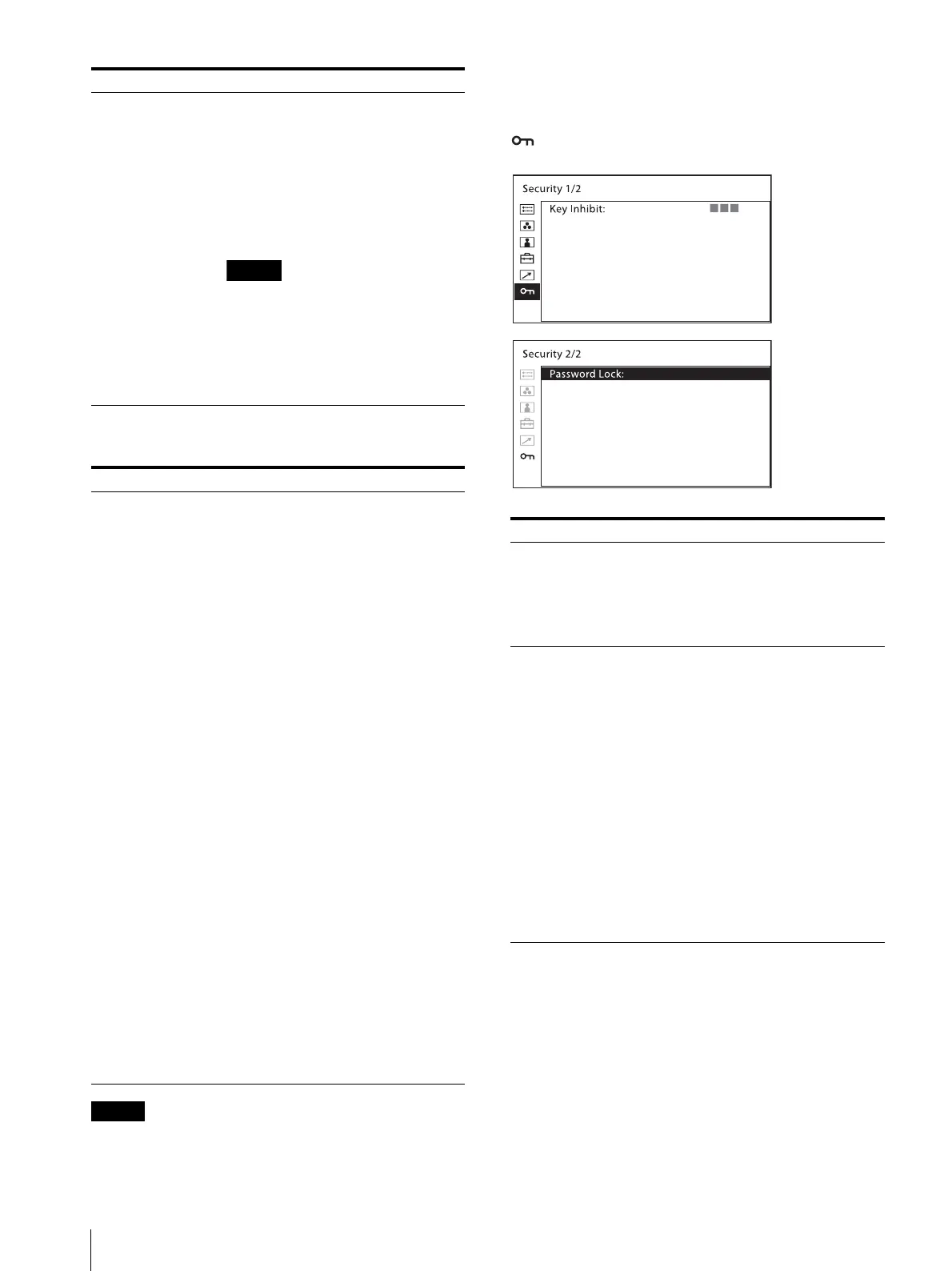
[Security] menu
[Forced Tally] The tally lamp function is forcibly
assigned to 7 pin and 8 pin of the
PARALLEL REMOTE connector.
Selecting [On] assigns tally lamp green
to 7 pin and tally lamp red to 8 pin.
[Off]: The tally lamp function is
not forcibly assigned.
[On]: Forcibly assigns the tally
lamp function.
When [Off] is selected, any listed
functions can be assigned to 7 and 8
pins. Selecting [On] with any function
other than the tally lamp assigned to 7
and 8 pins will ignore this setting, and
the tally lamp is forcibly assigned to 7
and 8 pins instead.
Submenu Setting
[Serial Remote] Selects the mode to be used.
[Off]: The serial remote does not
function.
[On]: The serial remote functions.
[Monitor] Sets the monitor setting.
[Monitor ID]: Sets the ID of the
monitor.
[Group ID]: Sets the group ID of the
monitor.
[IP Address]: Sets the IP address.
[Subnet Mask]: Sets the subnet mask.
([255.255.255.000])
[Default Gateway]: Sets the default
gateway [On] or [Off].
[Address]: Sets the default
gateway.
[Cancel]: Selects to cancel the setting.
[Confirm]: Selects to save the setting.
[Controller] Sets the address of the remote
controller.
[IP Address]: Sets the IP address.
[Subnet Mask]: Sets the subnet mask.
([255.255.255.000])
[Default Gateway]: Sets the default
gateway [On] or [Off].
[Address]: Sets the default
gateway.
[Cancel]: Selects to cancel the setting.
[Confirm]: Selects to save the setting.
[Connection] Sets the connection of the monitor and
the controller.
[LAN]: for connection via a
network
[Peer to Peer]: for one to one
connection
Submenu Setting
Submenu Setting
[Key Inhibit] You can lock the setting so that they
cannot be changed by an unauthorized
user. Select [On] or [Off].
If you set to [On], all items are
displayed in black, indicating the items
are locked.
[Password Lock] You can protect the setting with a
password so that the settings saved in
the color temperature for [User1] and
the User Preset for [User Preset1]
cannot be changed.
When you protect the values with a
password, set a four-digit number.
The initial password is 0000. When you
use [Password Lock], change the initial
password first.
[Color Temp/User Pre.]: Select [On]
to protect the setting values
saved in the color temperature
for [User1] and the User Preset
for [User Preset1]. Select [Off]
to not protect by the password.
[Change Password]: Changes the
password.



 To Next Page