42
Note
Depending on the disc, you may not be able to use the
TOOLS menu to search for a title/chapter/track, or enter
the time code for a playback point.
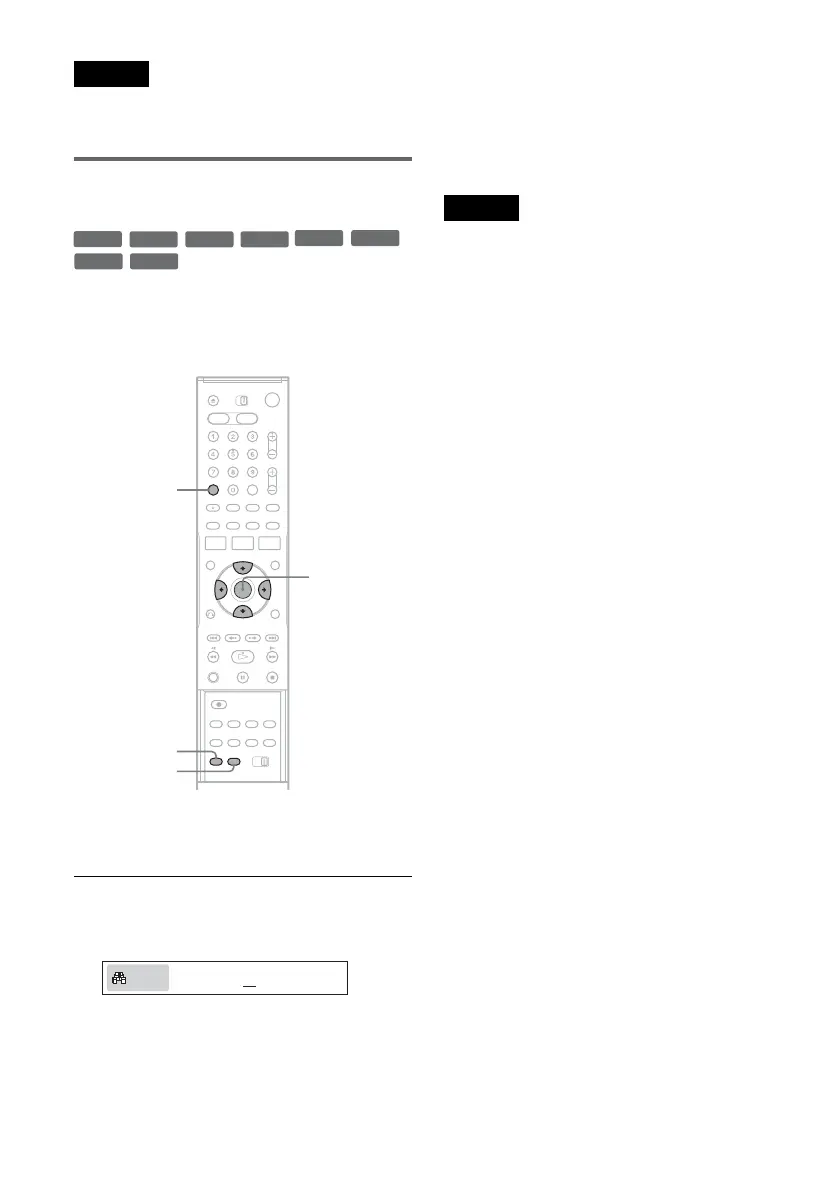
Bookmarking a favorite scene
(Bookmark)
You can have the recorder store specific portions
of a disc in memory and play them immediately
whenever you want (Bookmark). Up to ten
bookmarks per disc can be set.
During playback, press MARKER at a favorite
scene.
The bookmark is set.
To play from bookmarks
1 During playback, press SEARCH.
2 Press </, to select a bookmark, and press
ENTER.
Playback starts from the selected bookmark.
To erase bookmarks
1 During playback, press SEARCH.
2 Press </, to select the bookmark to be
erased.
3 Press CLEAR.
Note
When you eject the disc, the bookmark information is
cleared.
+
RW
+
R
-
RWVR
-
RW
Video
RAMDVD
-
RVR
-
R
Video
SEARCH
CLEAR
MARKER
M/m/</,,
ENTER
01 02 03 04 05 -- -- -- -- -- N:5
Search














 To Next Page