47
DVD Playback
D Remaining disc space (in stop mode)
Remaining time of the current title (during
playback
*1
)
E Channel or input source
*2
F Date and time
*1
Also appears in stop mode with Resume Play
activated (page 39).
*2
Title type (original or Playlist) for DVD-RWs (VR
mode)/DVD-Rs (VR mode)/DVD-RAMs.
Viewing information on the front
panel display
You can view the information on the front panel
display.
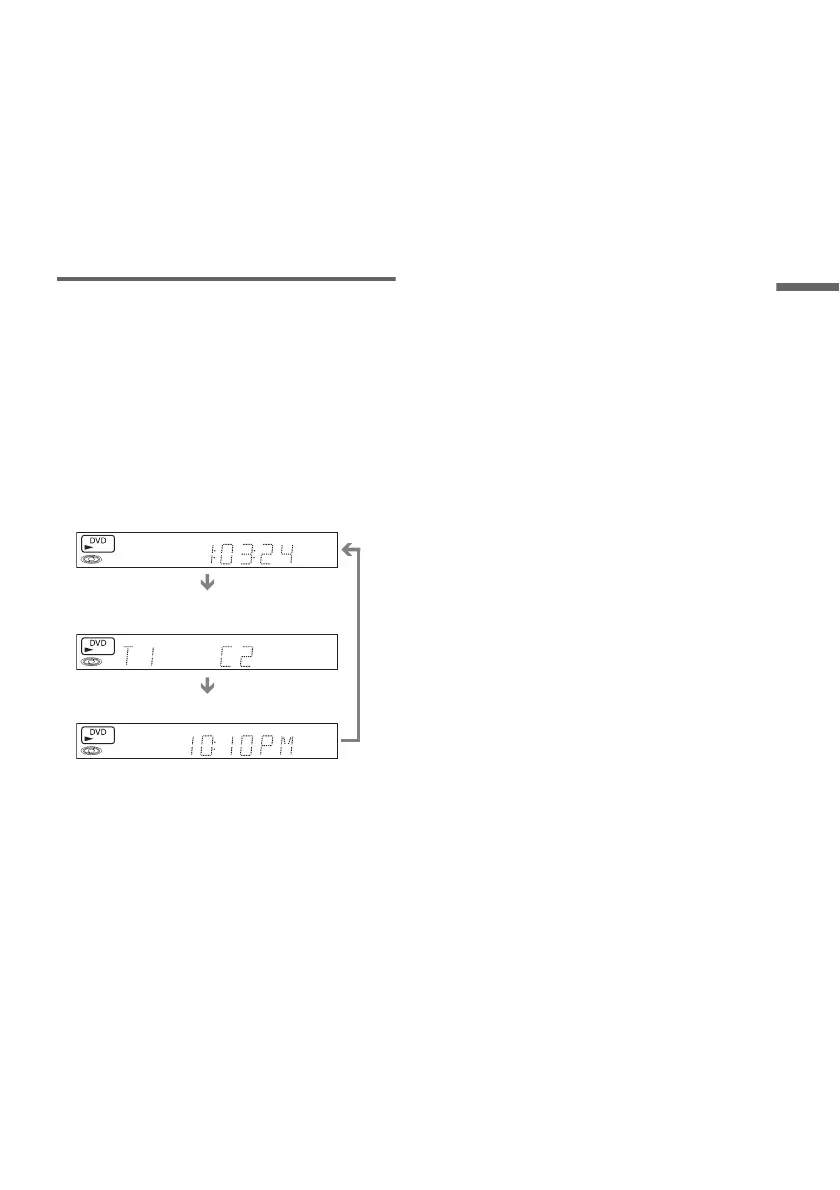
Press TIME/TEXT repeatedly.
The displays differ depending on the disc type or
playing status.
Example: When playing a DVD
Example: When a DVD is stopped
Example: When playing a CD
Playing time of the current title
Current title number and current chapter
number
Clock
Clock
m
Current title and chapter number
m
Remaining disc space
m
Channel or input source
Playing time of the current track
m
Current track number
m
Clock














 To Next Page