EasyManua.ls Logo

Sony RM-E300 - Page 20

Sony RM-E300
73 pages
Print Icon
To Next Page IconTo Next Page
To Previous Page IconTo Previous Page
Loading...
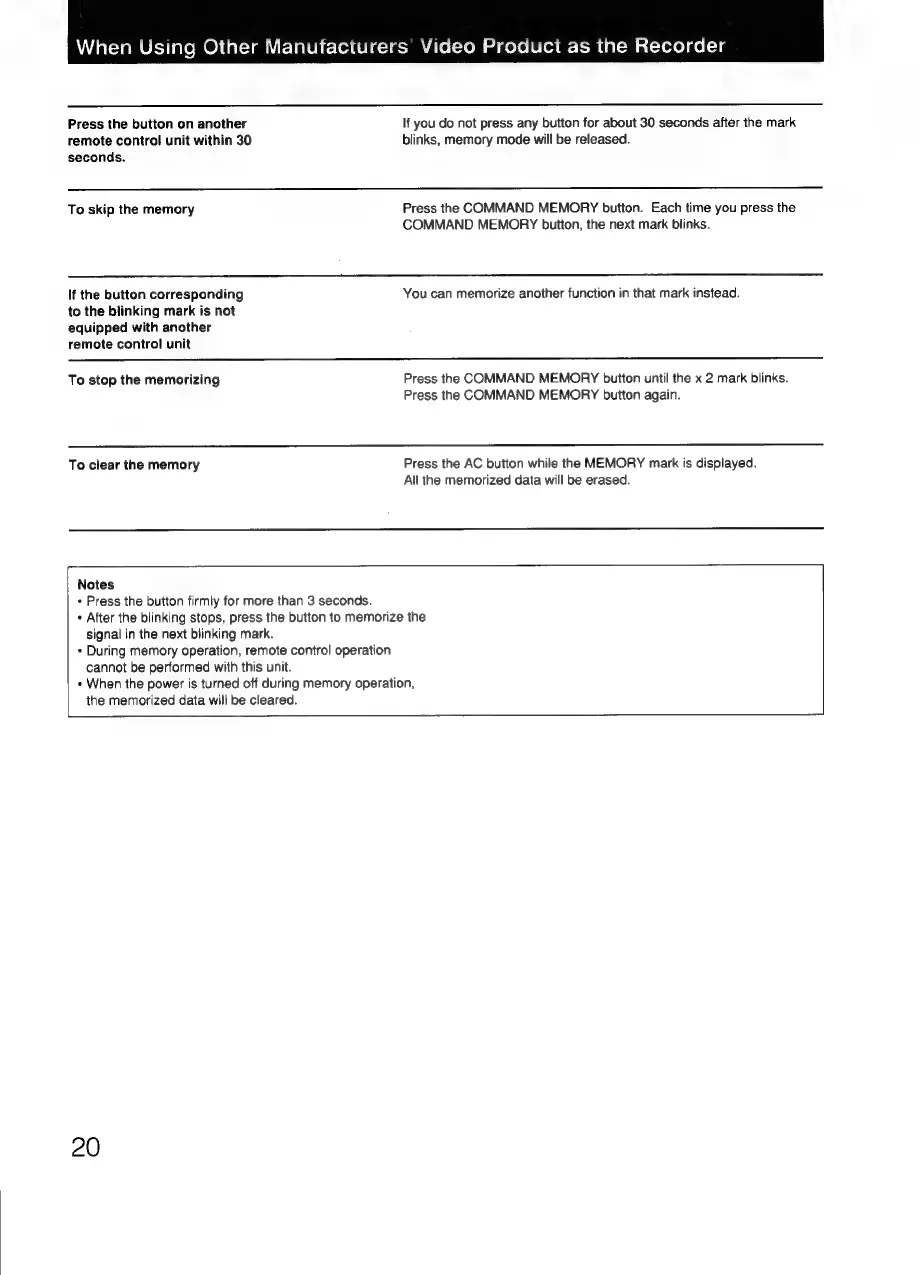
When
Using
Other
Manufacturers’
Video
Product
as
the
Recorder
Press
the
button
on
another
If
you
do
not
press
any
button
for
about
30
seconds
after
the
mark
remote
control
unit
within
30
blinks,
memory
mode
will
be
released.
seconds.
To
skip
the
memory
Press
the
COMMAND
MEMORY
button.
Each
time
you
press
the
COMMAND
MEMORY
button,
the
next
mark
blinks.
If
the
button
corresponding
You
can
memorize
another
function
in
that
mark
instead.
to
the
blinking
mark
is
not
equipped
with
another
remote
control
unit
To
stop
the
memorizing
Press
the
COMMAND
MEMORY
button
until
the
x
2
mark
blinks.
Press
the
COMMAND
MEMORY
button
again.
To
clear
the
memory
Press
the
AC
button
while
the
MEMORY
mark
is
displayed.
All
the
memorized
data
will
be
erased.
1
Notes
¢
Press
the
button
firmly
for
more
than
3
seconds.
+
After
the
blinking
stops,
press
the
button
to
memorize
the
signal
in
the
next
blinking
mark.
«
During
memory
operation,
remote
control
operation
cannot
be
performed
with
this
unit.
«
When
the
power
is
turned
off
during
memory
operation,
the
memorized
data
will
be
cleared.

Related product manuals