EasyManua.ls Logo

Sony RM-E300 - Page 48

Sony RM-E300
73 pages
Print Icon
To Next Page IconTo Next Page
To Previous Page IconTo Previous Page
Loading...
To
Edit
only
Desired
Scenes
while
Viewing
Playback
—Manual
Assemble
Editing
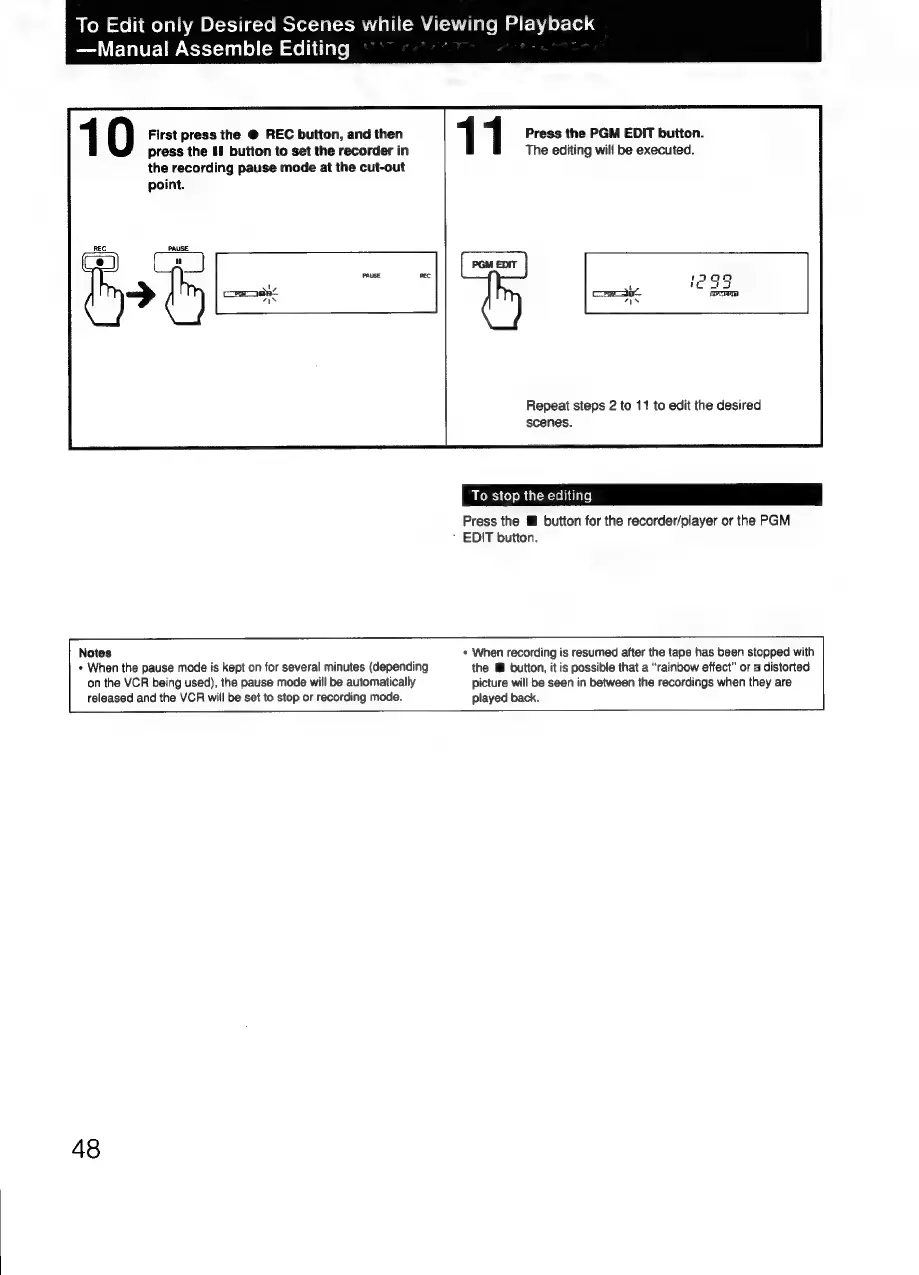
First
press
the
@
REC
button,
and
then
1 1
Press
the
PGM
EDIT
button.
press
the
If
button
to
set
the
recorder
in
The
editing
will
be
executed.
the
recording
pause
mode
at
the
cut-out
point.
a
Repeat
steps
2
to
11
to
edit
the
desired
scenes.
To
stop
the
editing
Press
the
button
for
the
recorder/player
or
the
PGM
EDIT
button.
Notes
«
When
recording
is
resumed
after
the
tape
has
been
stopped
with
+
When
the
pause
mode
is
kept
on
for
several
minutes
(depending
the
lM
button,
it
is
possible
that
a
“rainbow
effect”
or
a
distorted
on
the
VCR
being
used),
the
pause
mode
will
be
automatically
picture
will
be
seen
in
between
the
recordings
when
they
are
released
and
the
VCR
will
be
set
to
stop
or
recording
mode.
played
back.
48

Related product manuals