Getting started
Getting started
11
Getting started
Step 1: Checking
supplied items
Make sure you have following items supplied
with your camcorder.
The number in parentheses indicates the number
of that item supplied.
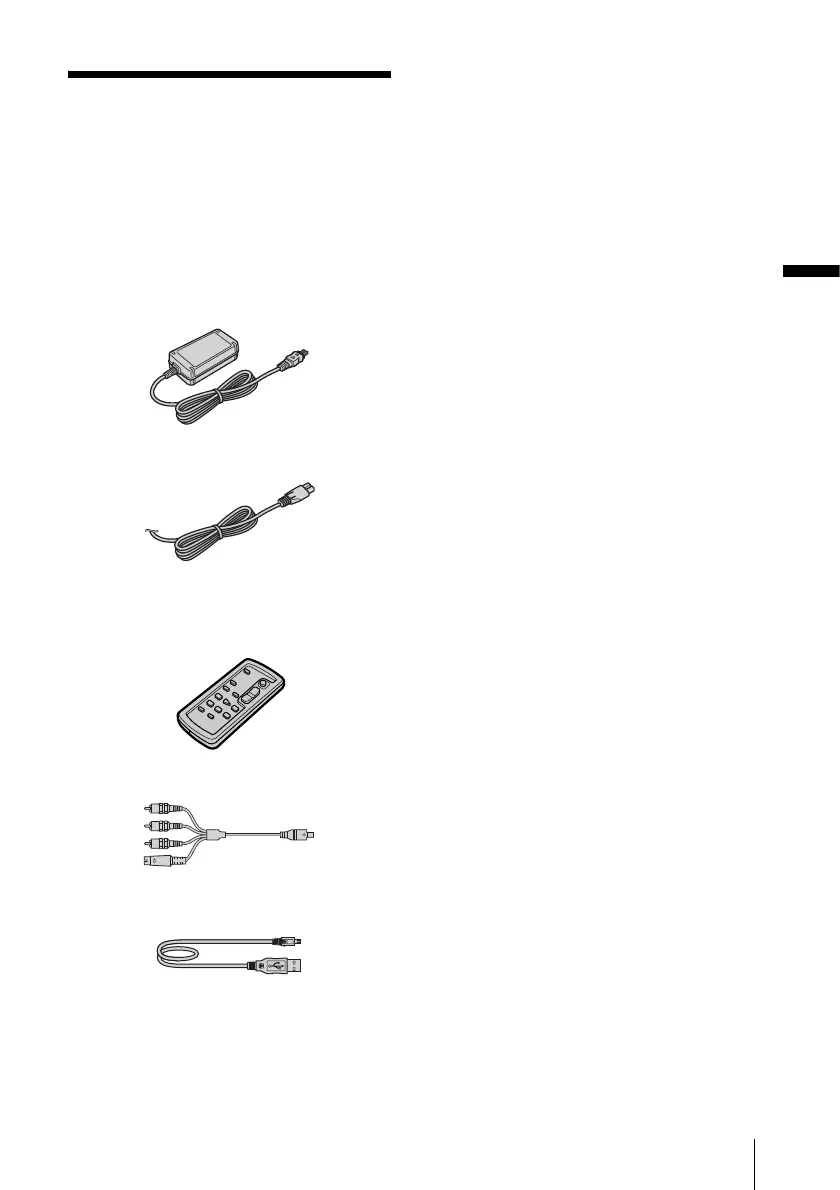
AC Adaptor (1)
Power cord (1)
Wireless Remote Commander (1)
A button-type lithium battery is already
installed.
A/V connecting cable (1)
USB cable (1)
Rechargeable battery pack NP-FP50 (1)
CD-ROM “SPVD-012 USB Driver” (1)
Cleaning cloth (1)
Shoe cover (1)
Attached to the camcorder.
Camera Operations Guide (This manual)
(1)
Computer Applications Guide (1)








 To Next Page