Recording
Recording
23
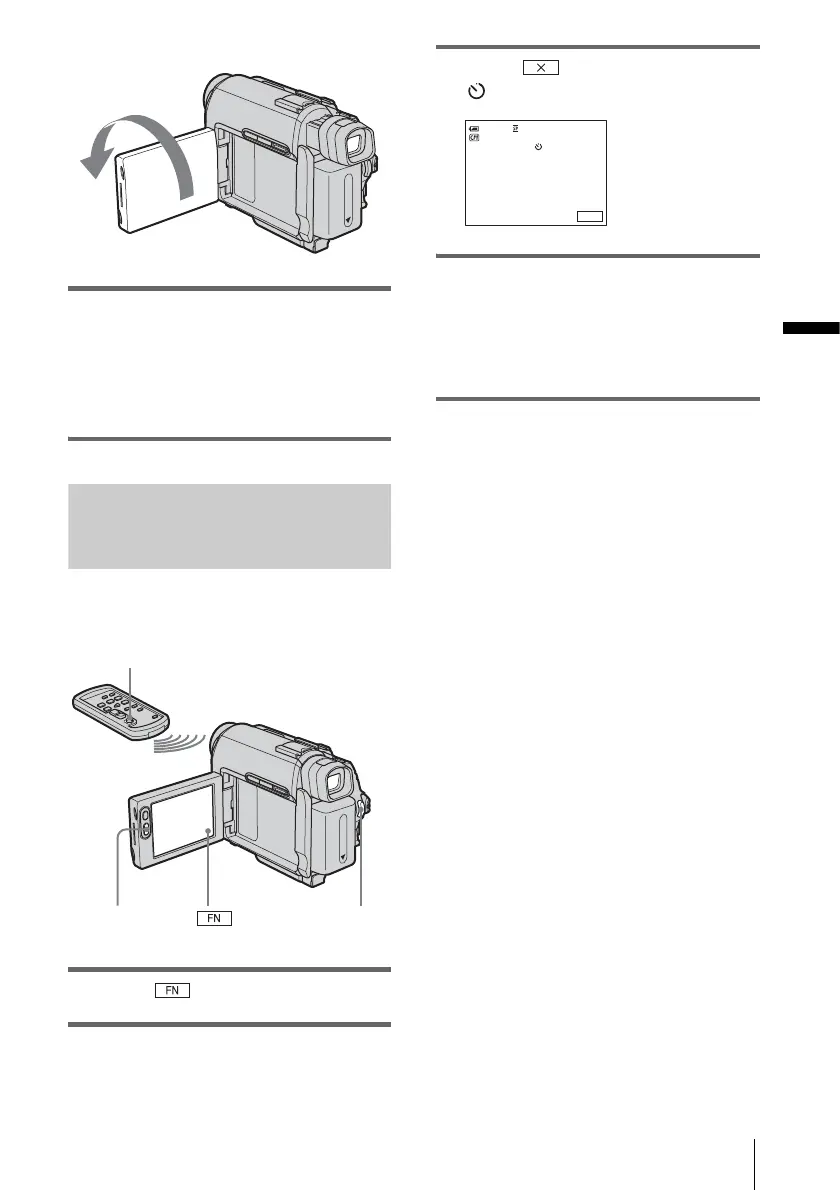
Open the LCD panel 90 degrees to the
camcorder, then rotate it 180 degrees
towards the subject.
A mirror-image of the subject appears on the
LCD screen, but the picture will be normal
when recorded.
Using the self-timer
With the self-timer, you can start recording
after a delay of about 10 seconds.
1 Touch and select [PAGE2].
2 Touch [SELF TIMER].
3 Touch .
appears.
4 Press REC START/STOP.
You will hear a beep sound counting down
for about 10 seconds.
The recording starts.
To stop recording, press REC START/
STOP.
To cancel the count down
Press REC START/STOP.
To cancel the self-timer
Follow steps 1 and 2.
Extend the viewfinder.
REC START/STOP
REC START/STOP
REC START/STOP
0:00:00STBY60min
FN








 To Next Page