Recording
28
Adjusting the exposure manually
You can fix the brightness of a picture at the
best exposure. When recording indoors on a
clear day, for instance, you can avoid
backlight shadows on people next to the
window by manually fixing the exposure to
that of the wall side of the room.
1 Slide the POWER switch to select the
CAMERA mode.
2 Touch to display [PAGE1].
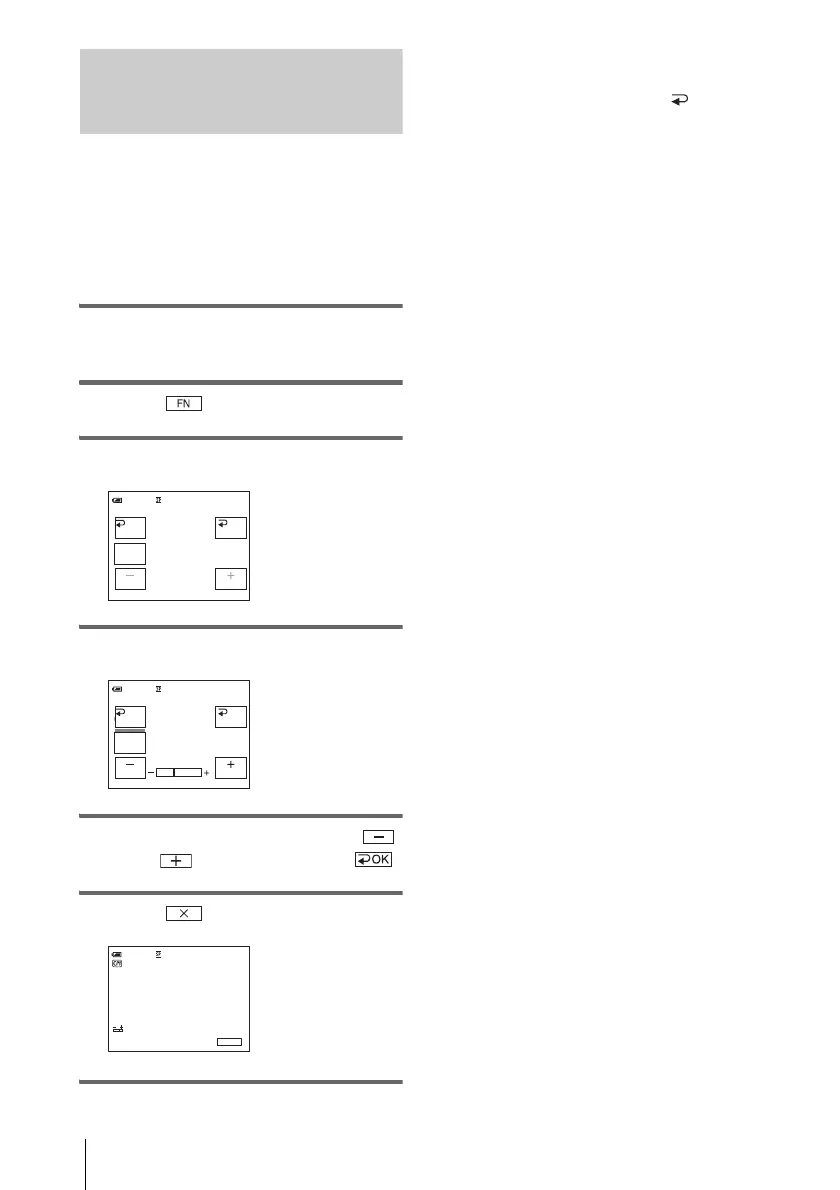
3 Touch [EXPOSURE].
4 Touch [MANUAL].
5 Adjust the exposure by touching
(dim)/ (bright), then touch .
6 Touch .
To return the setting to automatic
exposure
Follow steps 1 to 3, then select [ AUTO] in
step 4.
b Note
• You cannot use the manual exposure together with
the NightShot plus function.
MANU–
AL
EXPOSURE
OK
0:00:00STBY60min
AUTO
AUTO
MANU–
AL
EXPOSURE
OK
0:00:00STBY60min
0:00:00STBY
FN
60min








 To Next Page