Recording
32
Searching for the
starting point
Searching for the last scene of the
most recent recording
– END SEARCH
This function is handy when you have played
back the tape, for example, but want to start
recording right after the most recently
recorded scene. When you use a cassette
without Cassette Memory, the END
SEARCH function will not work once you
eject the cassette after you have recorded on
the tape. If you use a cassette with Cassette
Memory, it will function even when you have
ejected the cassette.
1 Slide the POWER switch to select the
CAMERA mode.
2 Touch to display [PAGE1].
3 Touch [END SCH].
The last scene of the most recent recording
is played back for about 5 seconds, and the
camcorder enters the standby mode at the
point where the last recording has finished.
4 Touch .
To cancel the operation
Touch [END SCH] again.
b Note
• The END SEARCH function will not work correctly
when there is a blank section between recorded
sections on the tape.
z Tip
• When the PLAY/EDIT mode is selected, you can do
this operation.
Searching manually – EDIT
SEARCH
You can search for the start point while
viewing the pictures on the screen. The sound
is not played back during the search.
1 Slide the POWER switch to select the
CAMERA mode.
2 Touch to display [PAGE1].
3 Touch MENU.
4 Select (CAMERA SET), then
select [EDITSEARCH] with /
, then touch [EXEC].
5 Select [ON], then touch [EXEC].
6 Touch .
7 Keep touching (to go
backward)/ (to go forward) and
release it at the point where you want
to start recording.
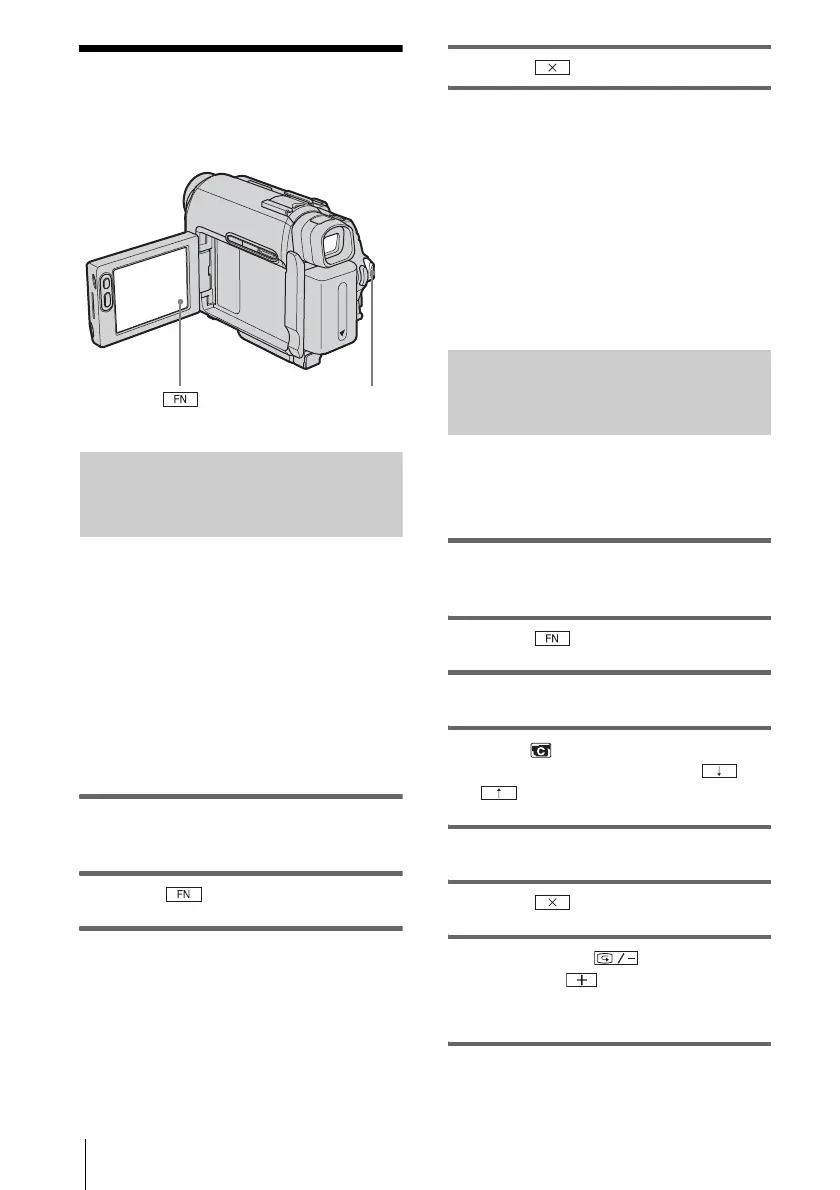
POWER switch








 To Next Page