Getting started
Getting started
15
Step 3: Turning the
power on
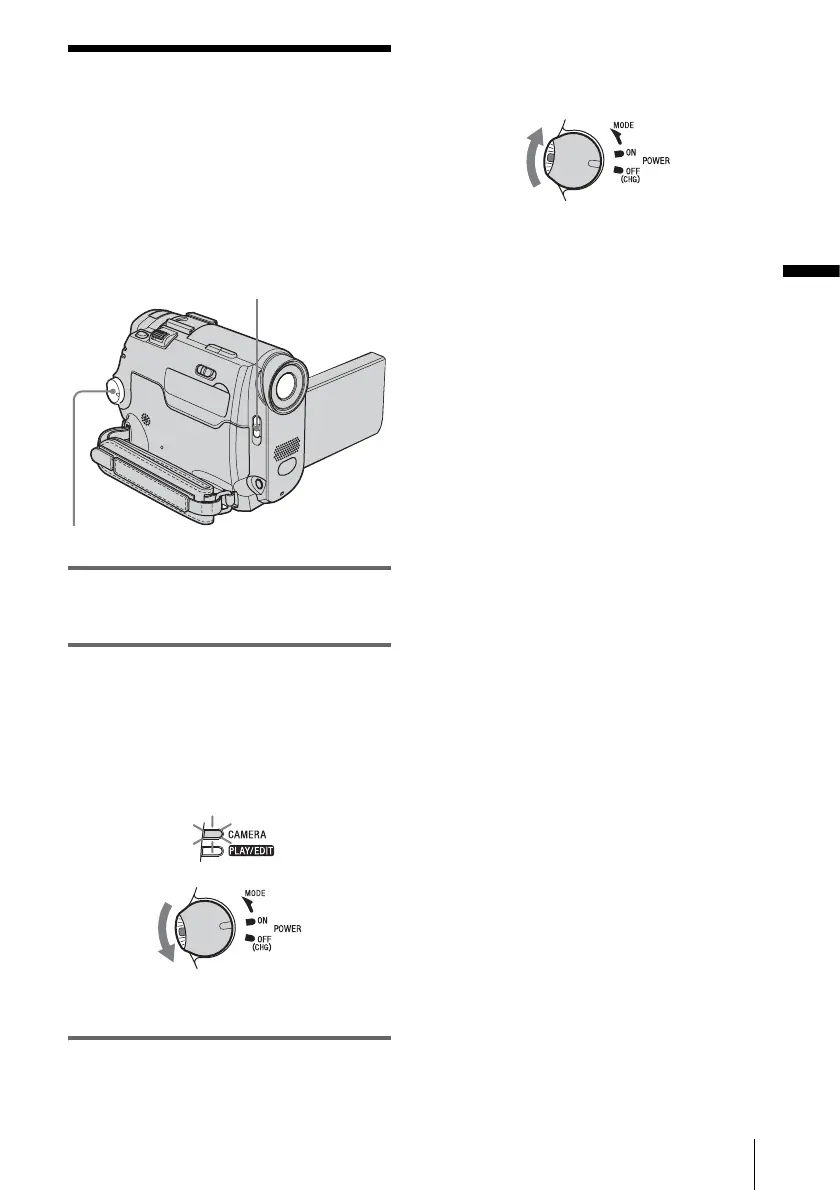
You need to slide the POWER switch
repeatedly to select the desired power mode
to record or play.
When using this camcorder for the first time,
the CLOCK SET screen appears (p. 17).
1 Set the LENS COVER switch to
OPEN.
2 While pressing the green button, slide
the POWER switch down.
The power turns on.
To enter the recording or playing mode,
slide the switch repeatedly until the
respective lamp for the desired power mode
lights up.
• CAMERA: To record on a tape.
• PLAY/EDIT: To play or edit pictures.
To turn off the power
Slide the POWER switch up to OFF (CHG),
then set the LENS COVER switch to CLOSE.
LENS COVER switch
POWER switch








 To Next Page