5-9
Network ( Network Test: Ping)
Outline:
Ping Test for the wired Ethernet.
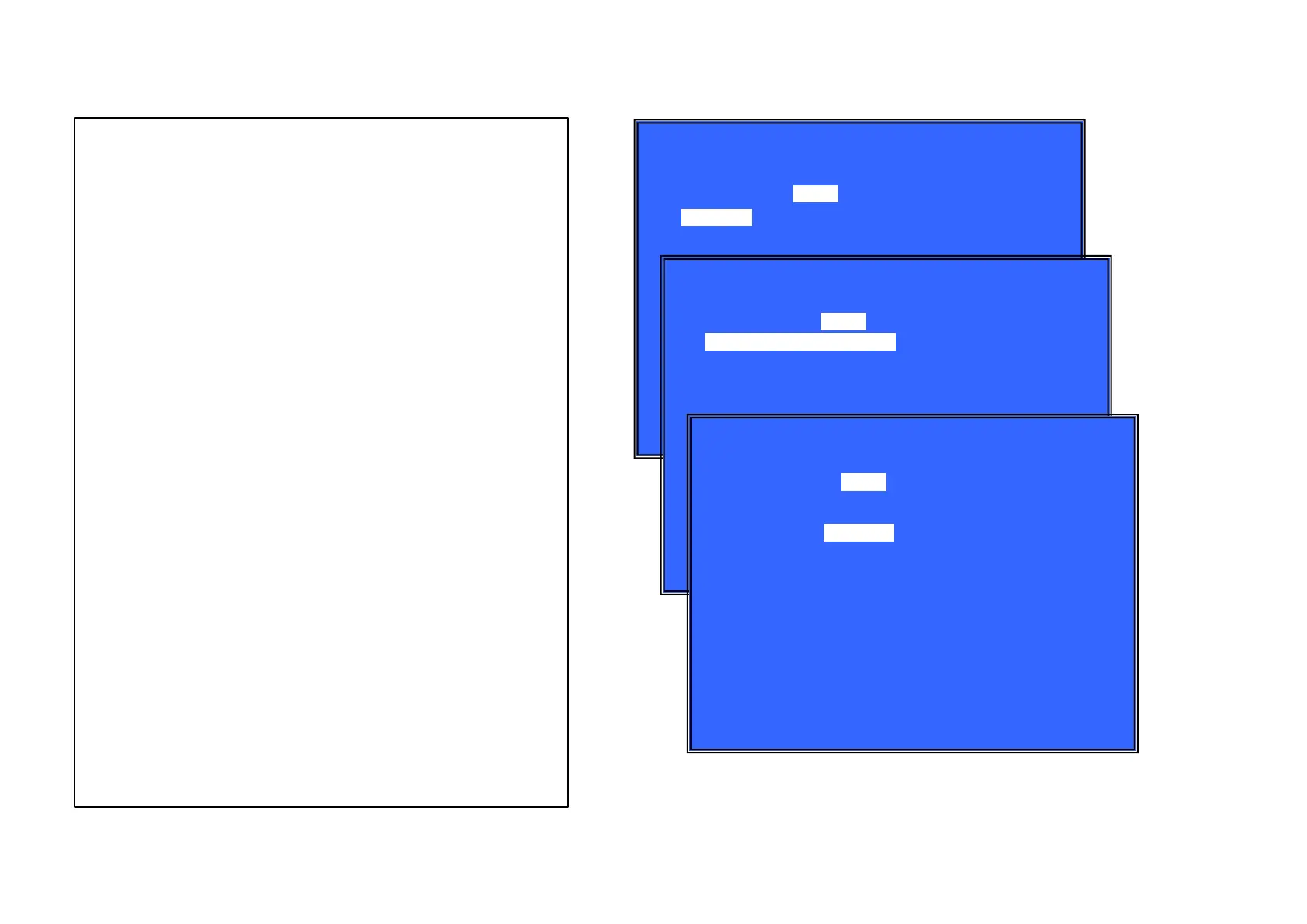
(Window 1)Ping Test
Operation:
[LEFT]
[DOWN]
[RET]
Select Ifconfig Test.
Ping execution preparation.
Return to Service Top Menu.
(Window 2) The IP address of the Ping point is set up.
(IP address input mode)
When “Ping to :>” is reversed, [ENT] is pushed and IP is inputted.
Operation:
[ENT]
[RET]
[LEFT]
[(NUM)]
[TIME]
[CLEAR]
Finish to input.
Finish to input.
Finish to input and Select Ifconfig Test.
Input Character sting ‘0-9’
Input Character sting ’.’
Backspace
(Windows3): Ping Test Active
When [START] is reversed, [ENT] is pushed and execute ping .
Oper
ation:
[ENT]
[UP]
[RET]
Activate Ping Test
The IP address of the Ping point is set up.
Return to Service Top Menu.
Front Panel Display:
NET
Test: Ifconfig
[LEFT] : l fconfi g Test
[(NUM)]: ' 0- 9'
[Tl ME] : ' . '
[CLEAR] : Backspace
Ping
(Window 1)
*
N
etwork
Ping To :
[START]
(Window 3)
*
N
etwork
(Window 2)
*
N
etwork
Test: Ifconfig
Ping
Ping To : 192.168.1.10
[ENT] : Release
[RET] : Release
[START]
Test: Ifconfig
Ping To : 192.168.1.10
Ping
Ping 192.168.1.10 OK!
[HELP : [ENT] ; Start [UP] [LEFT]



 To Next Page