2
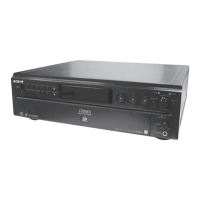
SCD-CE595
1. DIAG MODE of The Test Mode
While press [MENU] and [PUSH ENTER] buttons, press the [POWER] button to turn the power on and enter the Test Mode and display “DIAG
MODE”.
2. Operating The Test Mode
Procedure:
1. Turn the l AMS L knob to select the command number (hexadecimal number) (refer to the following table for command
number).
2. Press the [PUSH ENTER] button to execute the selected command item.
3. The Commands in Test Mode
SECTION 1
TEST MODE
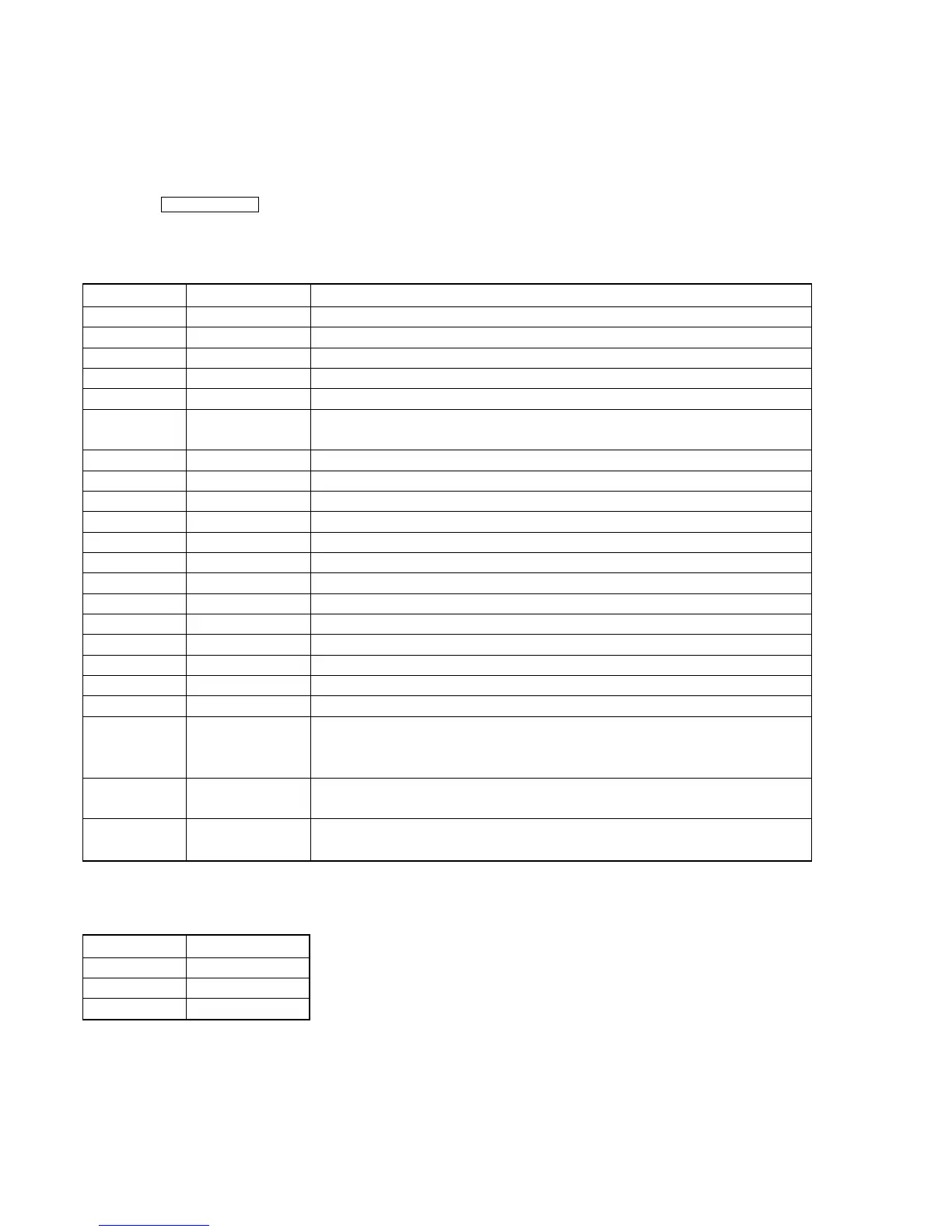
Command No. Command name Item
12 LD ON/OFF Turn on/off the laser diode
13 SPIN ON/OFF Turn on/off the spindle motor
14 FSRV ON/OFF Turn on/off the focus servo
15 TSRV ON/OFF Turn on/off the tracking servo
16 CLV ON/OFF
Turn on/off the spindle CLV servo, when both focus servo and tracking servo are on
17 SSRV ON/OFF Turn on/off the spindle CLV servo, when all servo of focus servo, tracking servo
and spindle servo are on
18 ALL SRV ON Turn on all servo
19 ALL SRV OFF Turn off all servo
1A DISC STOP Stop the disc rotation (useful as overdrived)
24 ADJ FCSBIAS Automatically adjust the focus bias (*1)
27 FOCUS AGC Automatically adjust the focus servo gain (*1)
31 PI/FE OFSET Automatically adjust the offset signal of PI, PE and TE (*1)
45 TRACKING AGC Automatically adjust the focus servo gain (*1)
61 DISC DETECT Judge the disc type (when SA-CD, “SL” or “DL” is displayed)
7C FJUMP TEST Focus jump test mode
81 SYSTEM VERSION Display the version of system microcomputer for 2 seconds
82 I/F VERSION Display the version of IF microcomputer for 2 seconds
8D CEL Initialization
8F U&OTHERS Initialization
92 ERR CHECK Error rate display (to stop, press the x button)
for CD display “92 C1 C2 0xff”
for SA-CD display “92 PI1 PO PI2”
93 WATER MARK WaterMark display
display “93 xxxx” (“xxxx” is value of pspamp)
9D PLAY&RFD ON Measuring the jitter (to stop, press the x button)
display: “9D xx 0xff 0xff” (“xx” is measuring value of jitter)
*1) Not used in servicing
4. The Commands in Automatic Electrical Adjustments
(Use the commands When The system version number is ver1.24 and higher)
Command No. Item
B0 RAM clear
B1 Writing
B2 Check writing data



 To Next Page