4
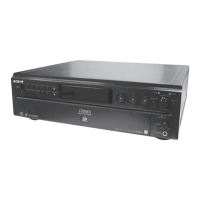
SCD-CE595
SECTION 2
GENERAL
This section is extracted
from instruction manual.
Front Panel
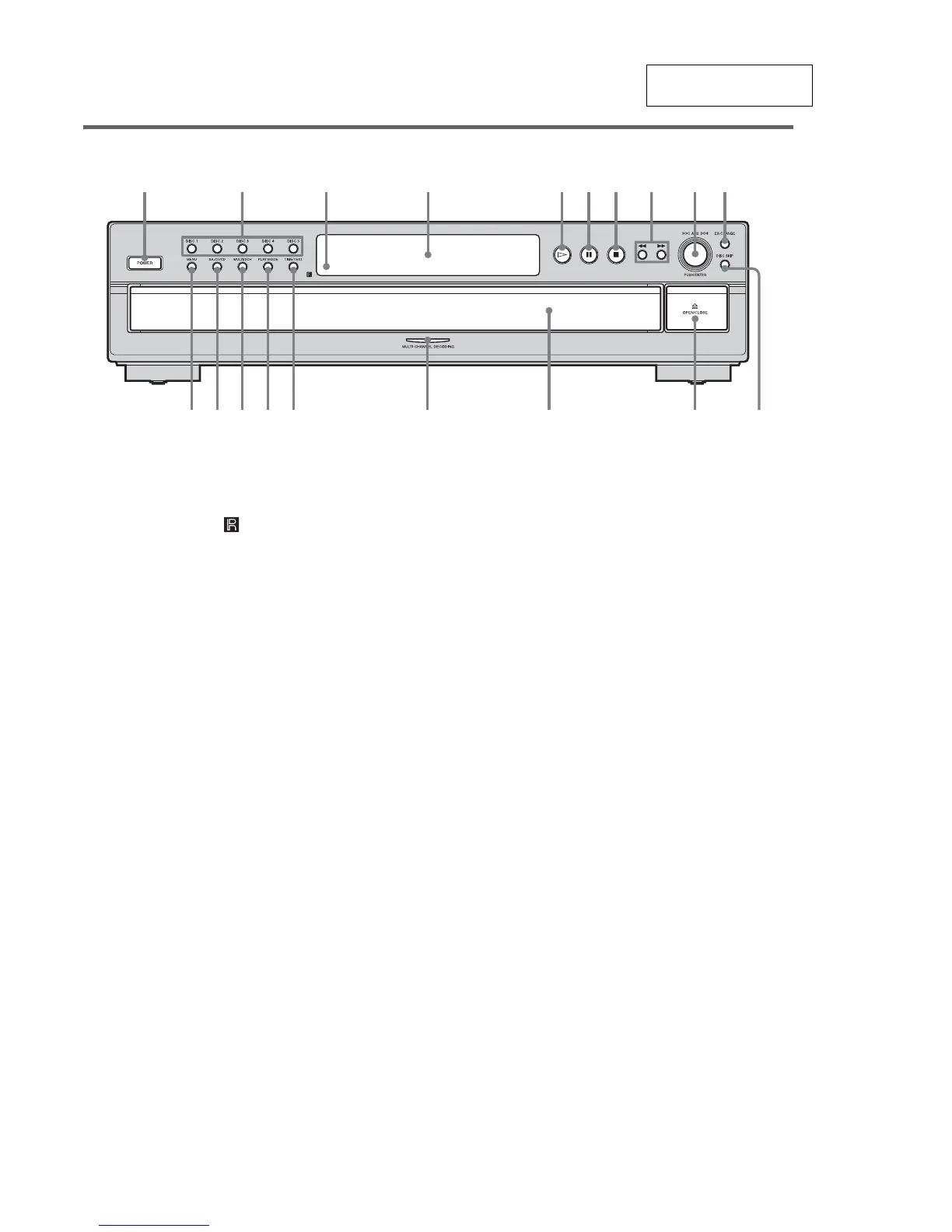
A POWER switch (9)
B DISC 1-5 buttons (9, 14)
Press to select the disc directly.
C Remote sensor (6)
D Display window (10)
E H button (9, 13, 14)
F X button (9)
G x button (9, 15)
H m/M buttons (13)
I l AMS L dial
(AMS: Automatic Music Sensor) (8, 9, 10,
12, 13, 14, 16, 17, 19)
J EX-CHANGE button (12)
Press to replace discs while playing a disc.
K DISC SKIP button (9, 12, 14)
Press to select the disc.
L A OPEN/CLOSE button (9)
M Disc tray (9)
N MULTI CHANNEL DECODING indicator
Turns on when you turn on the player, or when the
Multi-channel Super Audio CD is loaded and
select the multi-channel playback area by pressing
MULTI/2CH.
O TIME/TEXT button (11)
Each time you press the button, the playing time of
the track, the remaining time of the disc, or TEXT
information appears in the display.
P PLAY MODE button (9, 14)
Press to select the play mode.
Q MULTI/2CH button (5, 10)
Press to select the playback area when a disc with
the 2 channel area and the multi-channel area
(page 5) is loaded.
R SA-CD/CD button (5, 9)
Each time you press the button while playing back
a hybrid disc, the layer to be played back switches
between the SA-CD layer and the CD layer.
S MENU button (8, 9, 10, 12, 16, 17, 19)
Press to enter the menu.
Press to exit from the menu and return to the
normal display.
123 4 56789q;



 To Next Page