To move a small app
• When the small app is open, touch and hold the top left corner of the small app,
then move it to the desired location.
To minimize a small app
• When the small app is open, touch and hold the top left corner of the small app,
then drag it to the right edge or to the bottom edge of the screen.
To rearrange the small apps in the small apps bar
• Touch and hold a small app and drag it to the desired position.
To remove a small app from the small apps bar
• Touch and hold a small app, then drag it to .
To restore a previously removed small app
1 Open the small apps bar, then tap
.
2 Touch and hold the small app you want to restore, then drag it into the small apps
bar.
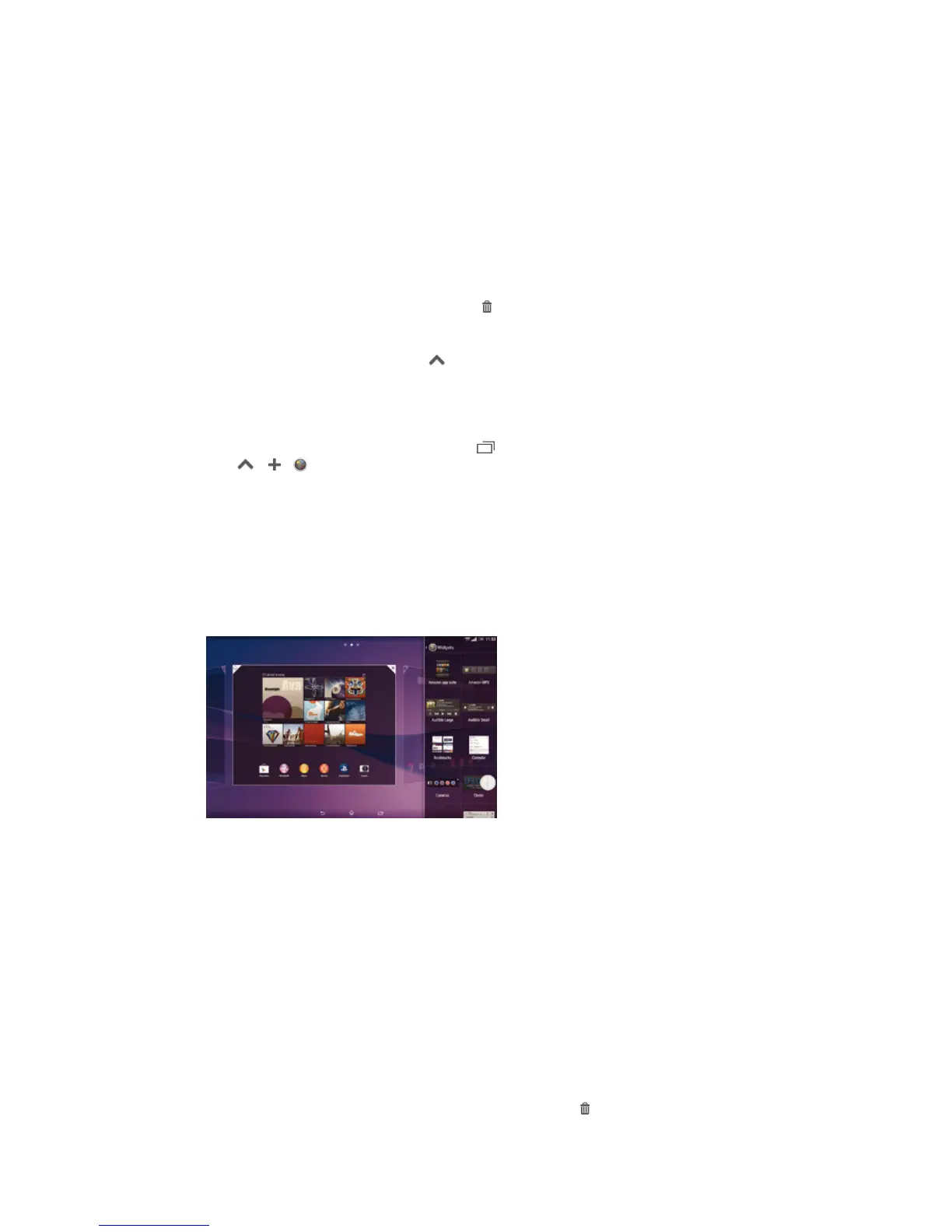
To add a widget as a small app
1 To make the small apps bar appear, press
.
2 Tap > > .
3 Select a widget.
4 Enter a name for the widget, if desired, then tap OK.
Widgets
Widgets are small applications that you can use directly on your Homescreen. They also
function as shortcuts. For example, the Weather widget allows you to see basic weather
information directly on your Homescreen. But when you tap the widget, the full Weather
application opens. You can download additional widgets from Google Play™.
To add a widget to the Home screen
1 Touch and hold an empty area on your Home screen, then tap Widgets.
2 Find and tap the widget that you want to add.
To resize a widget
1 Touch and hold a widget until it magnifies, then release the widget. If the widget
can be resized, for example, the Calendar widget, then a highlighted frame and
resizing dots appear.
2 Drag the dots inward or outward to shrink or expand the widget.
3 To confirm the new size of the widget, tap anywhere on the Home screen.
To move a widget
• Touch and hold the widget until it magnifies, then drag it to the new location.
To delete a widget
• Touch and hold the widget until it magnifies, then drag it to
.
17
This is an Internet version of this publication. © Print only for private use.














 To Next Page