Getting Started44
SLV-975HF 3-858-120-11 (1)
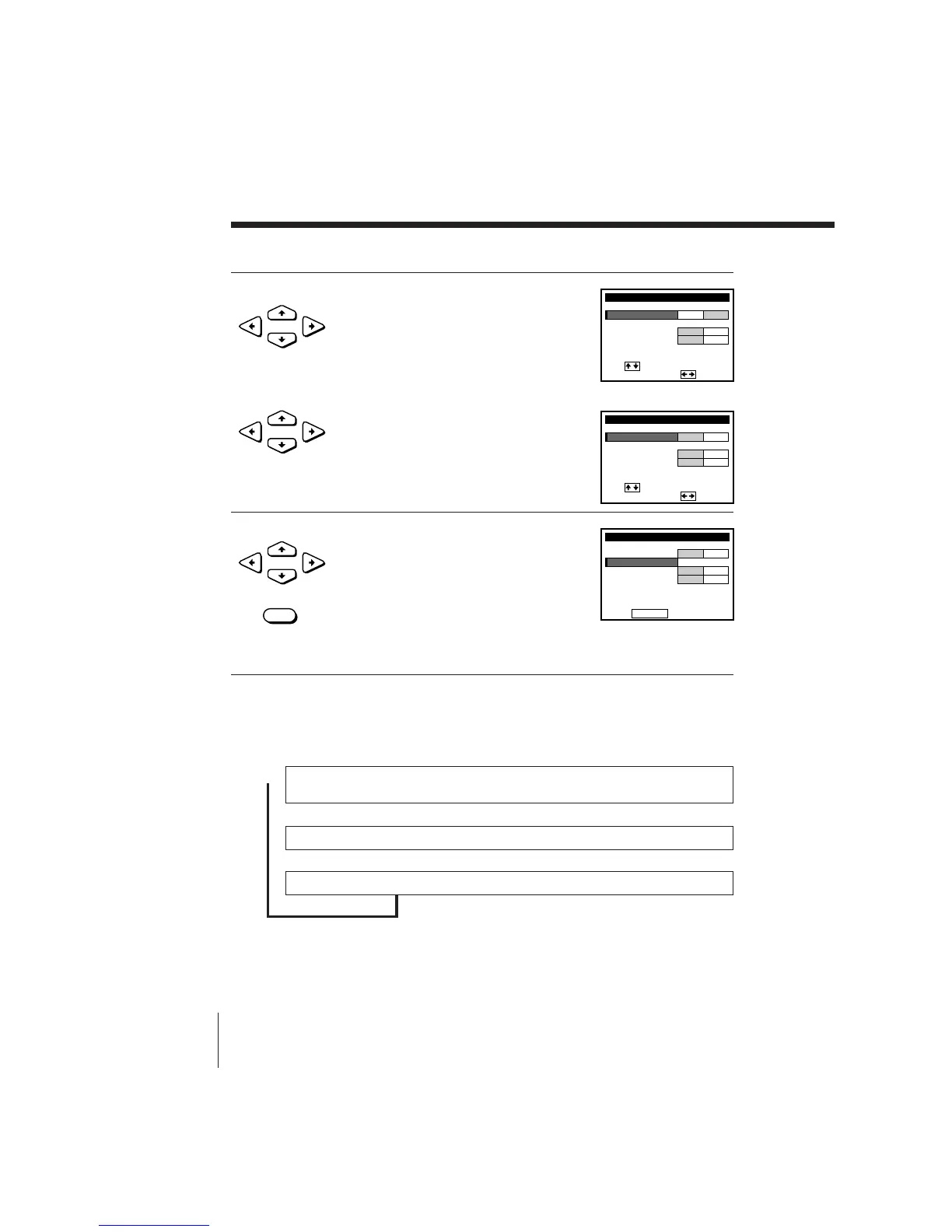
2 • To preset cable TV channels:
Press CURSOR ?// to set
ANTENNA/CABLE to CABLE.
• To preset VHF and UHF channels:
Press CURSOR ?// to set
ANTENNA/CABLE to ANT.
3 Press CURSOR >/. to select AUTO
PRESET then press EXECUTE.
All receivable channels are preset in
numerical sequence. When no more
receivable channels can be found,
presetting stops and the picture from the
lowest numbered channel is displayed on
the TV screen.
Tip
• When receiving a VHF, UHF or CATV channel, the display changes as follows each
time you press DISPLAY.
Channel number, program name, and station’s call letters (if the broadcaster sends
those services)
Remaining tape length, and time counter
No display
.
Presetting channels (continued)
.
/
•
CURSOR
•
CURSOR
•
CURSOR



 To Next Page