EasyManua.ls Logo

Sony SLV-E170EE - Page 11

Sony SLV-E170EE
116 pages
Print Icon
To Next Page IconTo Next Page
To Previous Page IconTo Previous Page
Loading...
(amen
2
Py
EI
EE
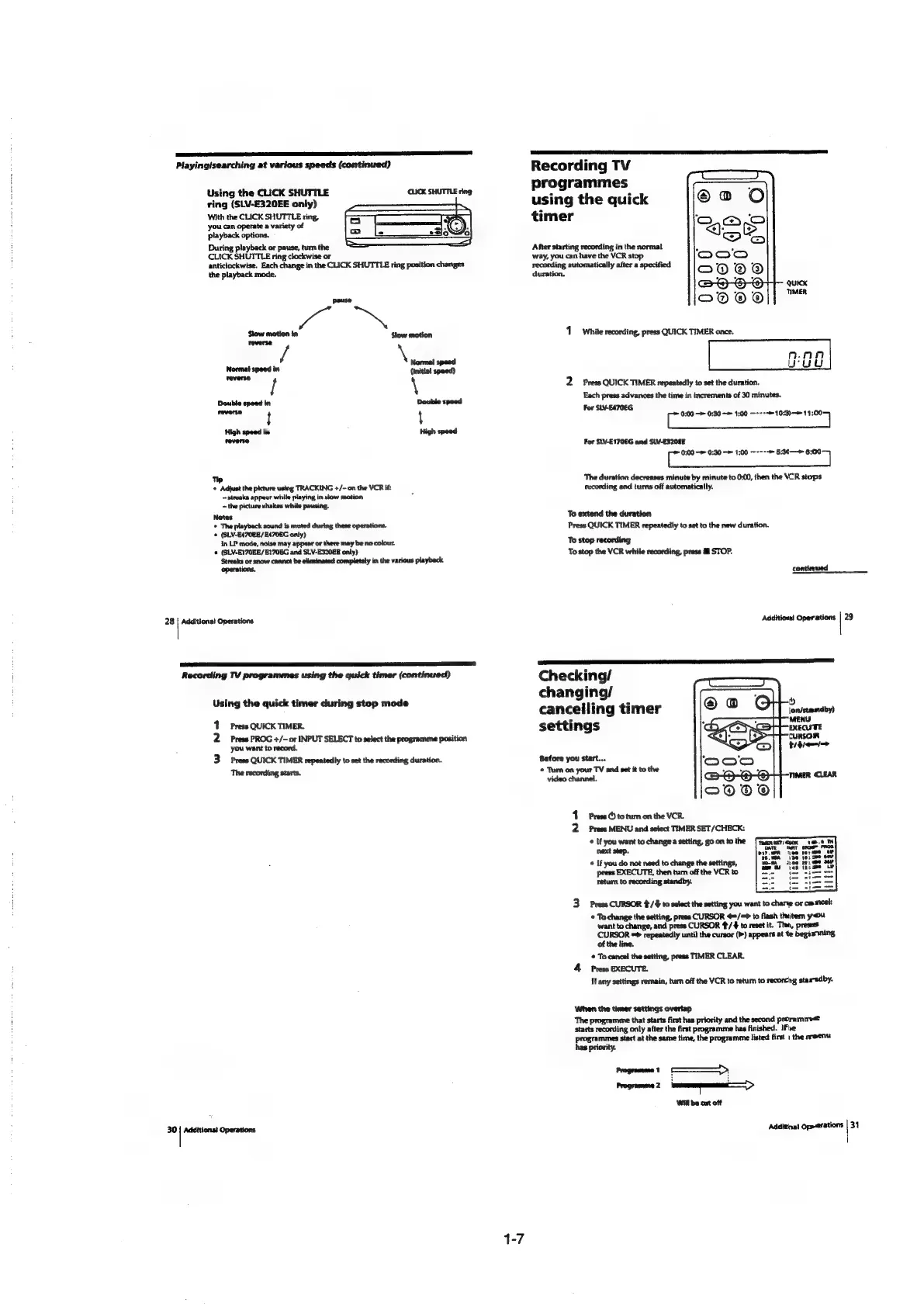
Playing/searching
at
various
speeds
(continued)
Reco
rding
TV
programmes
Using
the
CLICK
SHUTTLE
« e
ring
(SLV-E320EE
only)
using
the
quick
With
the
CLICK
SHUTTLE
ring,
timer
you
can
operate
a
variety
of
playback
options.
During
playback
or
pause,
turn
the
After
starting
recording
in
the
normal
CLICK
SHUTTLE
ring
clockwise
or
way,
you
can
have
the
VCR
stop
anticlockwise.
Each
change
in
the
CLICK
SHUTTLE
ring
position
changes
recording
automatically
after
a
specified
the
playback
mode.
duration,
QUuiKK
TIMER
pause
Slow
motion
in
ad
Slow
motion
1
while
recording,
press
QUICK
TIMER
once.
reverse
i
\
Normal
speed
nn
Normal
speed
in
Wed
{Initial
speed)
—e
/
\
2
Press
QUICK
TIMER
repeatedly
to
set
the
duration.
Each
id
the
time
in
increments
of
30
minutes.
Dedhis’
re
.
glans
advances
the
time
in
i
of
30
minut
sevens
t
4
(eee
raat
at
High
speed
in
High
speed
reverse
For
SLV-E170EG
and
SLV-E320EE
(ate,
ne
1:00
~o---
aaa
Tp
‘The
duration
decreases
minute
by
minute
to
0:00,
then
the
VCR
stops
*
Adjust
the
picture
using
TRACKING
+/-
on
the
VCR
if:
recording
and
turns
off
automatically.
~strwaks
appear
white
playing
in
slow
motion
:
~
the
picture
shakes
while
pausing.
Notes
To
extend
the
duration
©
The
playback
sound
is
muted
during
these
operations.
Press
QUICK
TIMER
repeatedly
to
set
to
the
new
duration.
«
(SLV-E470EE/E470EG
only)
In
LP
mode,
noise
may
appear
or
there
may
be
no
colour.
To
stop
recording
¢
(GLV-E170EE/B170EG
and
SLV-E320EE
only)
Streaks
or
snow
cannot
be
eliminated completely
in
the
various
playback
operations,
To
stop
the
VCR
while
recording,
press
Ml
STOP.
continued
28
|
Additional
Operations
Addition!
Operations
ea
Recording
TV
programmes
using
the
quick
timer
(continued)
Checking/
Using
th
ick
ti
during
stop
mod:
changing/
ie
imer
ie
.
.
sess
gat
a
cancelling
timer
1
Press
QUICK
TIMER.
settings
2
Press
PROG
+/-
or
INPUT
SELECT
to
select
the
programme
position
you
want
to
record.
3
Press
QUICK
TIMER
repeatedly
to
set
the
recording
duration.
Before
you
start...
The
recording
starts.
©
Tum
on
your
TV
and
set
it
to
the
video
channel.
1
Press
(5
to
tum
on
the
VCR.
2
Press
MENU
and
select
TIMER
SET
/CHECK:
©
If
you
want
to
change
a
setting,
goon
tothe
[Taanset
next
step.
run
©
If
you
do
not
need
to
change
the
settings,
:
press
EXECUTE,
then turn
off
the VCR
to
retum
to
recording
standby.
3
Press
CURSOR
4/#
to
select
the
setting
you
want
to
charye
or
camel:
©
To
change
the
setting,
press
CURSOR
4=/=*
to
flash
thiitem
you
want
to
change,
and
press
CURSOR
#./¥
to
reset
it.
Then,
presses
CURSOR
©>
repeatedly
until
the
cursor
(>)
appears
at
te
begis ining
of
the
line.
©
To
cancel
the
setting,
press
TIMER
CLEAR.
4
Press
EXECUTE.
If
any
settings
remain,
turn
off
the
VCR
to
retum
to
recorchg
staredby.
When
the
timer
settings
overlap
The
programme
that
starts
first
has
priority
and
the
second
preramm
starts
recording
only
after
the
first
programme
has
finished.
1Fhe
programmes
start
at
the
same
time,
the
programme
listed
first
|
the
meen
has
priority.
30
|
Additions)
Operations
Additinal
Op»erations
|
31

Table of Contents

Related product manuals