EasyManua.ls Logo

Sony SPP-A250 - Page 18

Sony SPP-A250
86 pages
Print Icon
To Next Page IconTo Next Page
To Previous Page IconTo Previous Page
Loading...
Operating
the
phone
Making
and
receiving
calls
!
1
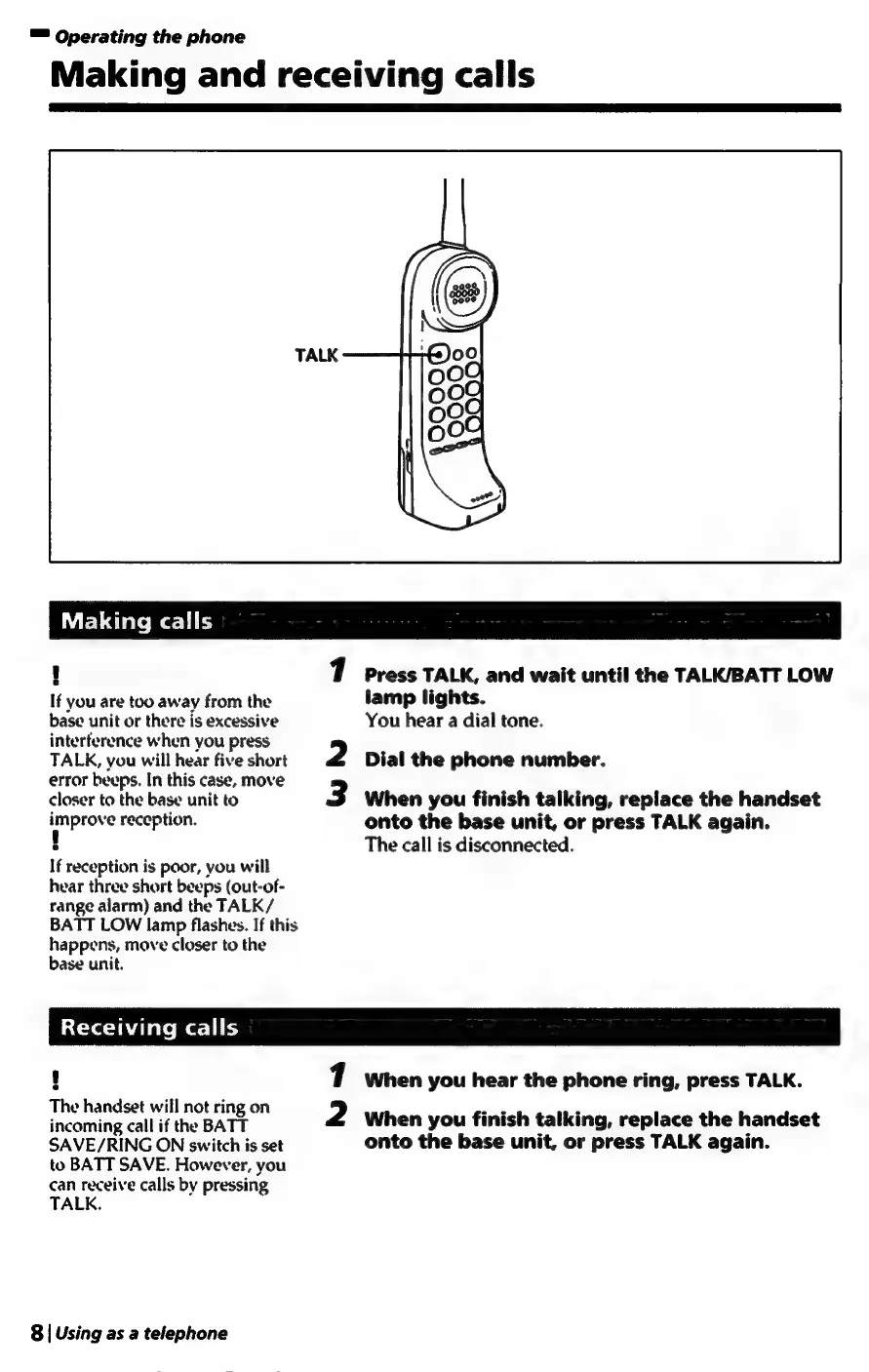
Press
TALK,
and
wait
until
the
TALK/BATT
LOW
If
you
are
too
away
from
the
lamp
lights.
base
unit
or
there
is
excessive
You
hear
a
dial
tone.
interference
when
you
press
TALK,
you
will
hear
five
short
2
Dial
the
phone
number.
error
beeps.
In
this
case,
move
closer
to
the
base
unit
to
3
When
you
finish
talking,
replace
the
handset
improve
reception.
onto
the
base
unit,
or
press
TALK
again.
!
The
call
is
disconnected.
If
reception
is
poor,
you
will
hear
three
short
beeps
(out-of-
range
alarm)
and
the
TALK/
BATT
LOW
lamp
flashes.
If
this
happens,
move
closer
to
the
base
unit.
Receiving
calls
H
1
When
you
hear
the
phone
ring,
press
TALK.
once
bATE
2
When
you
finish
talking,
replace
the
handset
SAVE/RING
ON
switch
is
set
onto
the
base
unit,
or
press
TALK
again.
to
BATT
SAVE.
However,
you
can
receive
calls
by
pressing
TALK.
8
|
Using
as
a
telephone

Table of Contents

Related product manuals