Basics
Basics 11
EN
Basics
1 Pick up the handset from the
base unit.
2 Press (TALK) and wait until the
TALK/BATT LOW lamp lights
up.
You then hear a dial tone. If you
hear five short error beeps,
move closer to the base unit.
3 Dial the phone number.
4 When you’re done talking, press
(OFF) or replace the handset on
the base unit.
The TALK/BATT LOW lamp
goes off.
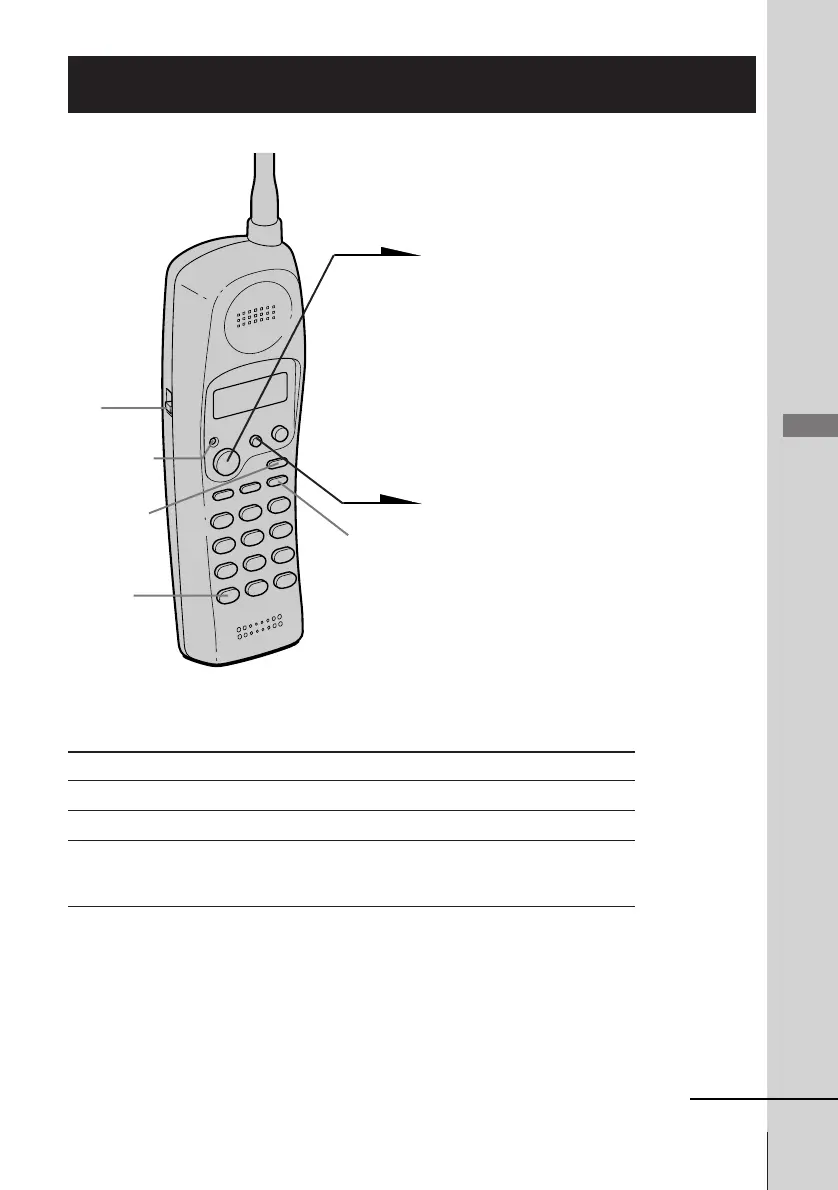
TALK/BATT
LOW lamp
VOL
switch
continued
Making calls
Additional tasks
Notes
• If the handset beeps every second during conversation, move closer to the
base unit; otherwise, the call will be disconnected after 15 seconds. Note
that, however, you may not hear beeps if it’s noisy on the handset.
• Do not press (CHANNEL) when you’re far from the base unit. The call may
be disconnected.
To Do this
Improve reception Press (CHANNEL).
Adjust the handset volume Slide VOL.
Switch to tone dialing temporarily Press (*TONE) after you’re connected.
The line will remain in tone dialing until
disconnected.
(CHANNEL)
(REDIAL/PAUSE)
(*TONE)












 To Next Page