Answering Machine Features
23
EN
Answering Machine Features
Recording a memo
You can record a “memo” (up to four minutes) as a personal reminder
or as a message for other people. You can play back the recorded
memo like any incoming messages (see page 21).
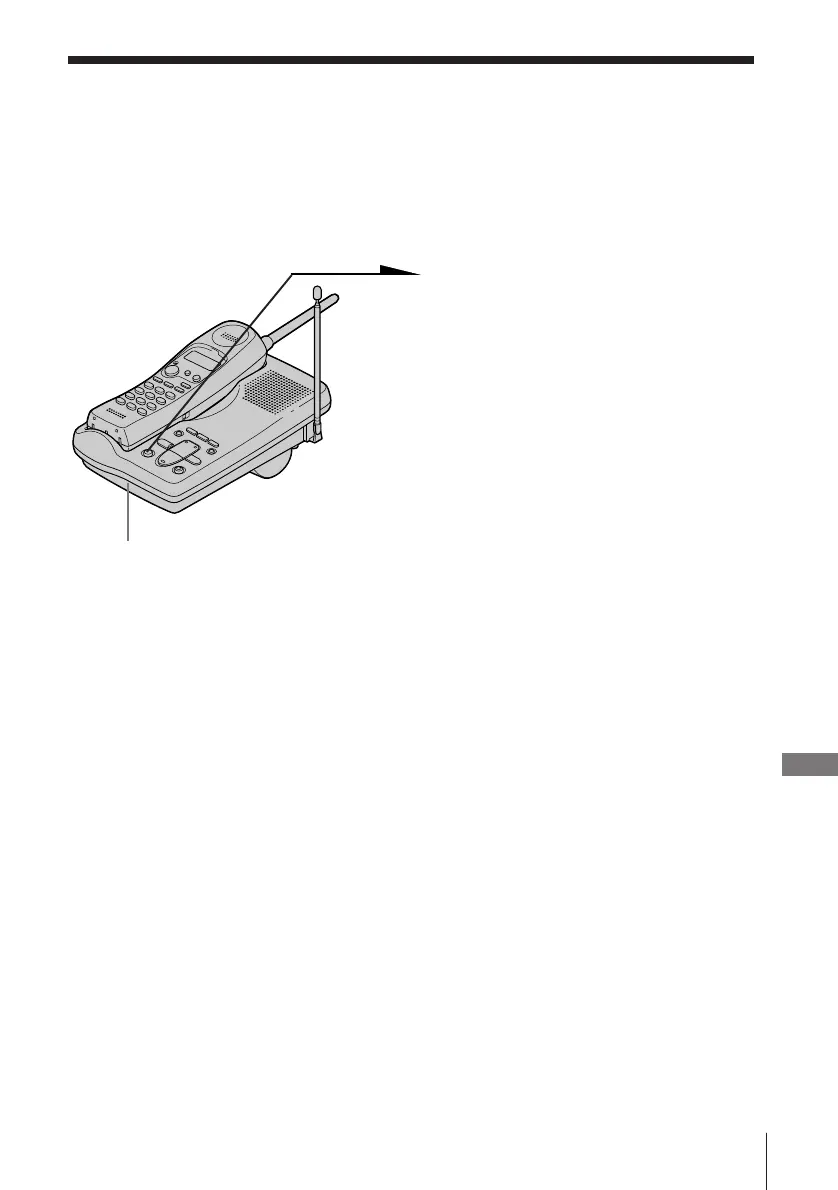
1 Press (MEMO).
You hear a tone.
2 After the tone, start recording.
Speak about 12 inches (30 cm)
away from the microphone.
3 Press (MEMO) to stop recording.
The message number in the
counter increases by one.
Notes
• If you press (MEMO) when the memory is full (“F” flashing on the counter),
you hear five short error beeps and you cannot record a memo.
• If a call comes in during recording, recording is canceled. Start over the
procedure.
• If the remaining memory becomes full while recording, recording stops
automatically and “F” flashes on the counter.
Tip
If four minutes have passed in step 2, recording stops automatically, and the
recorded memo is counted as a new message.
MIC (Microphone)












 To Next Page