Basics
12
EN
If the battery becomes weak during a call
The handset will beep every three seconds with the TALK/BATT
LOW lamp flashing at the same time. Finish your call and charge the
battery pack. If this occurs, you cannot use the handset without
charging it for more than one minute.
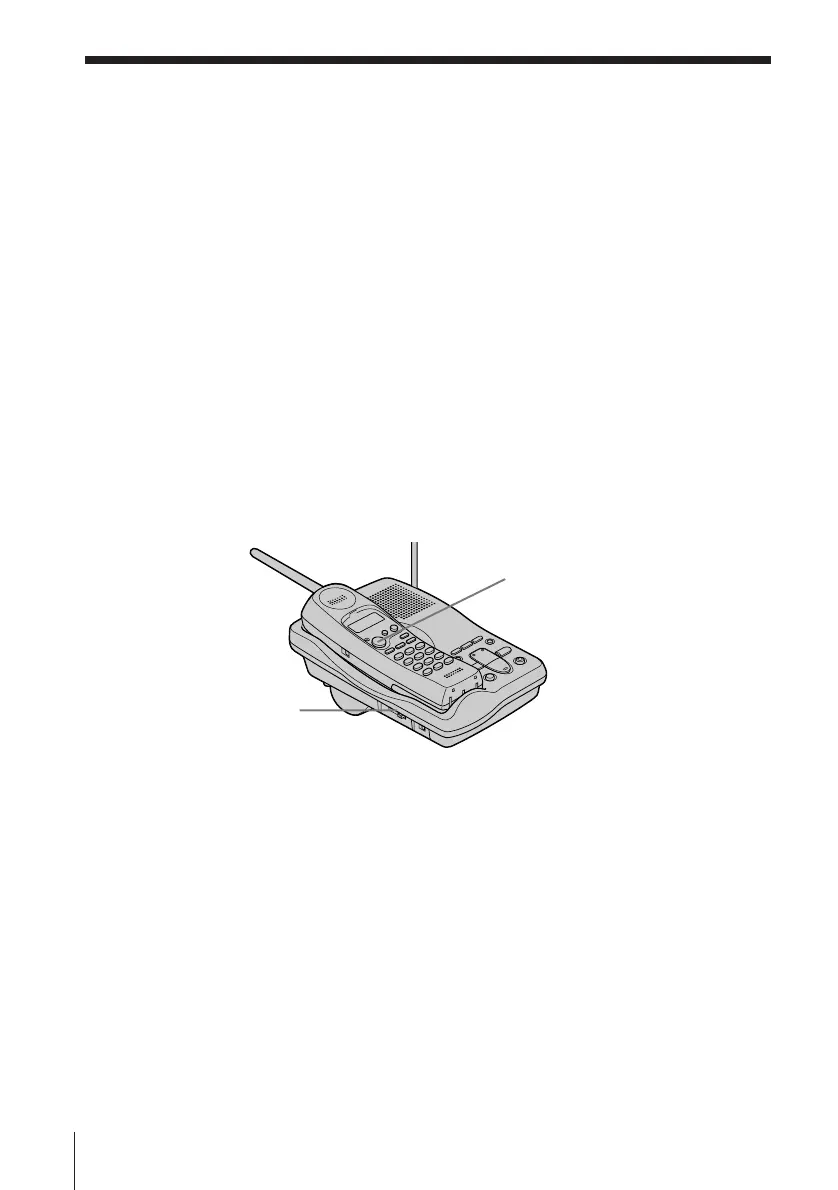
On-hook dialing
1 Press (TALK) with the handset placed on the base unit.
You hear a dial tone through the base unit speaker.
2 Dial the phone number.
You can hear the other party through the base unit speaker.
To talk with the party, pick up the handset.
To adjust the speaker volume, slide the SPEAKER VOLUME
control on the base unit.
Redialing
1 Press (TALK) and wait until the TALK/BATT LOW lamp
lights up.
2 Press (REDIAL/PAUSE) to redial the number last dialed.
Note
If the number exceeds 32 digits, five short error beeps will alert you that the
number can’t be dialed.
To erase the last phone number dialed
While the handset isn’t in use, press (REDIAL/PAUSE) twice.
The number will be erased from the memory, and you’ll hear a long
confirmation beep.
Making calls (continued)
SPEAKER
VOLUME control
(TALK)












 To Next Page