22
EN
Answering Machine Features
Screening incoming calls
You can screen calls by leaving the answering function on (see page
19) while you are at home. When a call is answered, you can hear the
message being recorded through the base unit but the caller cannot
hear you. Then, you can decide whether to answer the call or not.
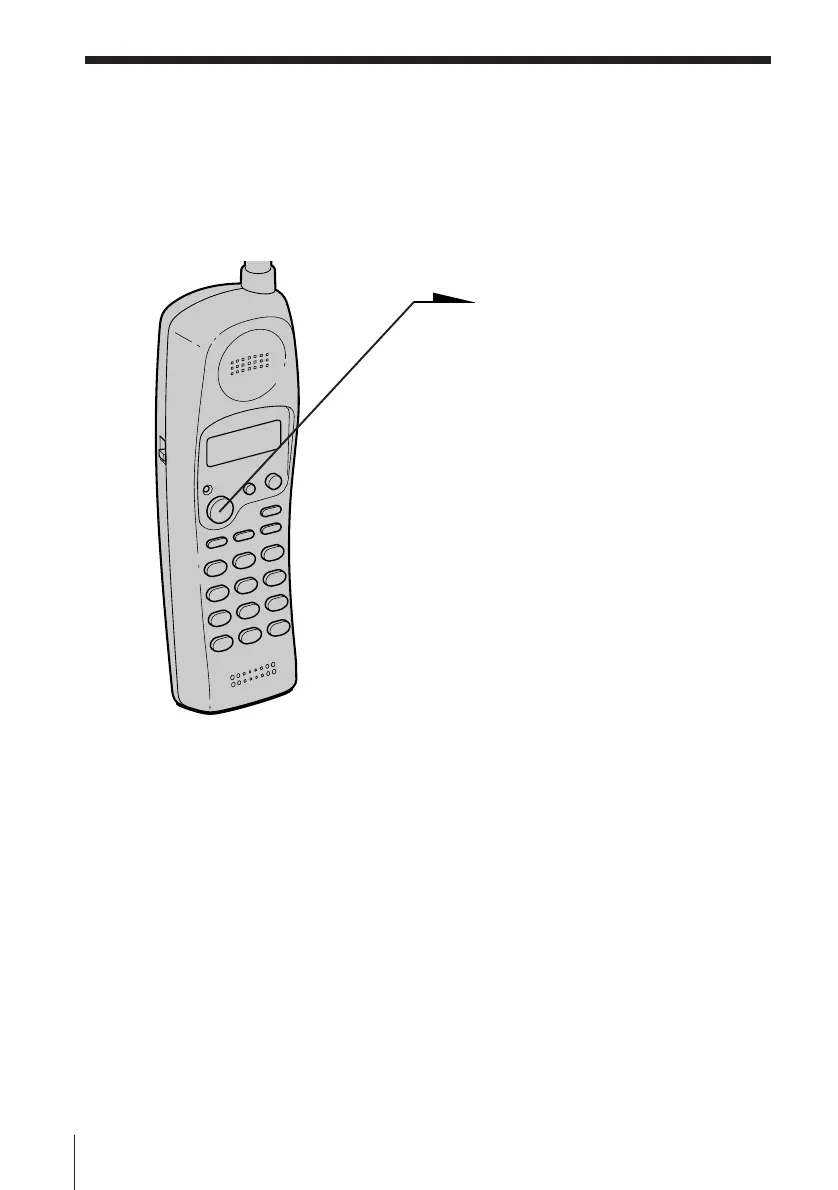
To answer the call
• Press (TALK).
or
• Pick up the handset from the base
unit when the
handset is placed on the base
unit.
Recording is canceled and you can
speak to the caller.
Tip
You can also answer the call by picking up another phone if it is connected to
the same line.












 To Next Page