14
EN
Telephone Features
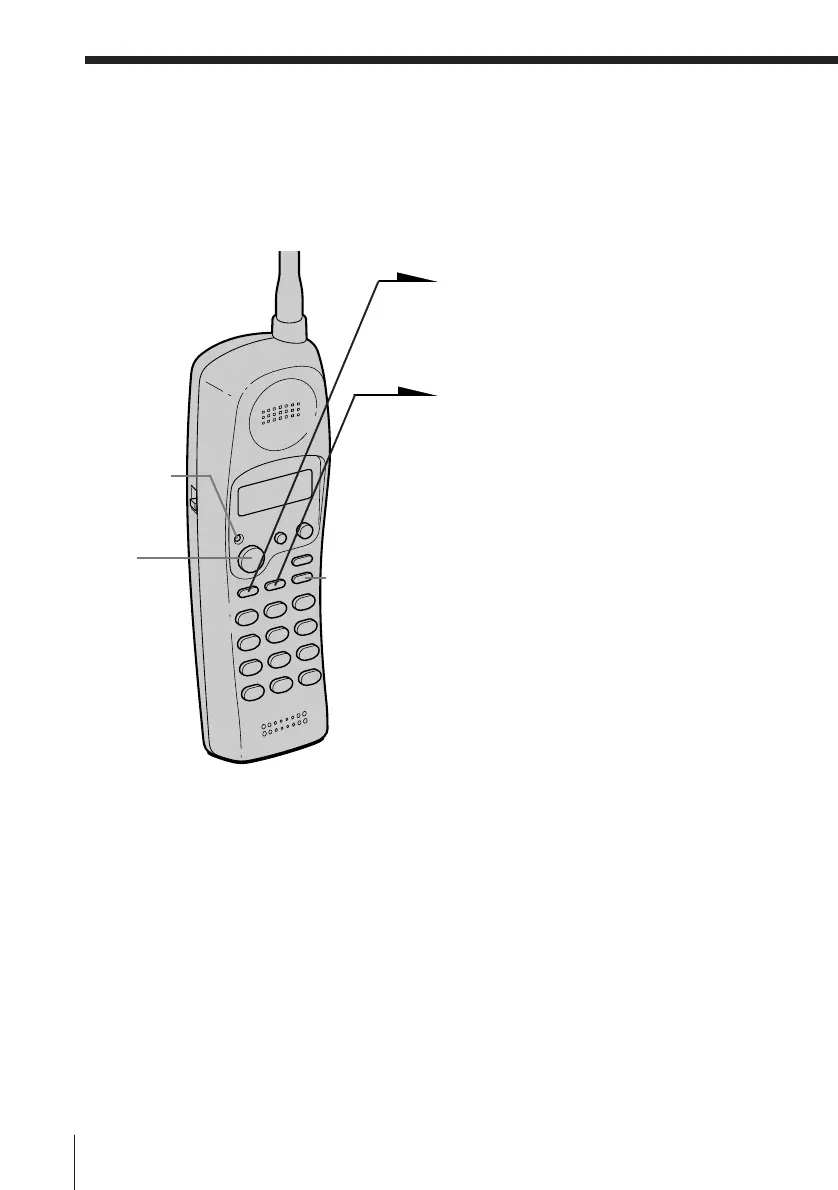
Speed dialing
You can dial with a touch of a few keys by storing a phone number on a dialing key.
Storing phone numbers
1 Press (PGM).
The TALK/BATT LOW lamp
flashes.
2 Press (SPEEDDIAL).
3 Press one of the dialing keys
((0) to (9)) to store a phone
number on.
You hear a confirmation beep.
4 Enter the phone number you
want to store.
You can enter up to 16 digits,
including a tone and a pause,
each of which is counted as one
digit.
5 Press (PGM).
You hear a long confirmation
beep, and the number is stored.
The TALK/BATT LOW lamp
goes off.
Telephone Features
TALK/BATT
LOW lamp
(TALK)
(REDIAL/PAUSE)












 To Next Page