Answering Machine Features
17
EN
Answering Machine Features
Answering Machine Features
continued
Preparing the answering machine
Note that you can’t operate the base unit while the handset is in use.
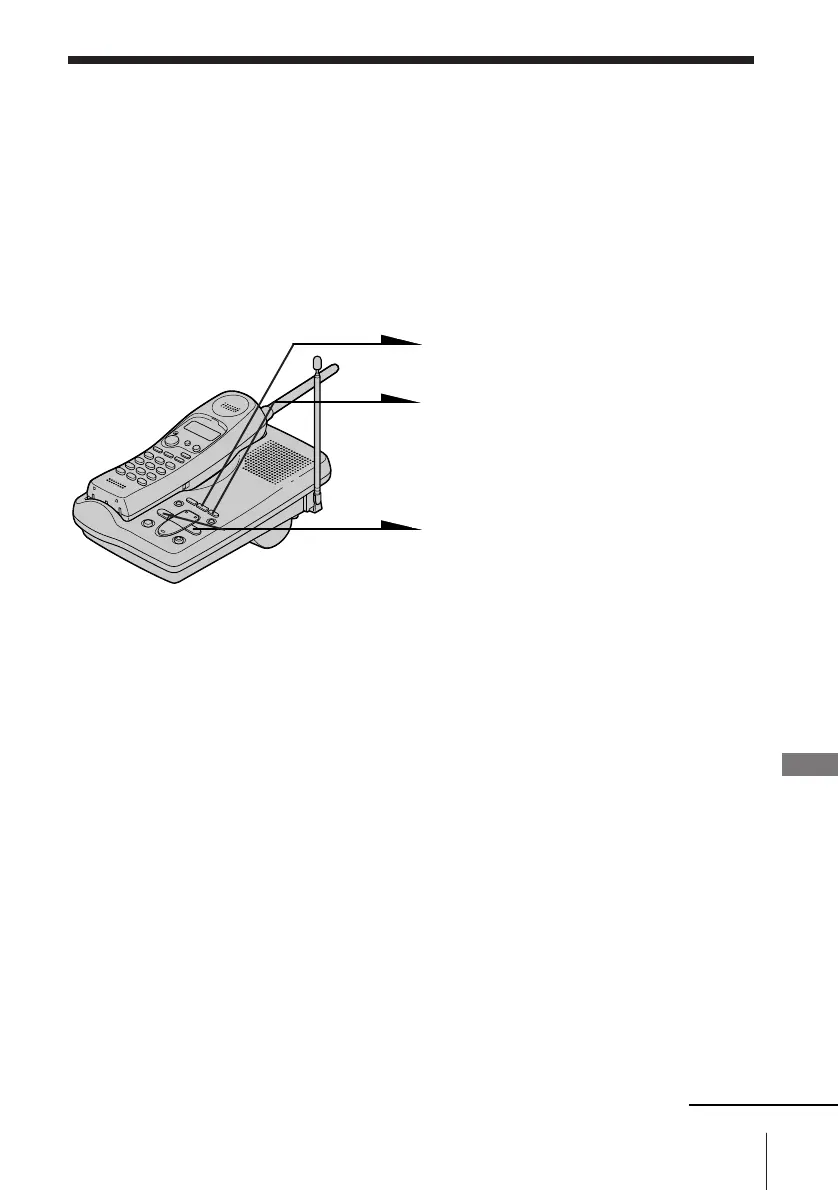
Setting the day and time
Set the day and time so that you can stamp day and time for the
incoming messages. You’ll hear the recorded day and time when you
play back messages.
1 Press (SET/REC).
2 Press (TIME).
You hear a confirmation beep.
3 Press (SKIP) or (REPEAT)
repeatedly until the correct day
of the week is announced.
Press (SKIP) to advance, or
(REPEAT) to go back.
4 Press (SET/REC).
5 Press (SKIP) or (REPEAT) repeatedly until the correct hour
is announced.
6 Press (SET/REC).
7 Press (SKIP) or (REPEAT) repeatedly until the correct
minute is announced.
8 Press (SET/REC).
You hear a long confirmation beep, followed by the day and
time. Then the phone starts counting time.












 To Next Page