24
EN
Answering Machine Features
Operating from an outside phone
You can call from a touch-tone phone and pick up new messages
recorded on the phone. First, you just set the security code and turn on
the answering function before going out.
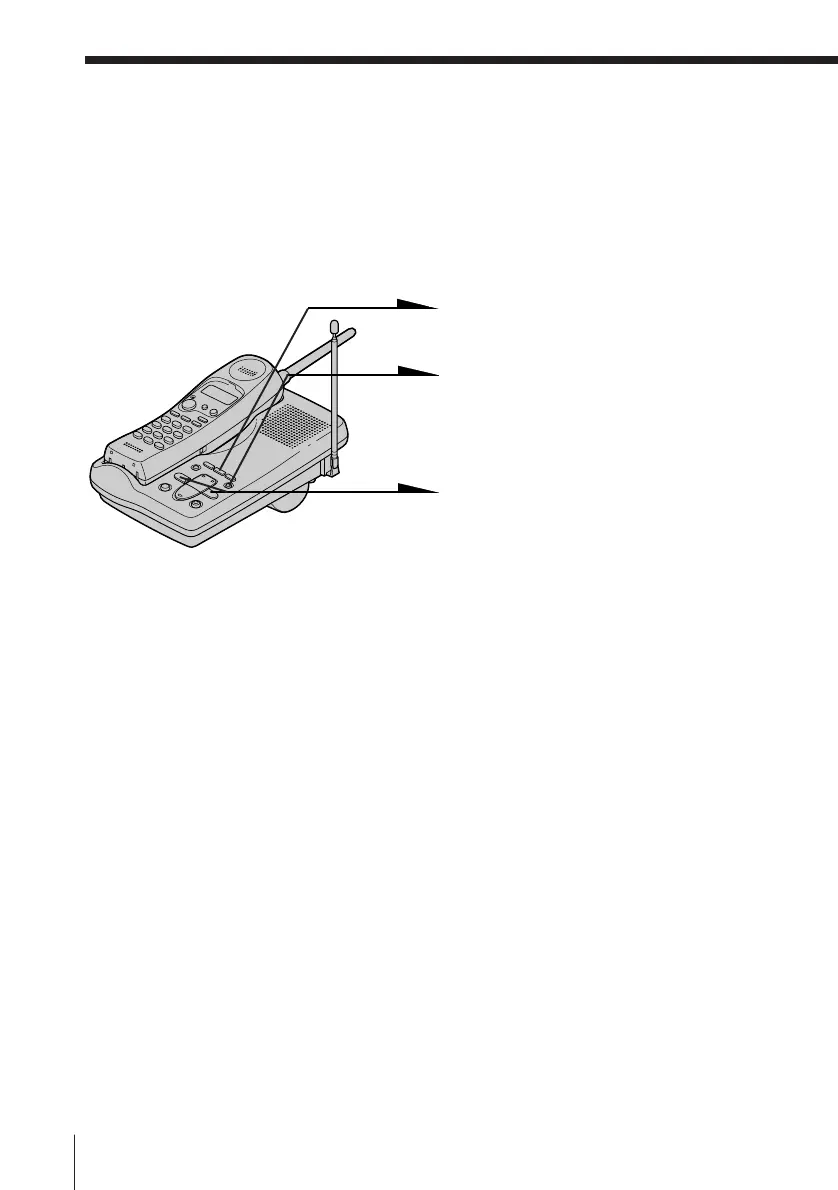
Setting the security code
1 Press (SET/REC).
2 Press (ANSWERON/OFF).
You hear a confirmation beep.
3 Set a one-digit number between
0 and 9 by pressing (SKIP) or
(REPEAT).
Press (SKIP) to increase a
number, or (REPEAT) to
decrease.
Each time you press (SKIP) or
(REPEAT), the phone
announces a number.
4 Press (SET/REC).
The security code is set, and you
hear a long confirmation beep.
To change the security code
Enter a new security code. The new code will replace the old one.












 To Next Page