Additional Information28
EN
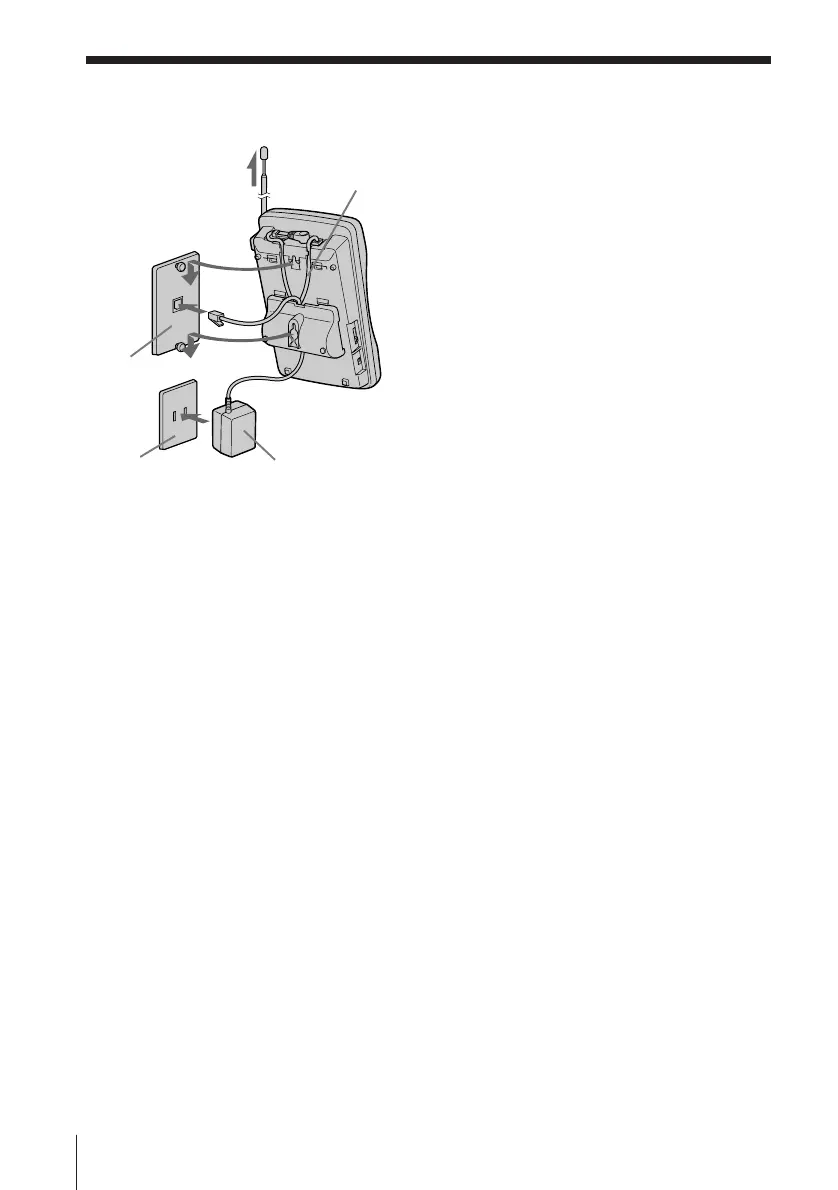
5 Plug one end of the telephone
line cord to the LINE jack, and
the other end to the telephone
outlet.
6 Hook the base unit to the wall
plate.
7 Plug the AC power adaptor to
an AC outlet. Then fully extend
the antenna.
Tip
To remove the wall bracket, press the lower tabs.
Mounting the base unit on a wall (continued)
5~7
5
6
7
AC outlet
AC power adaptor
Telephone
line cord
Wall plate












 To Next Page