Help Guide
Multi Channel AV Receiver
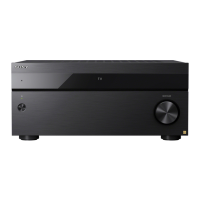
STR-AZ1000ES
Setting the level of the subwoofer (Subwoofer Level)
You can adjust the level of the subwoofer by 0 dB or +10 dB with respect to the input signal when multi-channel PCM signals are input via
an HDMI connection. The level for each input to which an HDMI jack is assigned can be set independently.
Note
When [GAME], [MEDIA BOX], [BD/DVD], [SAT/CATV], [VIDEO], or [SA-CD/CD] is selected as the input, each input can be set independently.
5-037-020-11(1) Copyright 2022 Sony Corporation
Select [Setup] - [HDMI Settings] from the home menu.
1
Select [Subwoofer Level].
2
Select the setting you want.
Auto: Automatically sets the level adjustment to 0 dB or +10 dB, depending on the audio stream.
+10 dB: Adjusts the level by +10 dB with respect to the input signal.
0 dB: Does not adjust the level with respect to the input signal.
3




 To Next Page