Note
The video signals that can be played in Zone 2 are limited. For the video signals that can be played in each zone, see "Available input sources for
each zone."
Hint
The image quality depends on the type of connecting jack. We recommend you connect your devices via an HDMI connection if they have HDMI
jacks.
If you want to watch 8K or 4K/120p video from your device even when the eARC/ARC-compatible HDMI input jack of your TV is incompatible with 8K
or 4K/120p video input, refer to “When the eARC/ARC-compatible HDMI input jack of your TV is incompatible with 8K video input.”
Related Topic
About input/output of video signals
Notes on connecting cables
About HDMI connections
Changing the name for each input (Name)
Connecting devices with jacks other than HDMI jacks
5-037-020-11(1) Copyright 2022 Sony Corporation
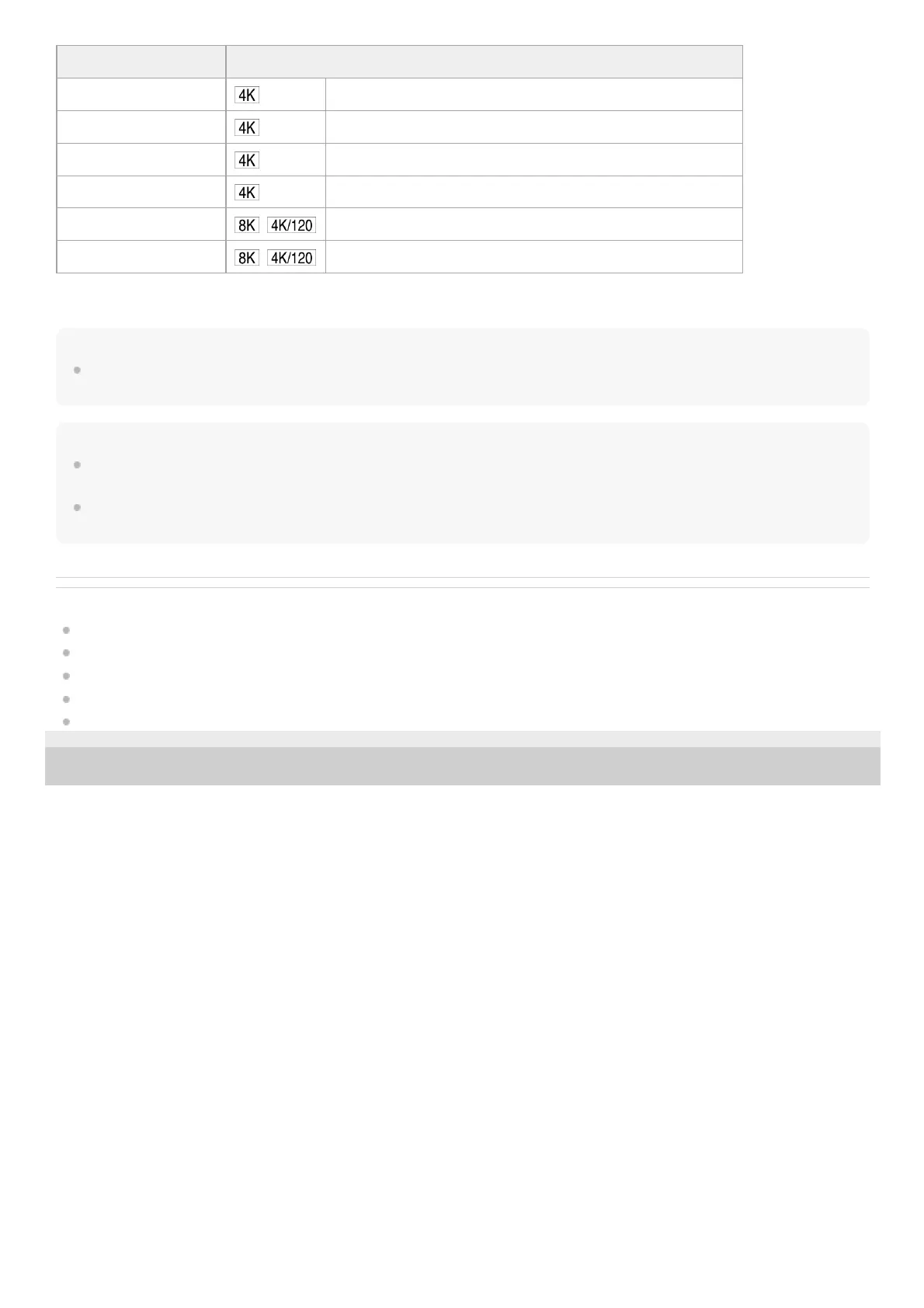
HDMI IN jack Devices to be connected
SA-CD/CD (for AUDIO) (*)
Connect a device that supports video signals up to 4K/60p.
VIDEO (*)
Connect a device that supports video signals up to 4K/60p.
SAT/CATV
Connect a device that supports video signals up to 4K/60p.
BD/DVD Connect a device that supports video signals up to 4K/60p.
MEDIA BOX
Connect a device that supports video signals of 8K or up to 4K/120p.
GAME (for AUDIO)
Connect a device that supports video signals of 8K or up to 4K/120p.
When you connect your PC to this jack, supported video signals are limited to up to 4K/30p. Even in that case, you can enjoy 4K/60p video content by connecting your
PC to SAT/CATV, BD/DVD, MEDIA BOX, or GAME (for AUDIO) jack.
*











 To Next Page