Help Guide
Multi Channel AV Receiver
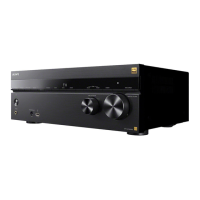
STR-AZ1000ES
What you can do with Auto Calibration
Auto Calibration allows you to perform automatic calibration as follows.
Check the connection between each speaker and the unit.
Adjust the speaker level.
Measure the distance of each speaker from your seating position. (*1)
Measure the speaker size. (*1)
Measure the frequency characteristics (EQ). (*1)
Measure the frequency characteristics (Phase). (*1)(*2)
Note
The D.C.A.C. IX (Digital Cinema Auto Calibration) is designed to achieve proper sound balance for your room. However, you can adjust the speaker
levels manually according to your preference using [Test Tone] in [Manual Speaker Settings] under [Speaker Settings].
Related Topic
Outputting a test tone from each speaker (Test Tone)
5-037-020-11(1) Copyright 2022 Sony Corporation
The measurement result is not utilized when [Direct] is selected for the sound field setting and an analog input is selected.
*1
The measurement result may be not utilized, depending on the audio formats.
*2




 To Next Page