136
GB
4 Press V/v repeatedly to select
the menu item, then press .
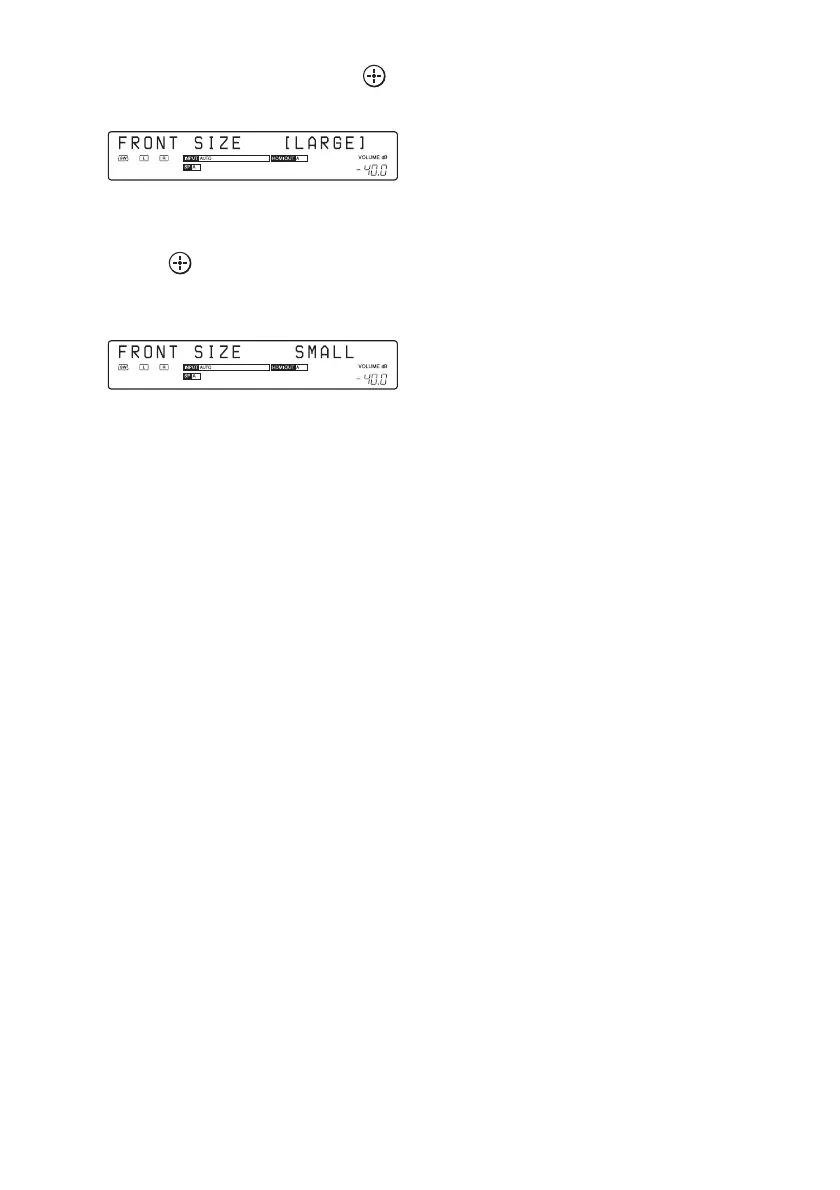
The parameter appears in brackets.
5 Press V/v repeatedly to select
the parameter you want, then
press .
The parameter is entered and the brackets
disappear from the display.
Tip
To return to the previous step, press RETURN/EXIT
O.















 To Next Page