151
GB
Operating Each Component Using the On-screen Remote (Quick Click)
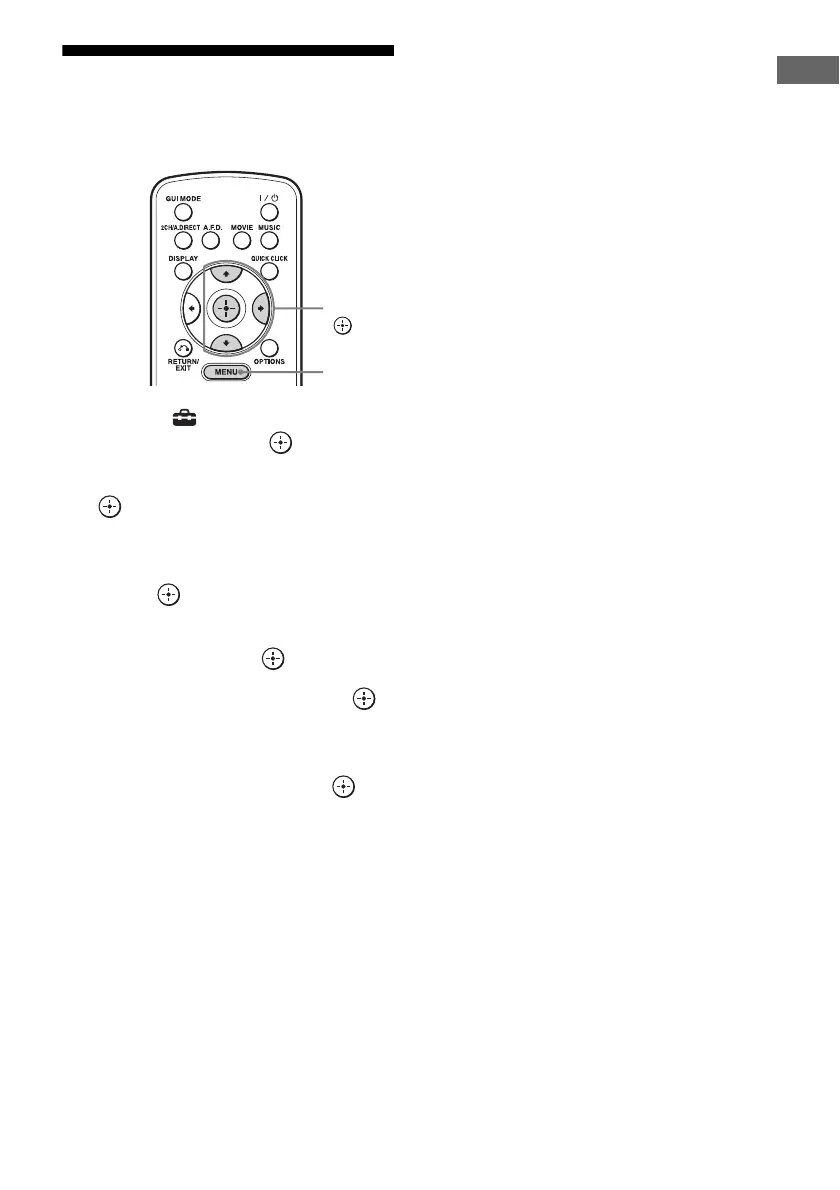
Resetting the remote
code for Quick Click
1
Select “ Settings” from the
menu, then press or b.
2 Select “Quick Click,” then press
or b.
3 Select “Source Component,” or
“Common Component,” then
press .
4 Select the component you
want, then press .
5 Select “Reset,” then press .
The confirming message appears on the
TV screen.
6 Select “Yes,” then press .
All the contents of the selected input (e.g.,
all the programmed data) are cleared.
7 Repeat steps 4 to 6 to clear all
programmed data.
Note
The macro itself is not cleared. A default code will
be output when you have set a preset code or learned
code in the macro step.
V/v/b,
MENU















 To Next Page