9
STR-DE185
SECTION 3
TEST MODE
Fluorescent Indicator Tube Test Mode
All fluorescent segments are tested. When this test is activated, all
segments turn on at the same time, then each segment turns on one
after another.
Procedure:
1. While pressing the five function buttons of [VIDEO 1], [VIDEO 2],
[MD/TAPE], [CD] and [TUNER] simultaneously, press the ?/1
button to turn the power ON.
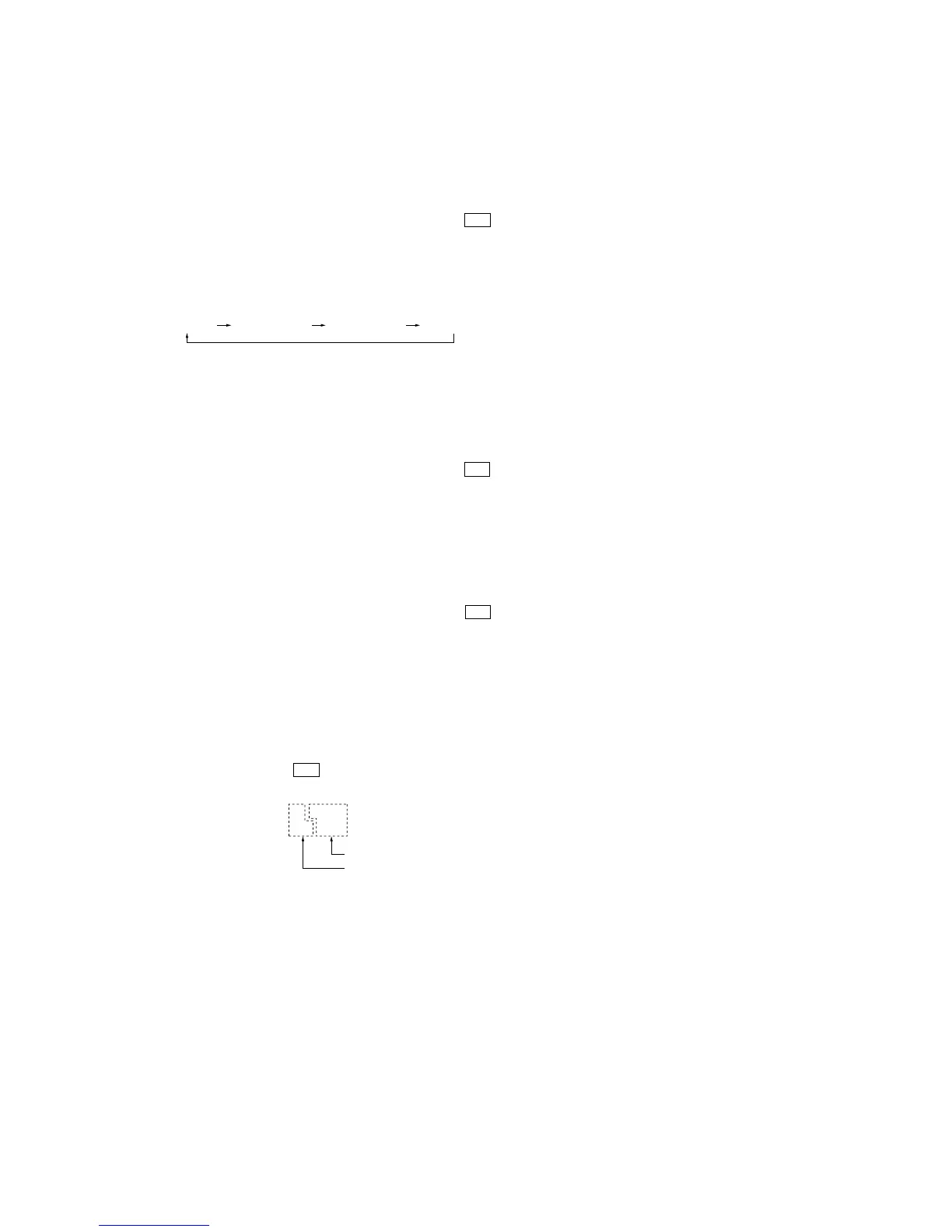
2. The FL tube will illuminate in half light on. The following dis-
play will be repeated whenever the five function buttons are
pressed.
• Operation of function buttons
3. Press any button other than the function buttons to release the
check mode.
AUTO-BETICAL Check Mode (AEP, UK models)
To auto-scanning and memories of RDS station.
Procedure:
1. While pressing the [MEMORY/ENTER] button, press the
?/1
button to turn the power ON.
2. The message “AUTO-BETICAL SELECT” are scrolled.
AM Tuning Interval Selection Mode (US model)
Either 9 kHz step or 10 kHz step can be selected for the AM tuning
interval.
Procedure:
1. While pressing the [TUNING/CHAR +] button, press the ?/1
button to turn the power ON.
2. Either the message “9k STEP” or “10k STEP” appears.
3. Select the desired step.
Software Version Display Mode
The software version is displayed.
Procedure:
1. While pressing the two buttons of [SPEAKERS B] and [VIDEO 1]
simultaneously, press the ?/1 button to turn the power ON.
2. The software version is displayed.
all light on half light on 1 half light on 2 all light of


 To Next Page