14
GB
D:\NORM'S JOB\SONY HA\SO0109\STR-DH520\4263361111_GB\GB03DES_STR-DH520-
U2.fm
masterpage: Left
STR-DH520
4-263-361-11(1)
* If you press AV ?/1 (A) and ?/1 (B)
simultaneously, the receiver and connected
equipment will turn off (SYSTEM STANDBY).
The function of the AV ?/1 (A) changes
automatically each time you press the input
buttons (C).
**The 5/TV, AUDIO/ , N and TV CH +/
SOUND FIELD +/PROG +/
c buttons have
tactile dots. Use the tactile dots as references
when operating the receiver.
L MENU/HOME
Displays the TV menus.
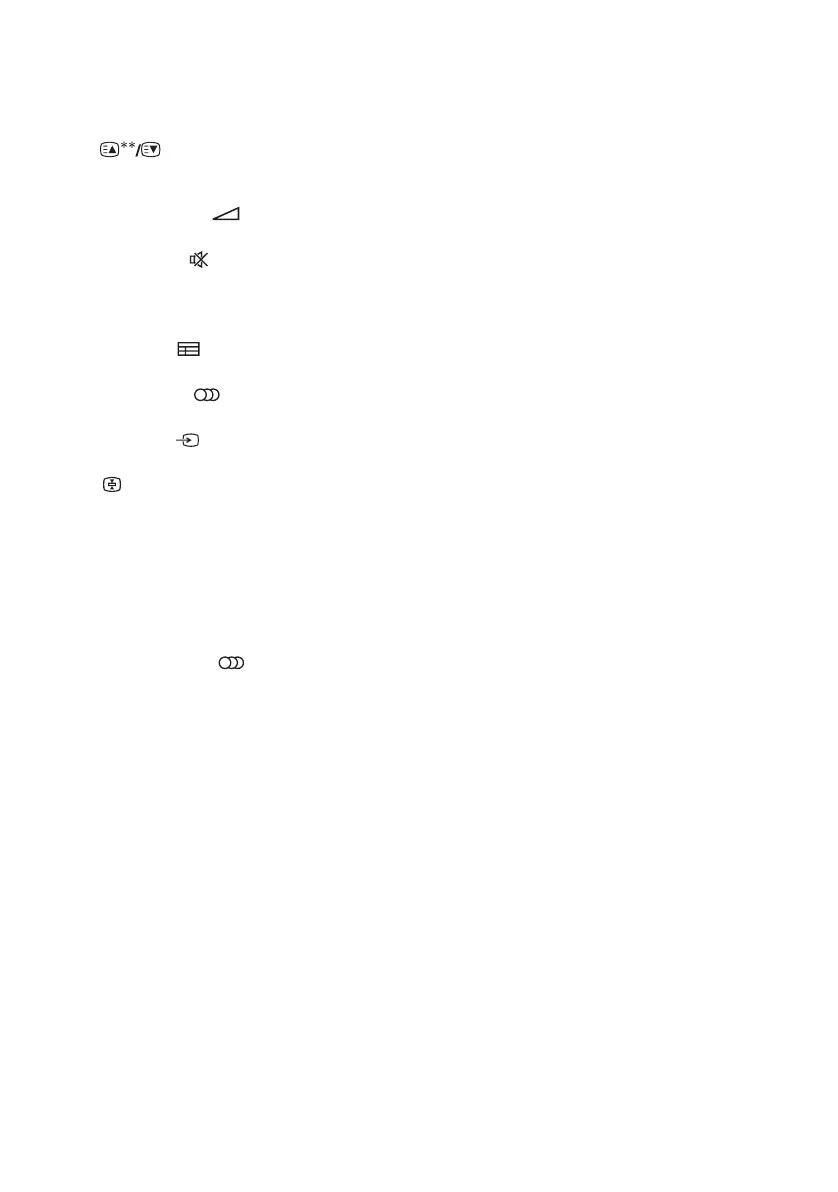
N TV CH +**/– or PROG +**/–
Scans for the preset TV channels.
Selects the next or previous page while in the
text mode.
Q TV VOL +/– or +/–
Adjusts the TV volume.
R MUTING or
Activates the TV’s muting function.
S RETURN/EXIT O
Returns to the previous TV menu.
T GUIDE or
Display the on-screen program guide.
V AUDIO** or **
Changes the dual sound mode.
Z INPUT or (Input select)
Selects the input signal (TV or video).
(Text hold)
Holds the current page while in the text mode.



 To Next Page