15
GB
D:\NORM'S JOB\SONY HA\SO0109\STR-DH520\4263361111_GB\GB03DES_STR-DH520-
U2.fm
masterpage: Right
STR-DH520
4-263-361-11(1)
To control other Sony equipment
Be sure to hold down SHIFT (O) to activate the buttons printed in pink (page 12).
* If you press AV ?/1 (A) and ?/1 (B)
simultaneously, the receiver and connected
equipment will turn off (SYSTEM STANDBY).
The function of the AV ?/1 (A) changes
automatically each time you press the input
buttons (C).
**The 5/TV, AUDIO/ , N and TV CH +/
SOUND FIELD +/PROG +/
c buttons have
tactile dots. Use the tactile dots as references
when operating the receiver.
Notes
• The above explanation is intended to serve as
examples.
• Depending on the model of your connected
equipment, some functions explained in this
section may not work with the supplied remote
control.
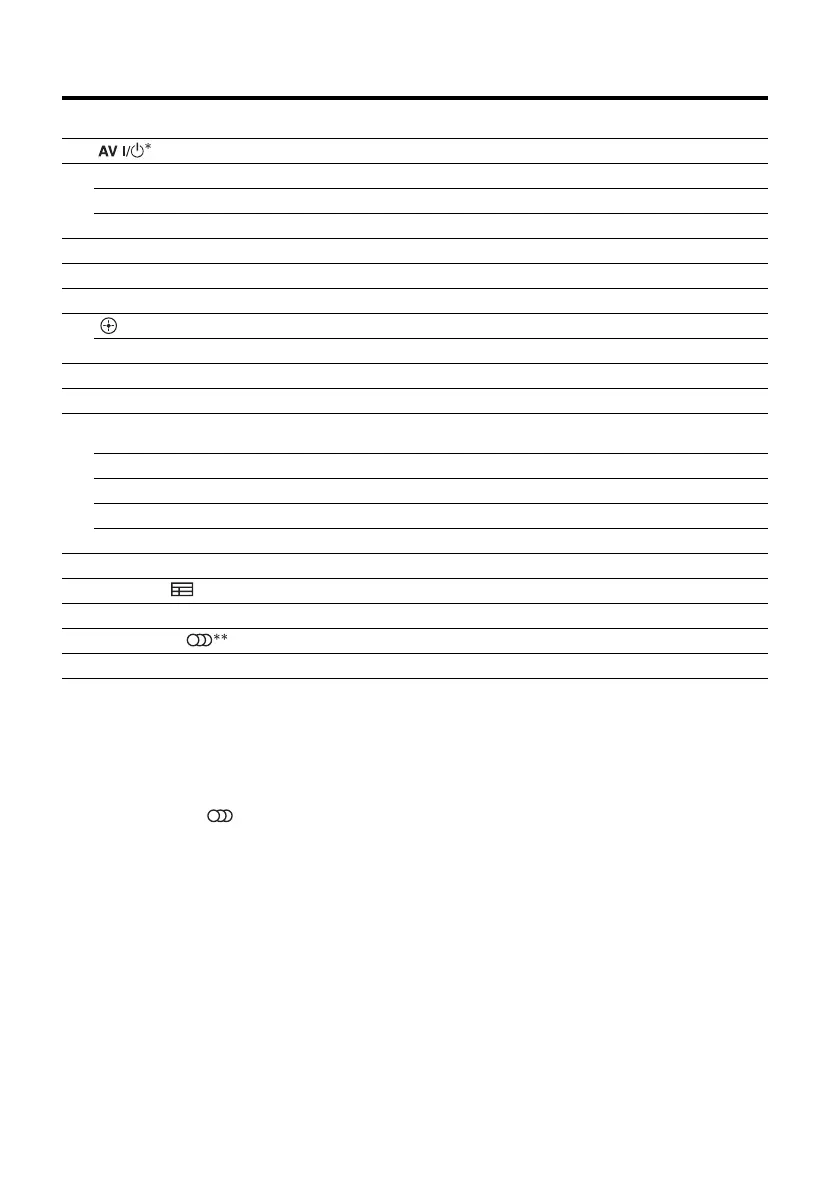
Name
Blu-ray Disc,
DVD player
Satellite tuner,
cable TV tuner
VCR CD player
A Power Power Power Power
C Numeric buttons** Track Channel Channel Track
ENT/MEM Enter Enter Enter Enter
CLEAR Clear Clear – Track > 10
F DISPLAY Display Display Display Display
G POP UP/MENU Menu–––
H Color buttons Menu, guide Menu, guide – –
J Enter Enter Enter –
V/v/B/b Select Select Select –
K TOOLS/OPTIONS Options menu Options menu – –
L MENU/HOME Menu Menu Menu –
M m/M Search forward,
backward
– Fast forward,
rewind
Fast forward, rewind
N** Play – Play Play
./> Skip track – Search index Skip track
X Pause – Pause Pause
x Stop – Stop Stop
S RETURN/EXIT O Return Return, exit – –
T GUIDE or Program schedule Guide menu – –
U TOP MENU On-screen guide – – –
V AUDIO** or Audio–––
Z INPUT Select input – Select input –



 To Next Page