EasyManua.ls Logo

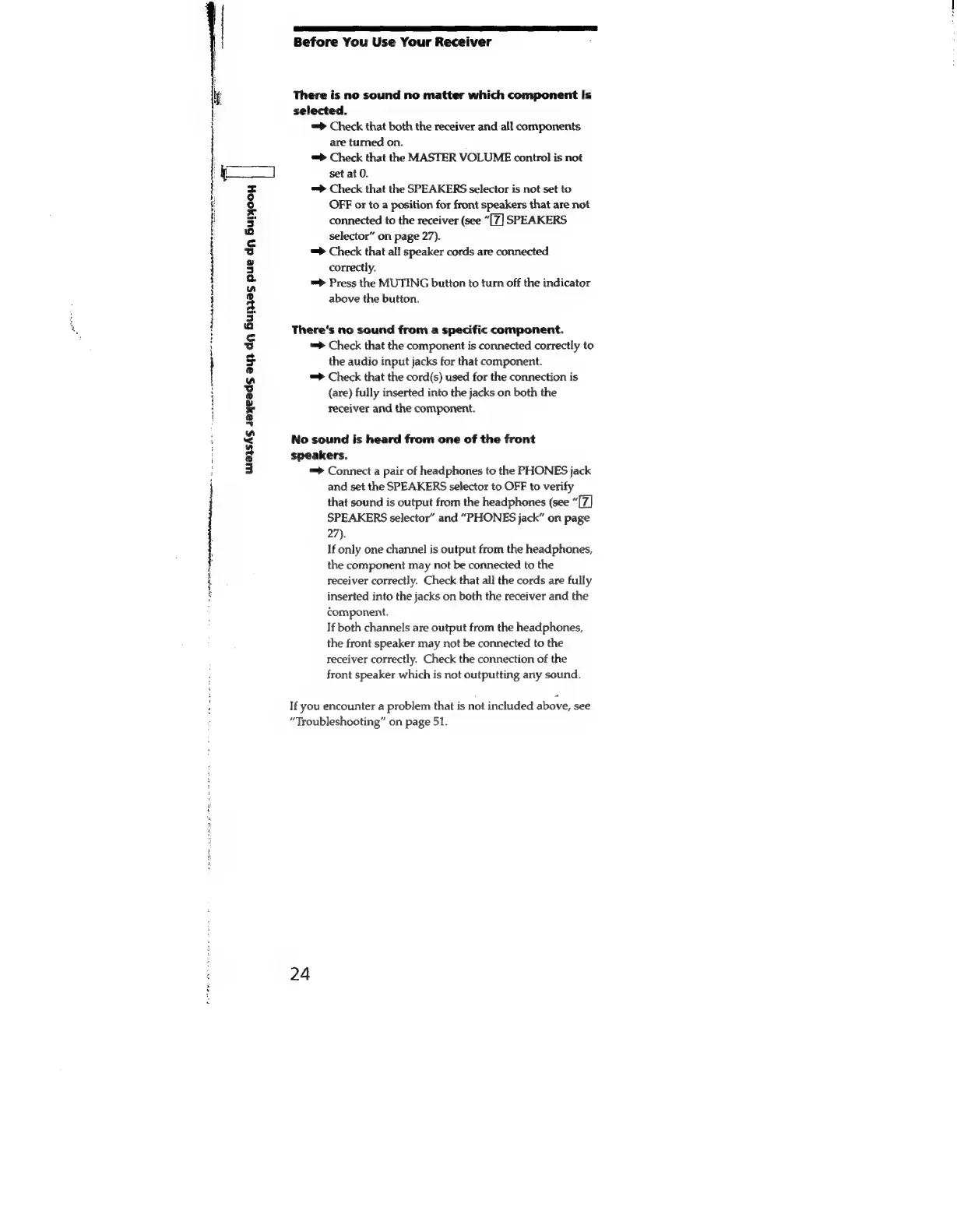
Sony STR-SE591 - There is no sound no matter which component is selected.; Theres no sound from a specific component.; No sound is heard from one of the front speakers.

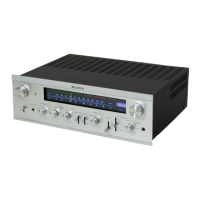
Sony STR-SE591
56 pages
Print Icon
To Next Page IconTo Next Page
To Previous Page IconTo Previous Page
Loading...
|
{
Before
You
Use
Your
Receiver
;
if
There
is
no
sound
no
matter
which
component
is
:
selected.
=>
Check
that
both
the
receiver
and
all
components
are
turned
on.
=>
Check
that
the
MASTER
VOLUME
control
is
not
set
at
0.
=>
Check
that
the
SPEAKERS
selector
is
not
set
to
OFF
or
to
a
position
for
front
speakers
that
are
not
connected
to
the
receiver
(see
“[7]
SPEAKERS
selector”
on
page
27).
=>
Check
that
all
speaker
cords
are
connected
correctly.
=>
Press
the
MUTING
button
to
turn
off
the
indicator
above
the
button.
There’s
no
sound
from
a
specific
component.
=>
Check
that
the
component
is
connected
correctly
to
the
audio
input
jacks
for
that
component.
=>
Check
that
the
cord(s)
used
for
the
connection
is
(are)
fully
inserted
into
the
jacks
on
both
the
receiver
and
the
component.
re
nl
Re
ret
fe
RS
er
rae
rw
ett
No
sound
is
heard
from
one
of
the
front
speakers.
=>
Connect
a
pair
of
headphones
to
the
PHONES
jack
and
set
the
SPEAKERS
selector
to
OFF
to
verify
that
sound
is
output
from
the
headphones
(see
“[7Z]
SPEAKERS
selector”
and
“PHONES
jack”
on
page
27).
If
only
one
channel
is
output
from
the
headphones,
the
component
may
not
be
connected
to
the
receiver
correctly.
Check
that
all
the
cords
are
fully
inserted
into
the
jacks
on
both
the
receiver
and
the
component.
If
both
channels
are
output
from
the
headphones,
the
front
speaker
may
not
be
connected
to
the
receiver
correctly.
Check
the
connection
of
the
front
speaker
which
is
not
outputting
any
sound.
a
wa3zshs
sayeads
au}
dq
Burnzas
pue
dy
Burjooy
|
Reggae
pss-
ct
asic
et
ee
If
you
encounter
a
problem
that
is
not
included
above,
see
“Troubleshooting”
on
page
51.

Related product manuals