EasyManua.ls Logo

Sony STR-SE591 - 22 SET UP button

Sony STR-SE591
56 pages
Print Icon
To Next Page IconTo Next Page
To Previous Page IconTo Previous Page
Loading...
Se
ee
eee
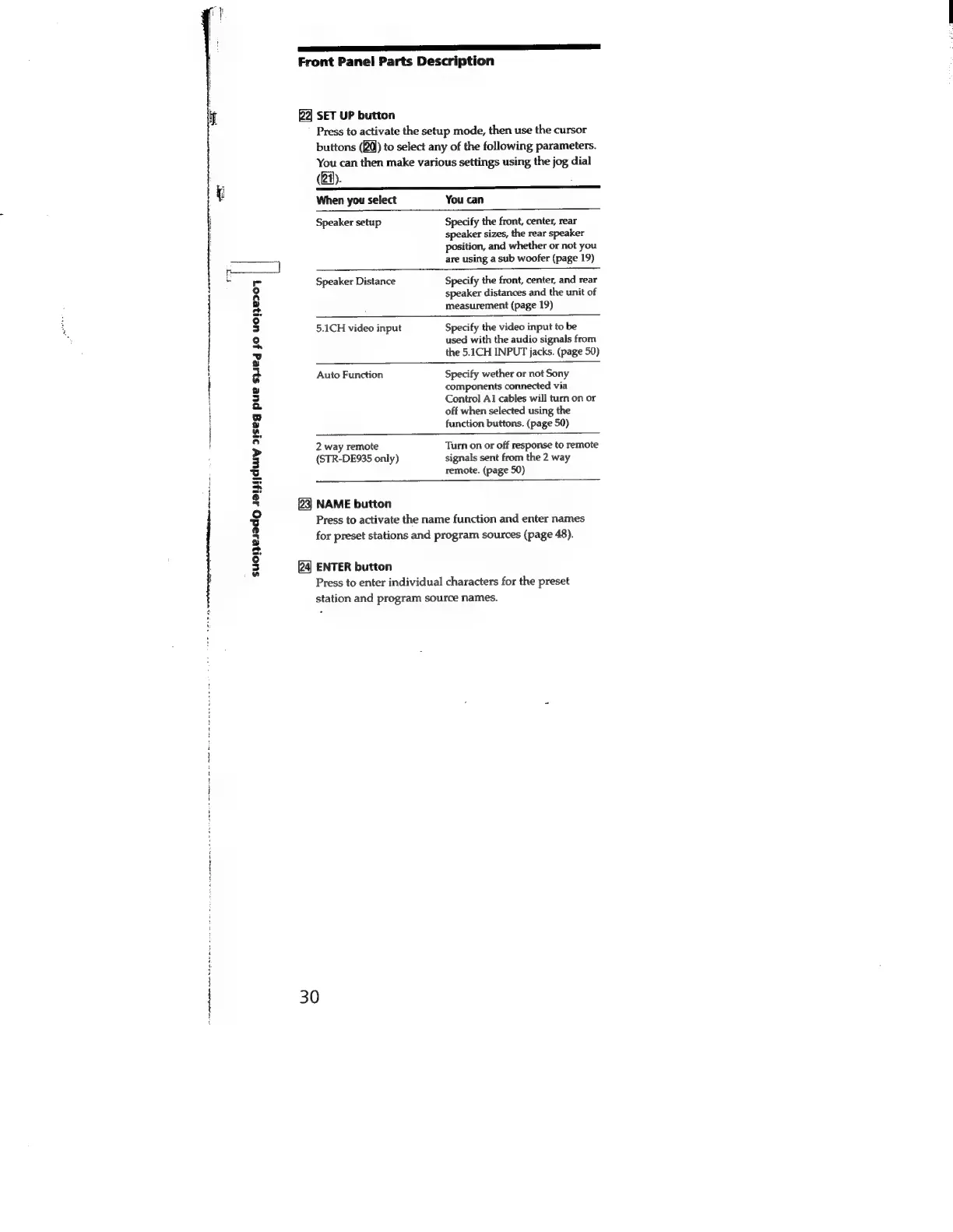
Front
Panel
Parts
Description
SET
UP
button
Press
to
activate
the
setup
mode,
then
use
the
cursor
buttons
(20)
to
select
any
of
the
following
parameters.
You
can
then
make
various
settings
using
the
jog
dial
(21).
When
you
select
You
can
Speaker
setup
Specify
the
front,
center,
rear
speaker
sizes,
the
rear
speaker
position,
and
whether
or
not
you
are
using
a
sub
woofer
(page
19)
r:
Speaker
Distance
Specify
the
front,
center,
and
rear
speaker
distances
and
the
unit
of
measurement
(page
19)
5.1CH
video
input
Specify
the
video
input
to
be
used
with
the
audio
signals
from
the
5.1CH
INPUT
jacks.
(page
50)
Auto
Function
Specify
wether
or
not
Sony
components
connected
via
Control
Ai
cables
will
turn
on
or
off
when
selected
using
the
function
buttons.
(page
50)
2
way
remote
Turn
on
or
off
response
to
remote
(STR-DE935
only)
signals
sent
from
the
2
way
remote.
(page
50)
'
{
4
H
+
$
23]
NAME
button
Press
to
activate
the
name
function
and
enter
names
for
preset
stations
and
program
sources
(page
48).
suonesadg
saipijduiy
21seg
pue
syed
jo
U0}B907
ENTER
button
Press
to
enter
individual
characters
for
the
preset
station
and
program
source
names.
30
1
hed
apna
ra
ds
Nein
sop
Scan
nd,

Related product manuals