EasyManua.ls Logo

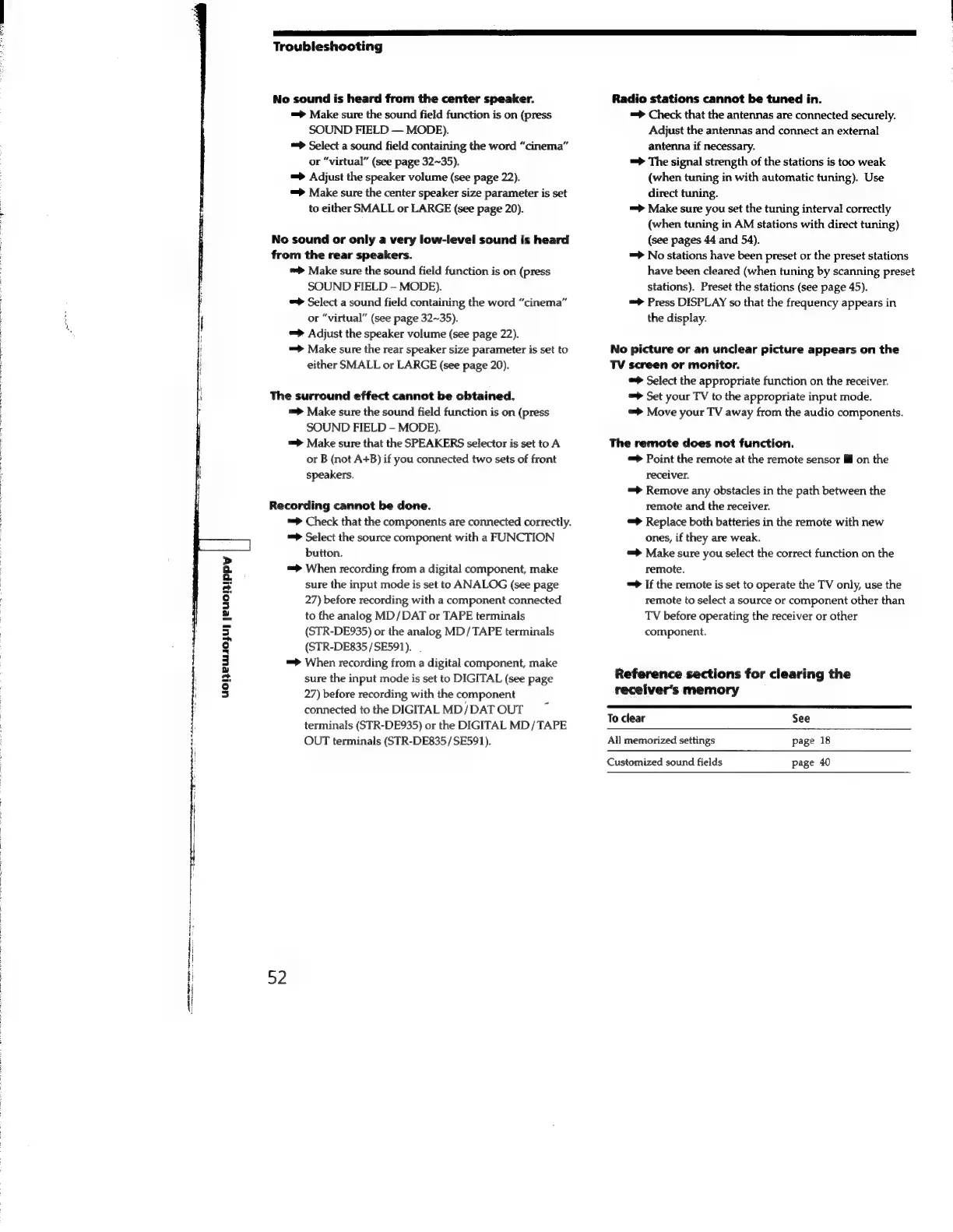
Sony STR-SE591 - No sound is heard from the center speaker.; No sound or only a very low-level sound is heard from the rear speakers.; The surround effect cannot be obtained.; Recording cannot be done.

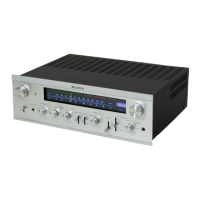
Sony STR-SE591
56 pages
Print Icon
To Next Page IconTo Next Page
To Previous Page IconTo Previous Page
Loading...
Troubleshooting
No
sound
is
heard
from
the
center
speaker.
Radio
stations
cannot
be
tuned
in.
=>
Make
sure
the
sound
field
function
is
on
(press
=>
Check
that
the
antennas
are
connected
securely.
SOUND
FIELD
MODE).
Adjust
the
antennas
and
connect
an
external
=>
Select
a
sound
field
containing
the
word
“cinema”
antenna
if
necessary.
or
“virtual”
(see
page
32~35).
=>
The
signal
strength
of
the
stations
is
too
weak
=>
Adjust
the
speaker
volume
(see
page
22).
(when
tuning
in
with
automatic
tuning).
Use
=>
Make
sure
the
center
speaker
size
parameter
is
set
direct
tuning.
:
to
either
SMALL
or
LARGE
(see
page
20).
=>
Make
sure
you
set
the
tuning
interval
correctly
(when
tuning
in
AM
stations
with
direct
tuning)
No
sound
or
only
a
very
low-level
sound
is
heard
(see
pages
44
and
54).
from
the
rear
speakers.
=>
No
stations
have
been
preset
or
the
preset
stations
:
=>
Make
sure
the
sound
field
function
is
on
(press
have
been
cleared
(when
tuning
by
scanning
preset
SOUND
FIELD
MODE).
stations).
Preset
the
stations
(see
page
45).
;
=>
Select
a
sound
field
containing
the
word
“cinema”
=>
Press
DISPLAY
so
that
the
frequency
appears
in
i
or
“virtual”
(see
page
32~35).
the
display.
!
i
=>
Adjust
the
speaker
volume
(see
page
22).
|
=>
Make
sure
the
rear
speaker
size
parameter
is
set
to
No
picture
or
an
unclear
picture
appears
on
the
:
either
SMALL
or
LARGE
(see
page
20).
TV
screen
or
monitor.
|
Select
the
appropriate
function
on
the
receiver.
The
surround
effect
cannot
be
obtained.
=>
Set
your
TV
to
the
appropriate
input
mode.
=>
Make
sure
the
sound
field
function
is
on
(press
“>
Move
your
TV
away
from
the
audio
components.
SOUND
FIELD
-
MODE).
=>
Make
sure
that
the
SPEAKERS
selector
is
set
to
A
The
remote
does
not
function.
or
B
(not
A+B)
if
you
connected
two
sets
of
front
=>
Point
the
remote
at
the
remote
sensor
on
the
speakers.
receiver.
|
=>
Remove
any
obstacles
in
the
path
between
the
Recording
cannot
be
done.
remote
and
the
receiver.
=>
Check
that
the
components
are
connected
correctly.
=>
Replace
both
batteries
in
the
remote
with
new
:
=>
Select
the
source
component
with
a
FUNCTION
ones,
if
they
are
weak.
:
button.
=>
Make
sure
you
select
the
correct
function
on
the
,
=>
When
recording
from
a
digital
component,
make
remote.
|
sure
the
input
mode
is
set
to
ANALOG
(see
page
=>
If
the
remote
is
set
to
operate
the
TV
only,
use
the
27)
before
recording
with
a
component
connected
remote
to
select
a
source
or
component
other
than
to
the
analog
MD/DAT
or
TAPE
terminals
TV
before
operating
the
receiver
or
other
(STR-DE935)
or
the
analog
MD/TAPE
terminals
component.
(STR-DE835/SE591).
=>
When
recording
from
a
digital
component,
make
sure
the
input
mode
is
set
to
DIGITAL
(see
page
Reference
sections
for
clearing
the
uoReUOjU]
|eEUCHIPpy
27)
before
recording
with
the
component
receiver's
memory
connected
to
the
DIGITAL
MD/DAT
OUT
Todi
5
terminals
(STR-DE935)
or
the
DIGITAL
MD/TAPE
ae
bi
OUT
terminals
(STR-DE835/SE591).
All
memorized
settings
page
18
Customized
sound
fields
page
40
52
ar
OE
OR
np
a
een
an

Related product manuals