Preset Tuning
_o
5'
¢0
Q.
g_
g_
You can tune the preset stations either of the fkfllowing
two ways.
Scanning the preset stations
1 Rotate FUNCTION to select the tuner.
The last received station is tuned in.
2
Press PRESET TUNING + or PRESET TUNING -
repeatedly to select the preset station you want.
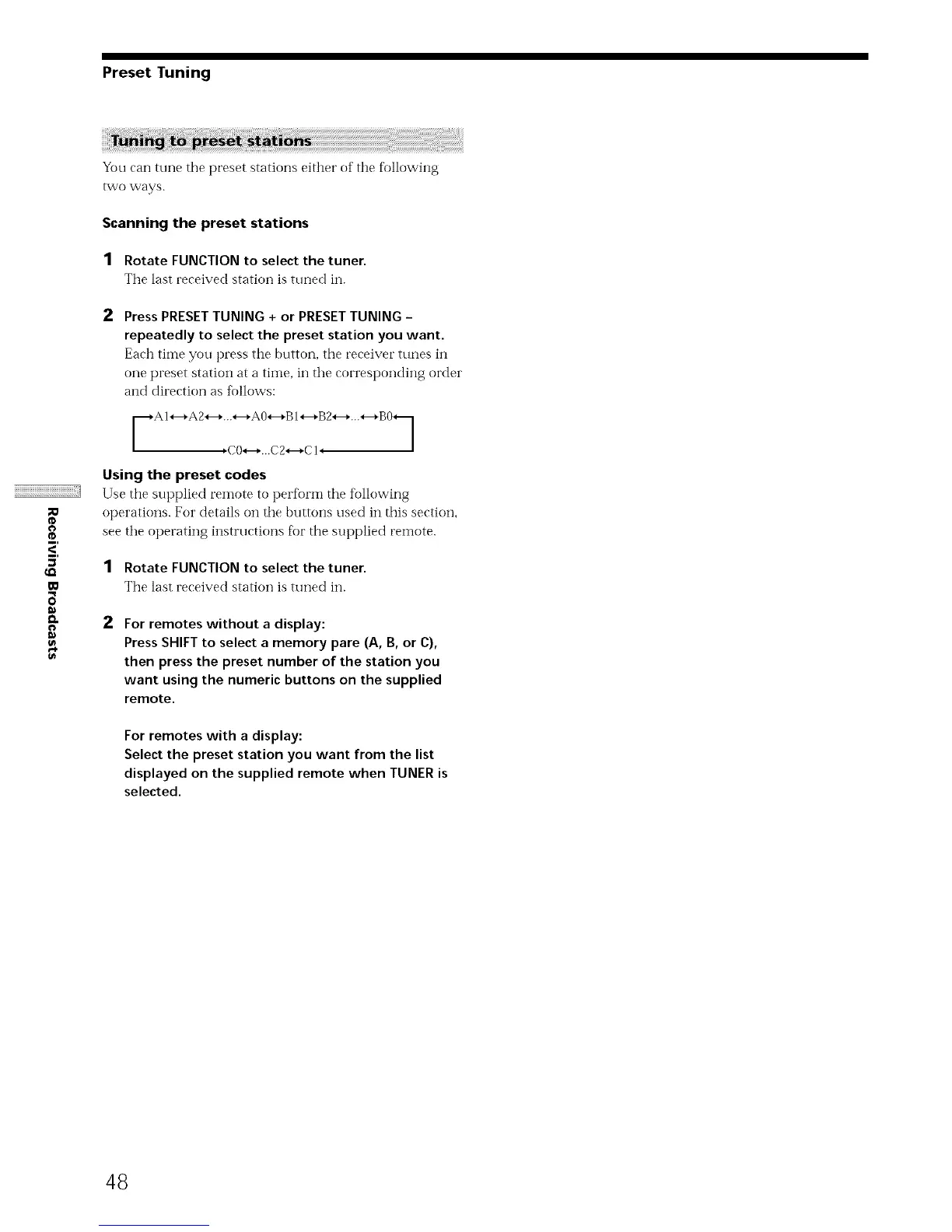
Each tiIYle you press the buttori, the receiver tunes in
one preset station at a time, in tlre corresponding order
and direction as fi_llows:
Using the preset codes
Use tire supplied remote to perfi)rm the tkAlowing
operations. For details on the buttons used in this section,
see tire operating instructions fk)r the supplied remote.
1 Rotate FUNCTION to select the tuner.
The last received station is tuned in.
2
For remotes without a display:
Press SHIFT to select a memory pare (A, B, or C),
then press the preset number of the station you
want using the numeric buttons on the supplied
remote.
For remotes with a display:
Select the preset station you want from the list
displayed on the supplied remote when TUNER is
selected.
48



 To Next Page