8
GDM-C520
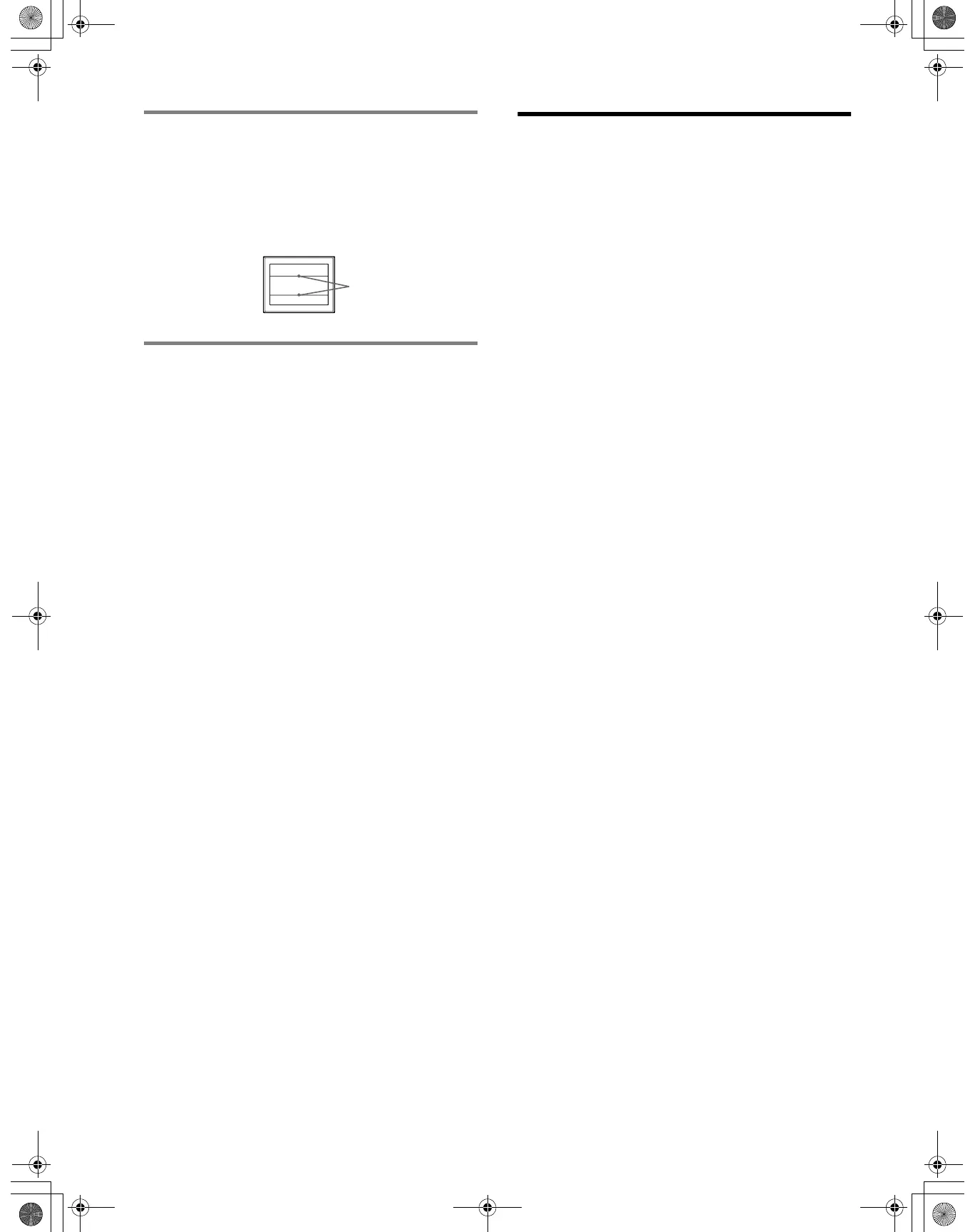
If thin lines appear on the screen
(damper wires)
These lines do not indicate a malfunction; they are a normal
effect of the Trinitron picture tube with this monitor. These are
shadows from the damper wires used to stabilize the aperture
grille. The aperture grille is the essential element that makes a
Trinitron picture tube unique by allowing more light to reach the
screen, resulting in a brighter, more detailed picture.
Self-diagnosis function
This monitor is equipped with a self-diagnosis function. If there is
a problem with your monitor or computer(s), the screen will go
blank and the ! (power) indicator will either light up green or
flash orange. If the ! (power) indicator is lit in orange, the
computer is in power saving mode. Try pressing any key on the
keyboard or moving the mouse.
x If the ! (power) indicator is green
1 Disconnect any plugs from the video input 1 and 2
connectors, or turn off the connected computer(s).
2 Turn the monitor OFF and then ON.
3 Hold the control button upward for a few seconds
before the monitor enters power saving mode.
If all 4 color bars appear (white, red, green, blue), the monitor is
working properly. Reconnect the video input cables and check the
condition of your computer(s).
If the color bars do not appear, there is a potential monitor failure.
Inform your authorized Sony dealer of the monitor’s condition.
x If the ! (power) indicator is flashing orange
Turn the monitor OFF and then ON.
If the ! (power) indicator lights up green, the monitor is working
properly.
If the ! (power) indicator is still flashing, there is a potential
monitor failure. Count the number of seconds between orange
flashes of the ! (power) indicator and inform your authorized
Sony dealer of the monitor’s condition. Be sure to note the model
name and serial number of your monitor. Also note the make and
model of your computer and graphics board.
Note
If you still have questions, please see Appendix for contacting Sony.
Specifications
CRT
0.24 mm aperture grille pitch, 90-degree deflection, FD Trinitron
21 inches measured diagonally
Viewable image size
Approx. 403.8
× 302.2 mm (w/h) (16 × 12 inches)
19.8" viewing image
Resolution (H:Horizontal, V:Vertical)
Maximum: H: 2048 dots, V: 1536 lines
Recommended: H: 1600 dots, V: 1200 lines
Input signal levels
Video signal: Analog RGB: 0.700 Vp-p (positive), 75
Ω
SYNC signal: H/V separate or composite sync:
TTL 2 k
Ω, Polarity free
Sync on Green: 0.3 Vp-p (negative)
Standard image area
Approx. 388
× 291 mm (4:3)
(15
3
/8 × 11
1
/2 inches) or
Approx. 364
× 291 mm (5:4)
(14
3
/8 × 11
1
/2 inches)
Deflection frequency (H:Horizontal, V:Vertical)
H: 30 to 130 kHz, V: 48 to 170 Hz
AC input voltage/current
100 to 240 V, 50 – 60 Hz, 2.0 – 1.0 A
Power Consumption
≤ 135 W
Operating temperature
10 ºC to 40 ºC
Dimensions Approx. 497
× 499 × 487 mm (w/h/d)
(19
5
/8 × 19
3
/4 × 19
1
/4 inches)
Mass Approx. 30.5 kg (67.1 lbs)
Plug and Play DDC2B/DDC2Bi
Supplied accessories
Power cord
HD15 video signal cable
This instruction manual
Design and specifications are subject to change without notice.
Damper
wires
01US01COV-UC.book Page 8 Wednesday, July 3, 2002 10:07 AM











 To Next Page