EasyManua.ls Logo

Sony Trinitron KV-13VM30 - Page 41

Sony Trinitron KV-13VM30
116 pages
Print Icon
To Next Page IconTo Next Page
To Previous Page IconTo Previous Page
Loading...
OOO)
GbE
GC
RETURN
A
Plus.
TIMERONSCREEN
CLEAR
BACK
4
SPACE
(=
VC
Co
INDEX
MARK
——
1
SLOW
———
em)
c&
x2
=)
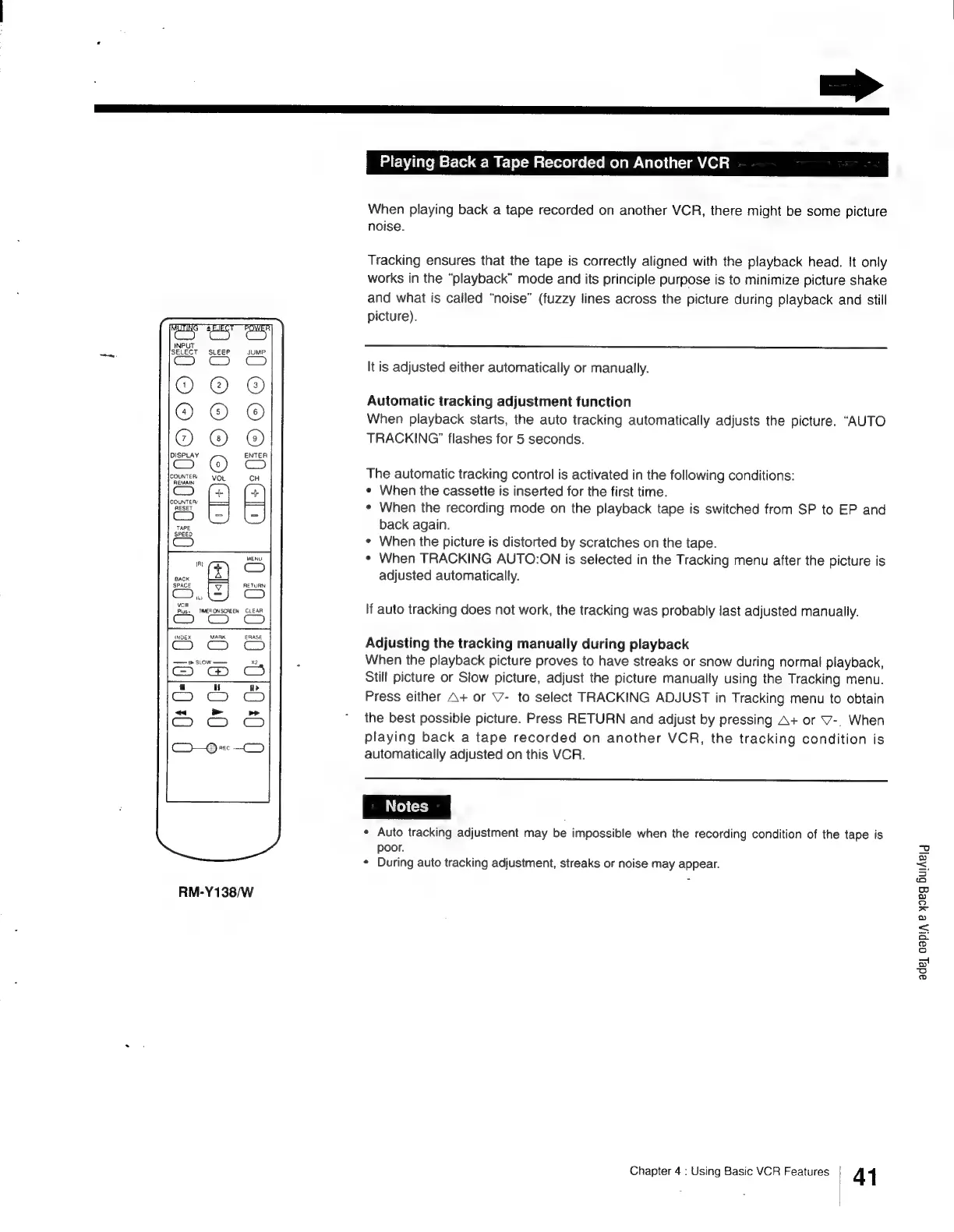
RM-Y138/W
Playing
Back
a
Tape
Recorded
on
Another
VCR
When
playing
back
a
tape
recorded
on
another
VCR,
there
might
be
some
picture
noise.
Tracking
ensures
that
the
tape
is
correctly
aligned
with
the
playback
head.
It
only
works
in
the
“playback”
mode
and
its
principle
purpose
is
to
minimize
picture
shake
and
what
is
called
“noise”
(fuzzy
lines
across
the
picture
during
playback
and
still
picture).
It
is
adjusted
either
automatically
or
manually.
Automatic
tracking
adjustment
function
When
playback
starts,
the
auto
tracking
automatically
adjusts
the
picture.
“AUTO
TRACKING”
flashes
for
5
seconds.
The
automatic
tracking
control
is
activated
in
the
following
conditions:
«
When
the
cassette
is
inserted
for
the
first
time.
¢
When
the
recording
mode
on
the
playback
tape
is
switched
from
SP
to
EP
and
back
again.
«
When
the
picture
is
distorted
by
scratches
on
the
tape.
*
When
TRACKING
AUTO:ON
is
selected
in
the
Tracking
menu
after
the
picture
is
adjusted
automatically.
If
auto
tracking
does
not
work,
the
tracking
was
probably
last
adjusted
manually.
Adjusting
the
tracking
manuaily
during
playback
When
the
playback
picture
proves
to
have
streaks
or
snow
during
normal
playback,
Still
picture
or
Slow
picture,
adjust
the
picture
manually
using
the
Tracking
menu.
Press
either
A+
or
7-
to
select
TRACKING
ADJUST
in
Tracking
menu
to
obtain
the
best
possible
picture.
Press
RETURN
and
adjust
by
pressing
A+
or
V-.
When
playing
back
a
tape
recorded
on
another
VCR,
the
tracking
condition
is
automatically
adjusted
on
this
VCR.
«
Auto
tracking
adjustment
may
be
impossible
when
the
recording
condition
of
the
tape
is
poor.
¢
During
auto
tracking
adjustment,
streaks
or
noise
may
appear.
Chapter
4
:
Using
Basic
VCR
Features
41
adey
capi,
&
y9eg
BulAelg

Other manuals for Sony Trinitron KV-13VM30

Related product manuals