13
Advanced Operations
Sony KV-AR34M66 Group R3 (GB, CT, MY) 4-089-575-11 (1)
Press
.
To cancel the sub screen, press
the button again.
PIP PROGR + or
PIP PROGR –.
.
.
SOUND.
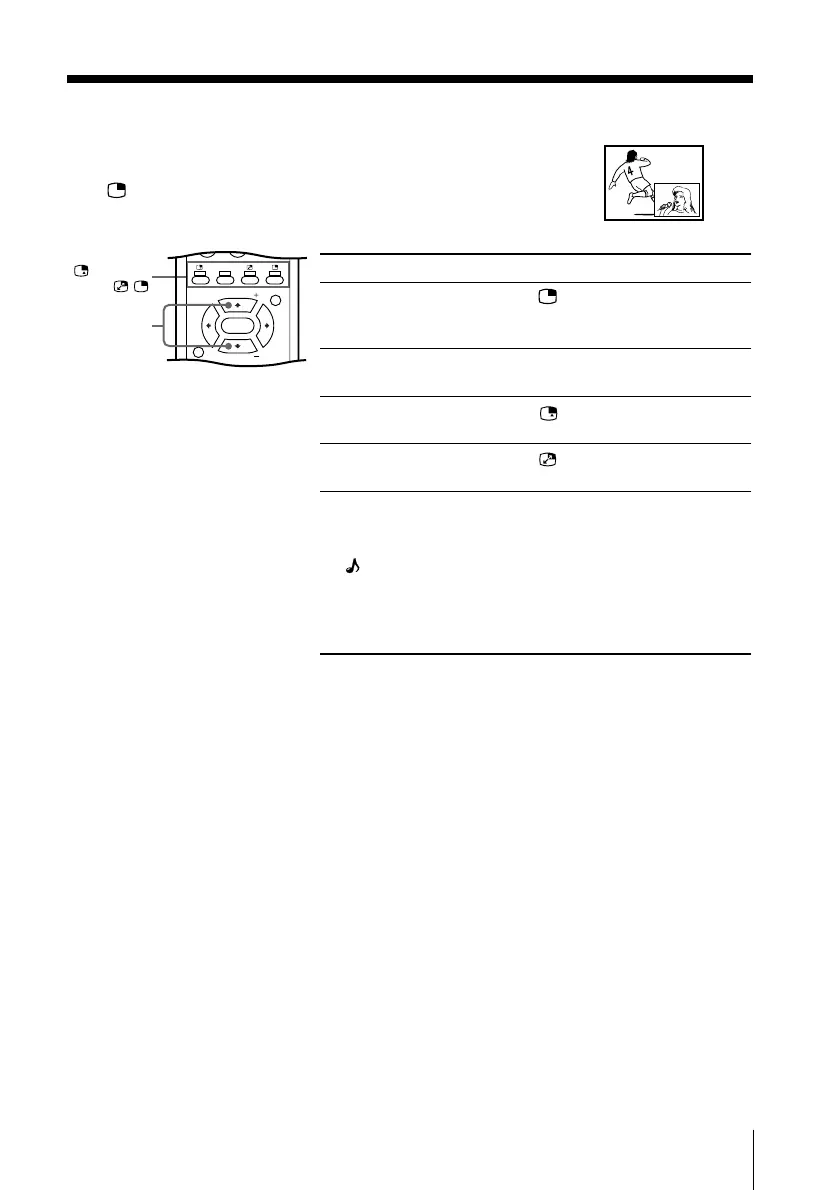
x Watching Picture-in-Picture (PIP)
With the PIP feature, you can display two different TV
programs or video input at the same time by using the
button.
To
Display a sub screen
Change a program number
in the sub screen
Select a video input in the
sub screen
Swap pictures between
the main and sub screens
Swap sound between the
main and sub screens
A “ ” symbol will appear
next to the program
number or video input
display to indicate which
screen you are hearing.
Note
• The picture and sound from the T (monitor output) terminals will always be from the main
screen, even when you select the sub screen sound by pressing SOUND (see page 31).
/
SOUND
/
/
0
JUMP
MENU
PIC
MODE
DTE
SOUND
PIP PROGR
PIP PROGR
ENTER
PIP PROGR +/
PIP PROGR –
01GB05AVD-MIXR3.p65 7/25/02, 9:17 AM13











 To Next Page