28
Menu Adjustment
Sony KV-AR34M66 Group R3 (GB, CT, MY)_4-089-575-11 (1)
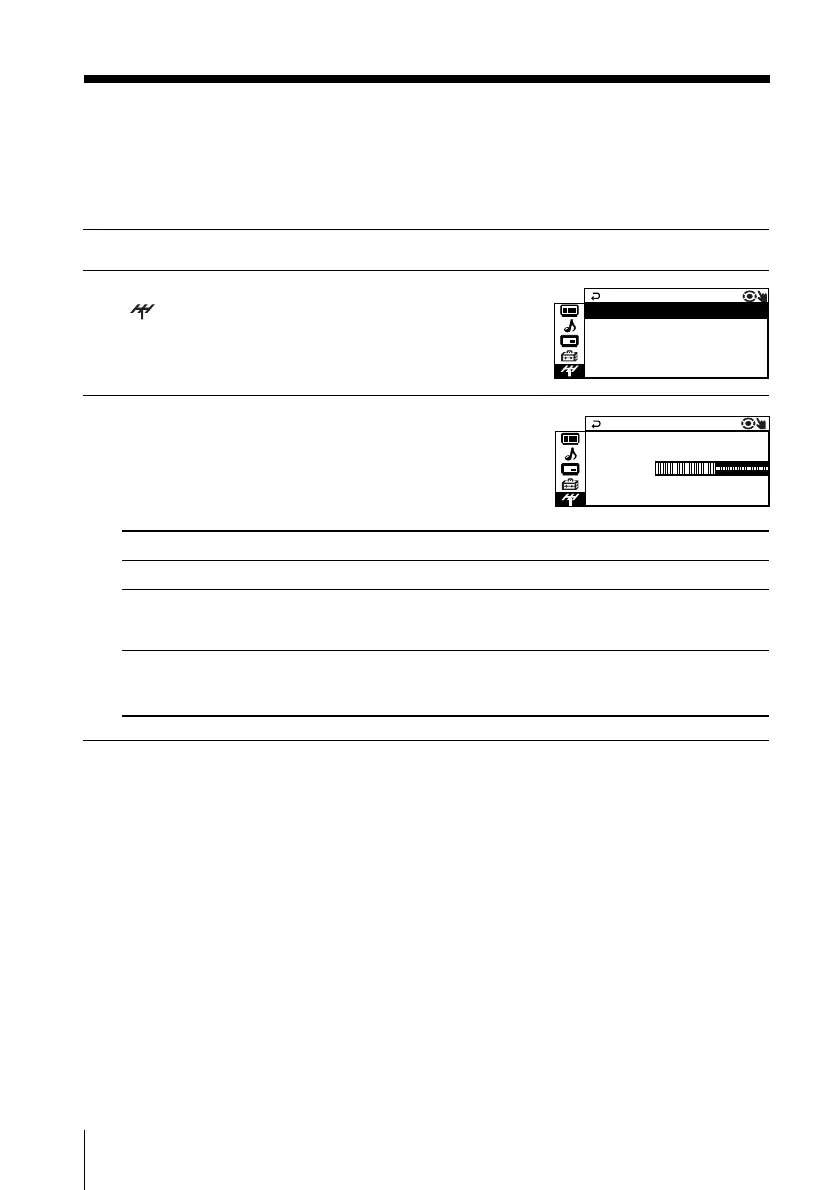
x Changing the Channel Preset
(“CH PRESET”) setting
The “CH PRESET” menu allows you to preset channels automatically, manually
preset channels and select the TV system.
1
Press MENU.
2
Press V or v to select the “CH PRESET” icon
( ), then press ENTER.
3
Press V or v to select the desired item (e.g.,
“AUTO PROGRAM”), then press ENTER.
M
PR : 0 1
AUTO PROGRA
VHF LOW
TV SYS : AUTO
Select
“AUTO PROGRAM”
“MANUAL PROGRAM”
“TV SYS”
To
preset channels automatically.
manually preset desired channels and channels that cannot
be preset automatically (see Presetting channels manually
on page 29).
select the TV system.
Press V or v to select either “B/G”, “I”, “D/K” or “M”, then
press ENTER.
CH PRESET
TV SYS : AUT
MANUAL PROGRAM
AUTO PROGR
AM
O
01GB07ADJ-MIXR3.p65 7/25/02, 9:18 AM28











 To Next Page