12 Advanced Operations
Sony KV-AR34M36 Group R8 (GB)_4-090-194-11 (1)
PROGR
MENU
PIC
MODE
DTE
SOUND
MODE
WIDE
MODE
SURROUND
PIP PROGR
PIP PROGR
ENTER
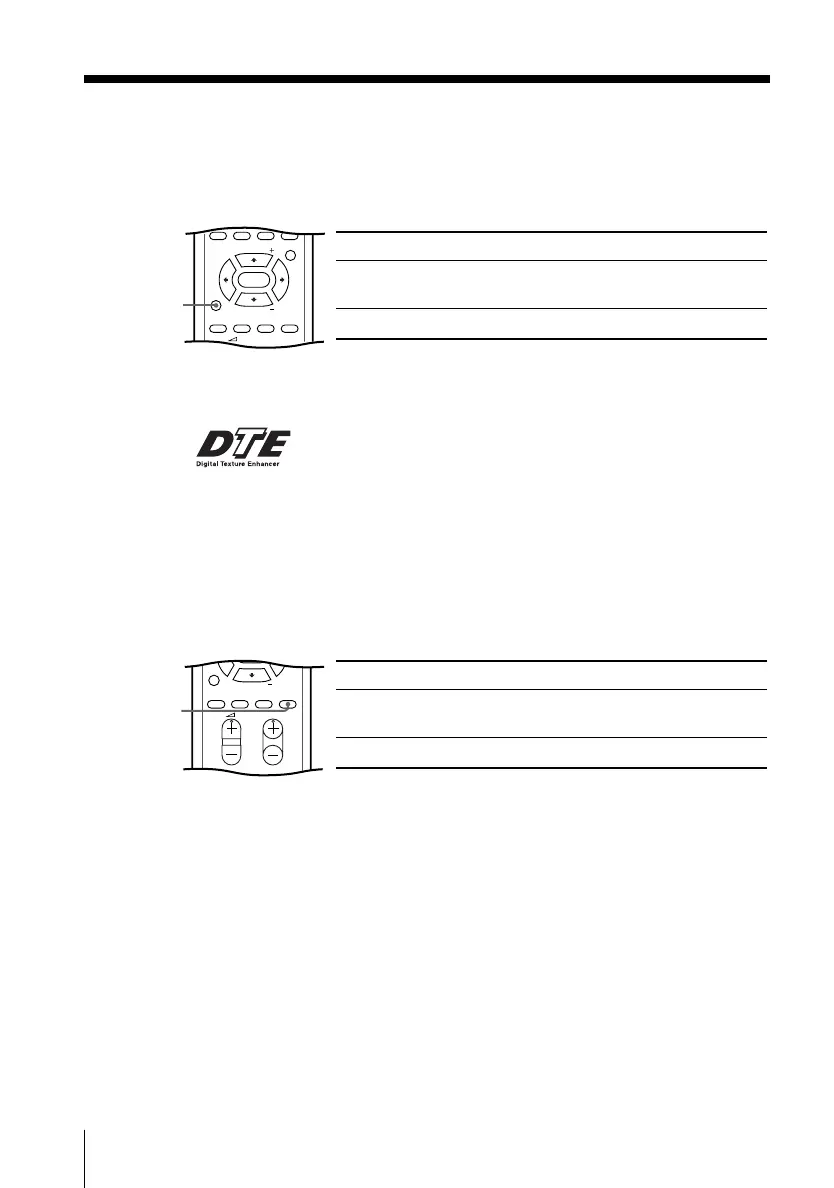
x Viewing the picture with DTE
The Digital Texture Enhancer (DTE) feature allows you to enjoy a more natural
and vivid picture by optimizing the contrast of each object in the picture.
You can use the DTE button to select “ON” or “OFF”.
Select To
“ON” enhance each object’s details and
contours with optimum contrast.
“OFF” cancel DTE.
DTE
Note
• The DTE mode is not selectable when the “GAME MODE”is turned “ON”.
The DTE logo ( ) and “DTE” are trademarks of Sony Corporation.
PROGR
SOUND
MODE
WIDE
MODE
SURROUND
PIP PROGR
ENTER
PIC
MODE
DTE
x Viewing the picture in wide mode
When receiving a wide-mode (16:9) signal, the picture will appear “squeezed”
(compressed) on your screen. Use the WIDE MODE button to view the picture
with the optimal effect.
Select To
“ON” view the picture in wide-mode
(16:9).
“OFF” cancel wide-mode (16:9).
WIDE
MODE
01GB05AVD-OCE.p65 7/25/02, 11:23 AM12











 To Next Page