6 Installation
Installation
x Getting Started
UP
INITIAL SET
ENG ILSH
LAN UG AGE:
b
b
1
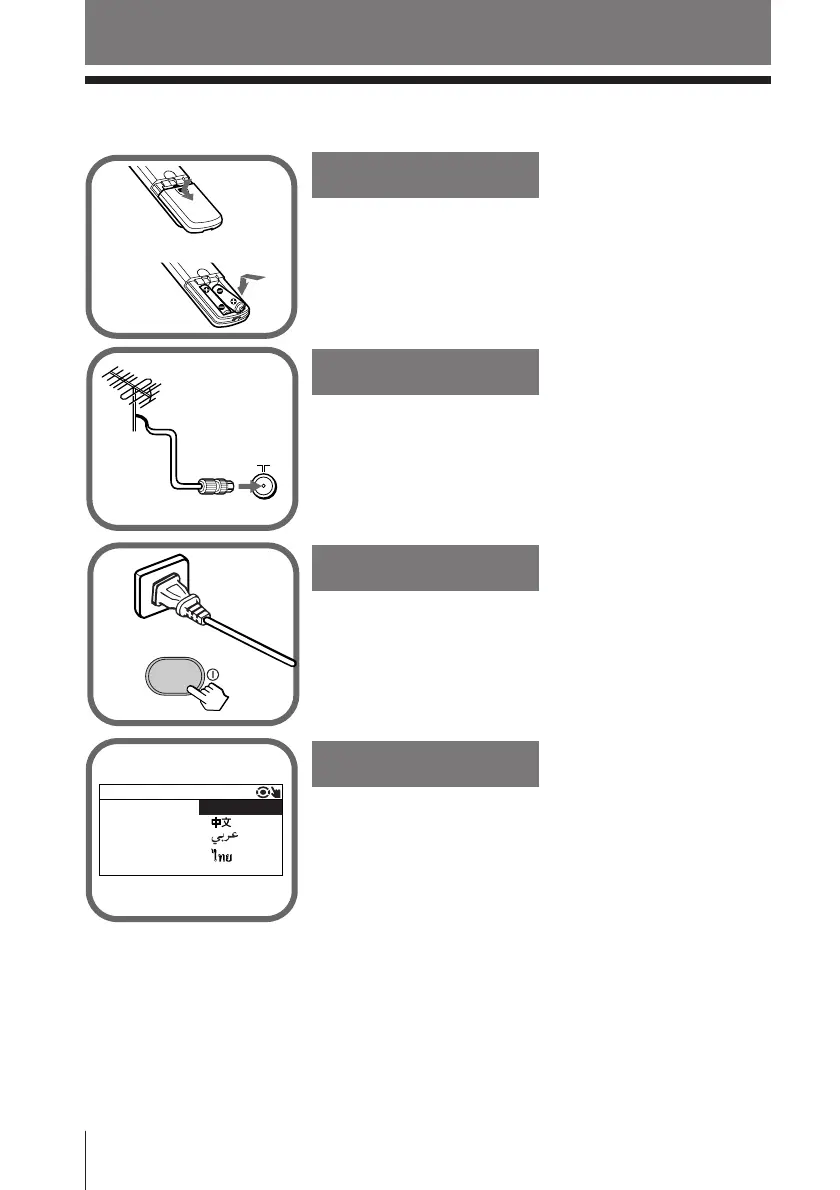
Step 1
Insert the batteries (supplied) into the remote.
Note
• Do not use old or different types of batteries together.
Step 2
Step 3
Step 4
Connect the antenna cable (not supplied) to 8
(antenna input) at the rear of the TV.
Tip
• You can also connect your TV to other optional components
(see page 30).
Set up the TV by following the instructions of the
“INITIAL SETUP”menu (see page 7).
Plug in the power cord, then press ! on the TV to
turn it on.











 To Next Page