21
Menu Adjustment
Sony KV-AR34M94 Group R15 (GB) 4-090-225-11 (1)
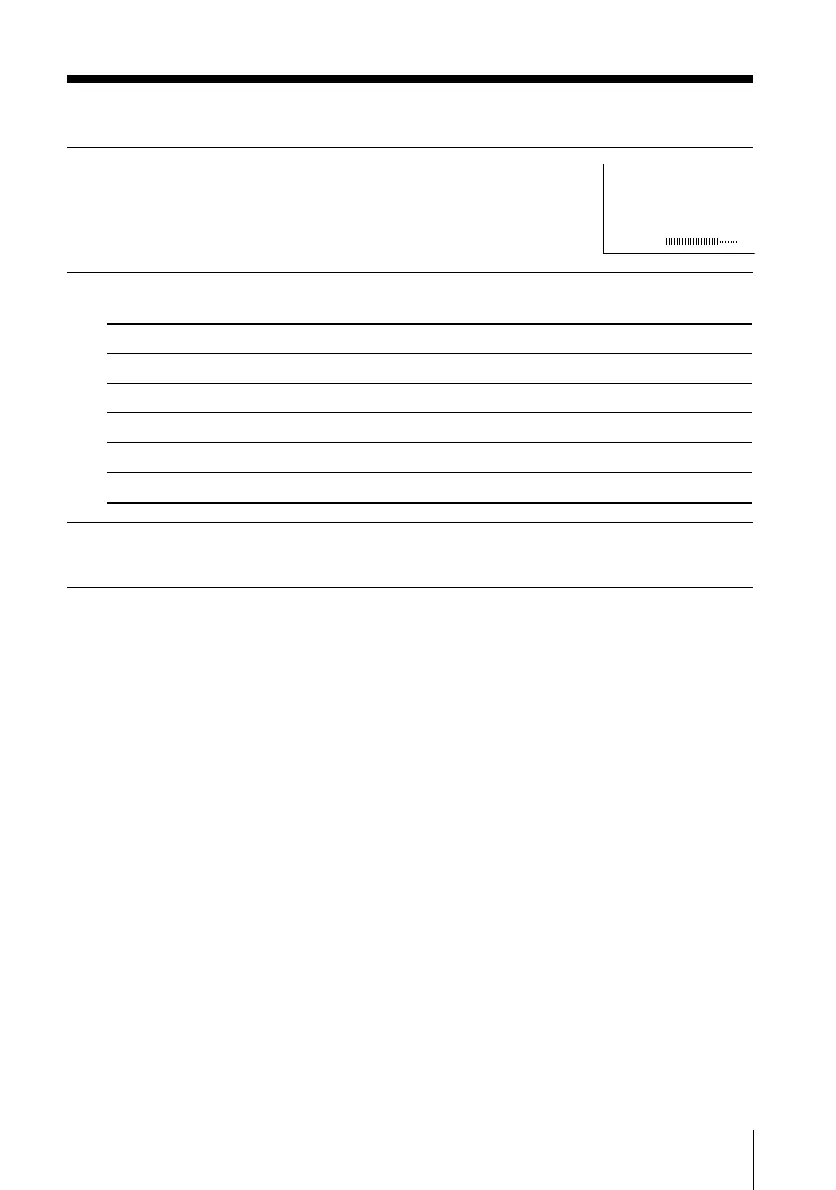
Adjusting the “ADJUST” items under “PICTURE MODE”
1
Press V or v to select
the desired item (e.g.,“COLOR”),
then press ENTER.
2
Adjust the value according to the following table, then press ENTER.
3
Repeat the above steps to adjust other items.
The adjusted settings will be received when you select “PERSONAL”.
Notes
• “HUE” can be adjusted for the NTSC color system only.
• Reducing sharpness (“SHARP”) can also reduce picture noise.
COLOR
08
For
“PICTURE”
“COLOR”
“BRIGHT”
“HUE”
“SHARP”
Press v or B to
decrease picture contrast.
decrease color intensity.
darken the picture.
increase red picture tones.
soften the picture.
Press V or b to
increase picture contrast.
increase color intensity.
brighten the picture.
increase green picture tones.
sharpen the picture.
01GB06ADJMLYR15.p65 29/04/02, 11:27 AM21




 To Next Page