– 5 –
KV-AR34M36/AR34M64/AR34M66/AR34M94
RM-993
KV-AR34M60
RM-995
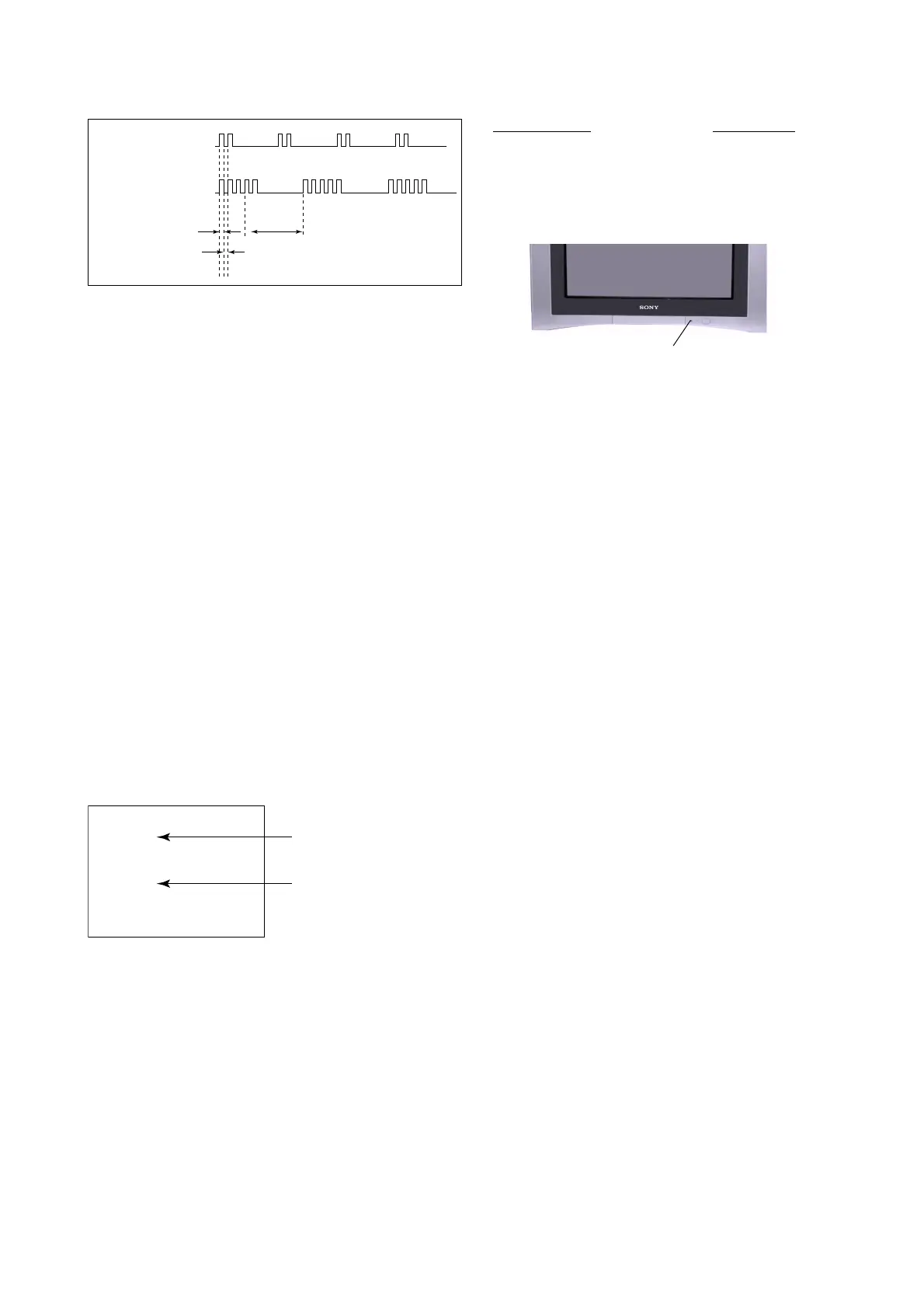
2. DISPLAY OF STANDBY/TIMER LIGHT FLASH COUNT
3. STOPPING THE STANDBY/TIMER FLASH
Turn off the power switch on the TV main unit or unplug the power cord from the outlet to stop the STANDBY/TIMER lamp
from flashing.
4. SELF-DIAGNOSTIC SCREEN DIPLAY
For errors with symptoms such as “power sometimes shuts off” or “screen sometimes goes out” that cannot be confirmed, it
is possible to bring up past occurances of failure for confirmation on the screen:
[To Bring Up Screen Test]
In standby mode, press buttons on the remote commander sequentially in rapid succession as shown below:
[Screendisplay] / channel [5] / Sound volume [-] / Power ON
˘
Note that this differs from entering the service mode (mode volume [+]).
Self-Diagnosis screen display
Diagnostic Item Flash Count*
+B overcurrent/overvoltage 2 times
Vertical deflection stopped
White balance failure 5 times
* One flash count is not used for self-diagnostic.
2 times
5 times
Lamp ON 0.3 sec.
Lamp OFF 0.3 sec.
Lamp OFF 3 sec.
002 : 000
003 : 000
004 : 000
005 : 001
101 : 000
SELF DIAGNOSTIC
Numeral "0" means that no fault has been detected.
Numeral "1" means a fault has been detected.
STANDBY/SLEEP lamp











 To Next Page