10 Using Your New TV
To
Turn off temporarily
Turn off completely
Adjust the volume
Mute the sound
Watch the video input
Jump back to the previous channel
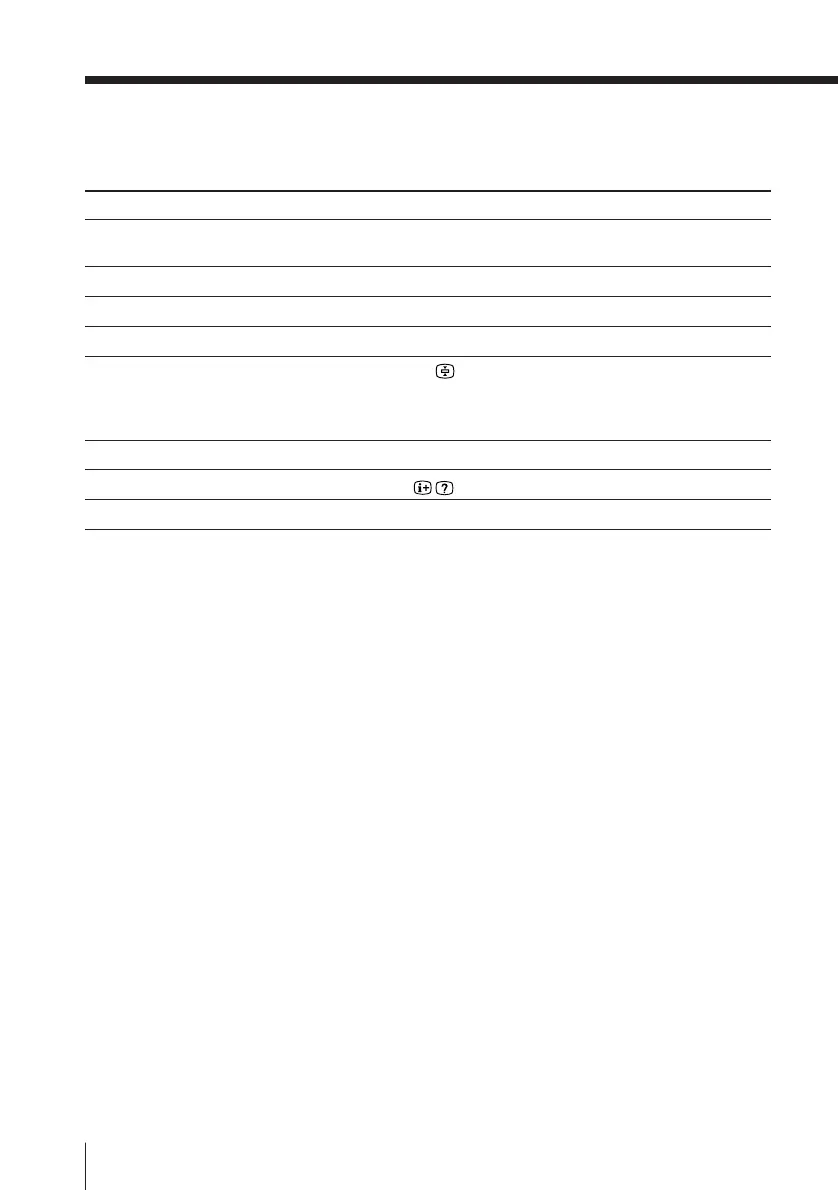
Display the on-screen information*
Change the on-screen language
Do this
Press u.
The u indicator on the TV lights up.
Press U on the TV.
Press .+/–.
Press ¤.
Press … (or … on the TV) to select “VIDEO 1,”
“VIDEO 2”, “VIDEO 3” or “DVD.”
To go back to the TV program, press ; (or … on the
TV.)
Press JUMP.
Press .
See page 27.
* The picture, sound, and either the program position or video mode are
displayed. The on-screen display for the picture and sound information
disappears after about 3 seconds.
Notes
• When you turn on the TV, you may hear a “boon” sound that is caused by
the demagnetization of the TV. This does not indicate a malfunction.
• The picture color may become abnormal if you change the direction of
your TV. To obtain the normal picture color, press U on the TV to turn off
the TV for five minutes and then turn it on again.
Additional tasks
Watching the TV (continued)





 To Next Page