14 Advanced Operations
Watching two
programs at the
same time
—PIP
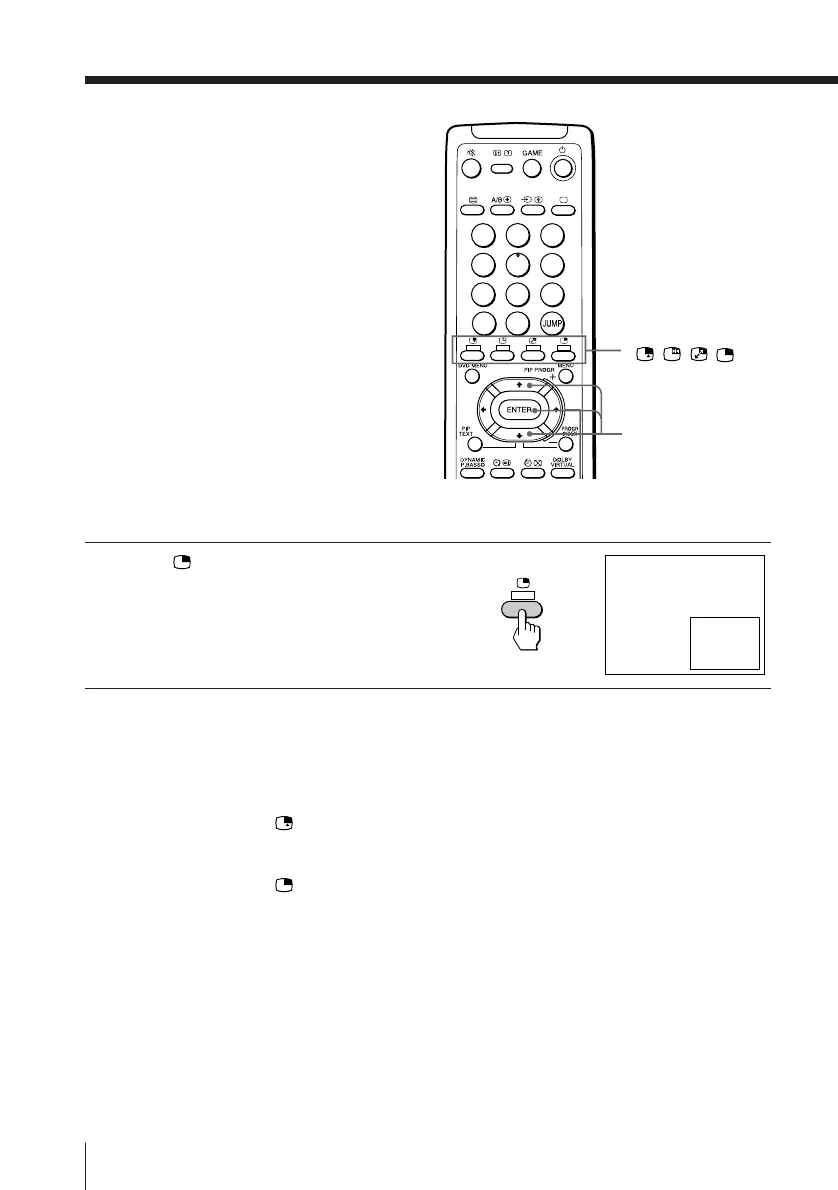
With the Picture-in-Picture (PIP) feature,
you can display a sub screen within the
main picture of different TV programs
or video inputs.
Displaying the PIP screen
Press .
To select a TV program in the PIP screen
Press V or v, and press ENTER.
To select a video input in the PIP screen
Press (or … on the TV).
To go back to the normal screen
Press .
Tips
• You can also display the PIP screen using the menu (see “Adjusting the
PIP setting” on page 30).
• You can change the position of the PIP screen (see “Adjusting the PIP
setting” on page 30).
b
V/v/ENTER
1
2
3
4
5
6
7
8
0
-/--
9





 To Next Page