Setup
Confirmation After Setup
57
Confirmation After
Setup
After all of settings have been completed
Turn off the power of the UP-DF550 and disconnect the
UP-DF550 and the personal computer for setup.
Proceed as follows to confirm the operation of the UP-
DF550.
1
Connect the UP-DF550 to the network.
2
Turn on the power of the UP-DF550.
3
Insert a film tray in which film sheets have been
loaded.
4
Send the image data from a modality.
The unit starts printing.
When the image data is not sent
Check whether or not the IP address of the modality side
is correct.
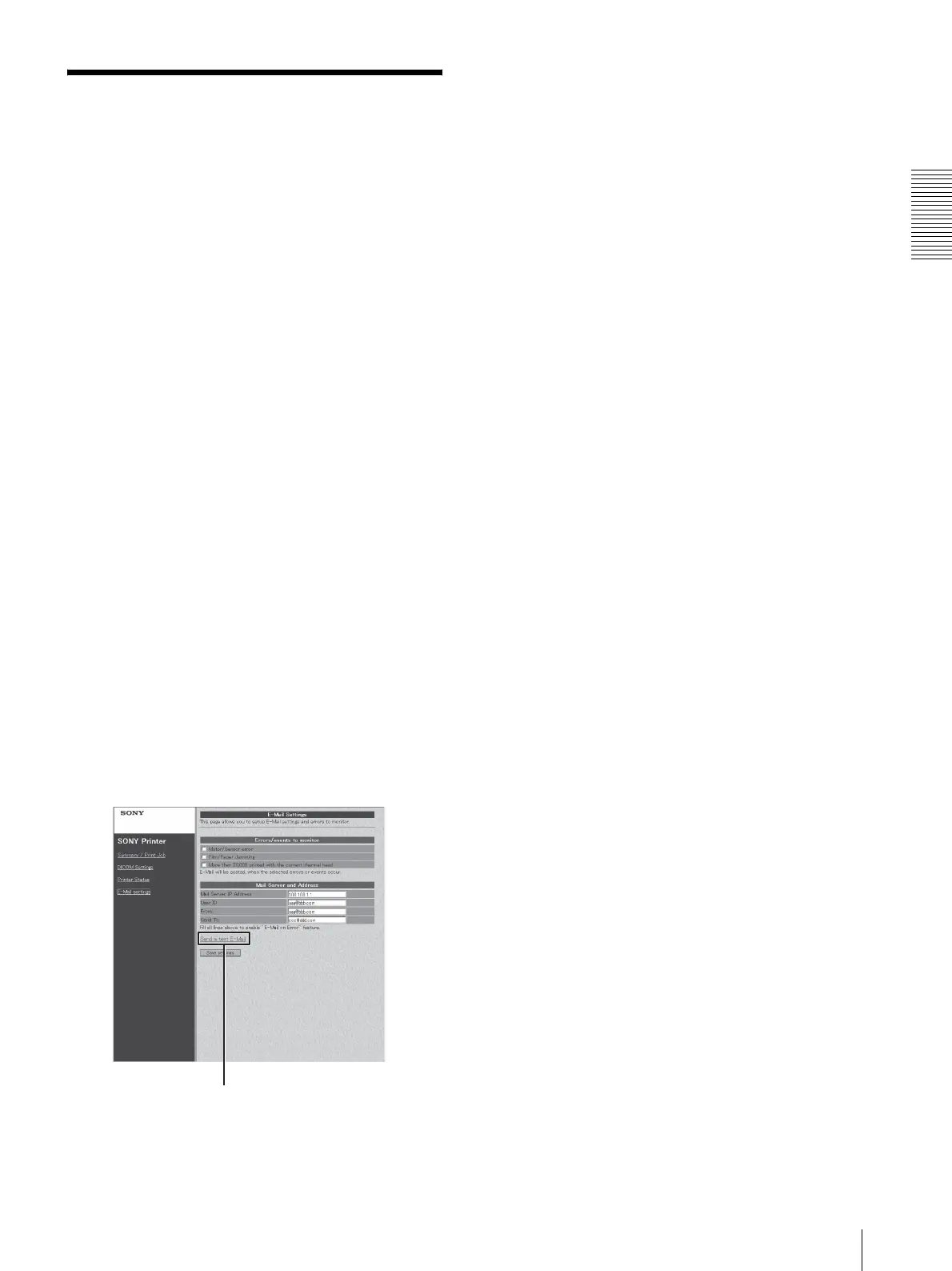
When setting up an E-mail
Confirm the settings for an E-mail as follows.
1
Click [E-mail settings] in the page selection area to
open the E-mail settings page.
When this page is opened after E-mail settings have
been completed, the Send a test E-Mail button
appears.
2
Click the [Send a test E-Mail] button.
A test e-mail message is sent if settings have been
correctly performed.
Send a test E-Mail button



 To Next Page